Product Experts

The 7 Best Routers with Parental Control of 2026

Our Best Picks

Based on 1.2K+ reviews

Why We Chose This Product:

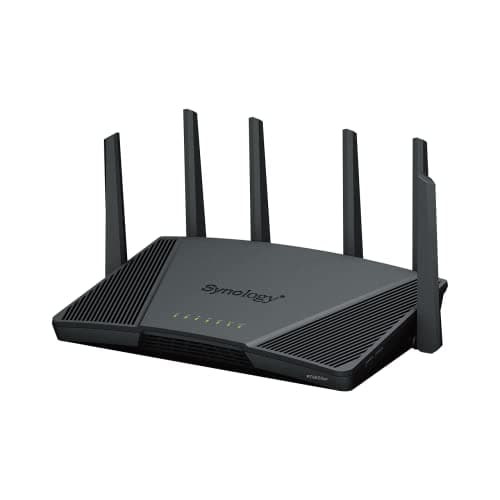
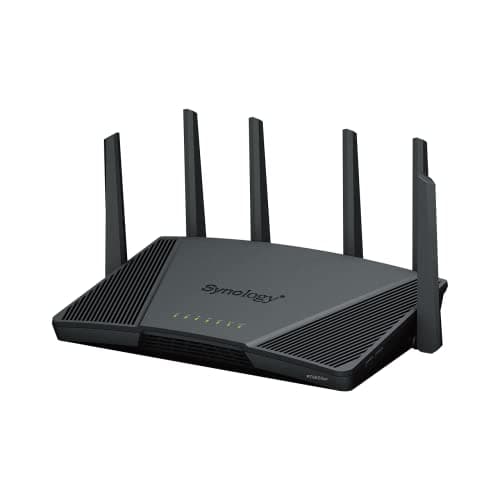
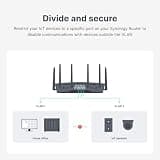
The Synology RT6600ax dominates with its completely free, enterprise-grade Synology Router Manager. It offers the most granular web filtering and usage reports without recurring fees, securing its place as the ultimate tool for managing a family network.

Who Is It For:

Ideal for tech-savvy administrators who want deep, granular control over their network traffic. It perfectly suits households prioritizing long-term savings by avoiding ongoing subscription fees for advanced security.

Exceptional Synology Router Manager OS

No subscription fees for advanced controls

Physical footprint is somewhat bulky

Tech specs:

Wi-Fi Standard
Wi-Fi 6
Network Type
Standalone
Parental Controls
Free Lifetime
Frequency Band
Tri-Band
Based on 450+ reviews

Why We Chose This Product:

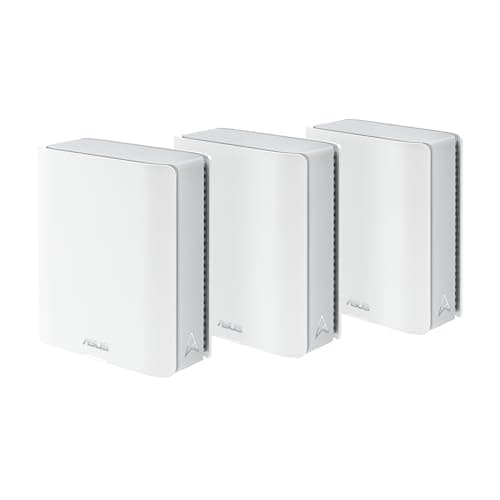
This expansive system combines cutting-edge speeds with comprehensive AiProtection Pro coverage. It ensures that robust internet oversight and uninterrupted gigabit performance extend flawlessly into every corner of sprawling homes.

Who Is It For:

Perfect for families living in large, multi-story houses with countless connected devices. It perfectly accommodates high-bandwidth users needing consistent network oversight and extreme coverage.

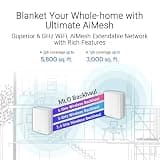
Massive coverage area up to 7,600 sq.ft.

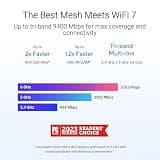
Cutting-edge Wi-Fi 7 throughput speeds

High upfront investment cost

Tech specs:

Wi-Fi Standard
Wi-Fi 7
Network Type
Mesh System
Parental Controls
Free Lifetime
Frequency Band
Tri-Band

Based on 320+ reviews

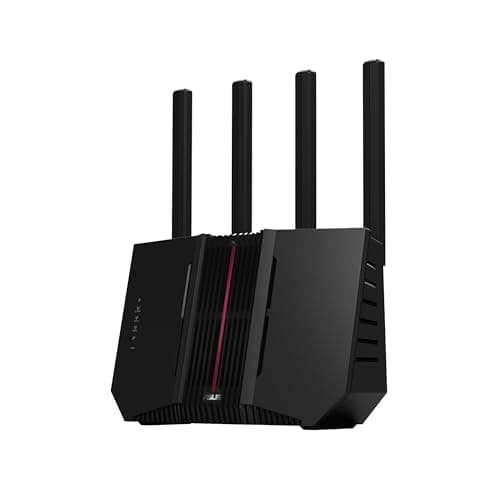
Why We Chose This Product:

Packing a high-speed 10G port alongside the latest wireless standard, it serves as a network powerhouse that refuses to compromise on security. It includes top-tier subscription-free controls, catering perfectly to enthusiasts demanding maximum performance and safety.

Who Is It For:

Designed for tech enthusiasts and heavy gamers with multi-gigabit internet plans. It serves households wanting extreme networking speed alongside robust, uncompromised family safety tools.

Future-proof Wi-Fi 7 networking technology

Ultra-fast dedicated 10G internet port

Premium price tag for early adopters

Tech specs:

Wi-Fi Standard
Wi-Fi 7
Network Type
Standalone
Parental Controls
Free Lifetime
Frequency Band
Tri-Band

Based on 890+ reviews

Why We Chose This Product:

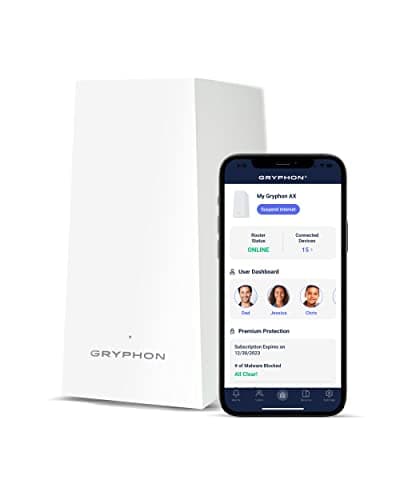
Built entirely around family safety, this model offers the most intuitive mobile interface for establishing strict digital boundaries. It allows parents to effortlessly set screen time limits and internet curfews without needing any networking expertise.

Who Is It For:

A wonderful fit for non-technical parents who want an out-of-the-box solution prioritizing internet safety. It easily handles homes needing strict, straightforward screen time limits and content filtering.

Purpose-built specifically for family online safety

Highly intuitive and responsive mobile app

Advanced security suite requires a paid subscription

Tech specs:

Wi-Fi Standard
Wi-Fi 6
Network Type
Mesh System
Parental Controls
Subscription Based
Frequency Band
Dual-Band
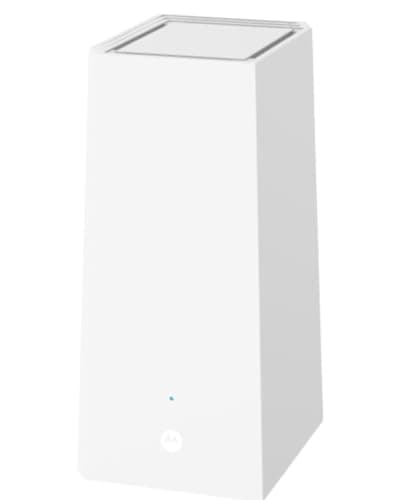
Based on 15K+ reviews

Why We Chose This Product:

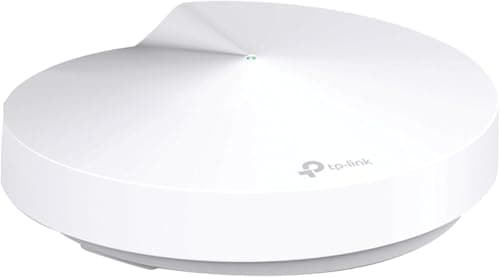
Balancing reliable connectivity with robust initial security features, it simplifies whole-home network management for an incredibly accessible price. The straightforward application interface makes assigning profiles and monitoring usage a completely seamless experience.

Who Is It For:

Excellent for everyday families who need to eliminate dead zones without dealing with complex network configurations. It is ideal for parents who want straightforward, app-based controls for multiple children.

Extremely simple and guided application setup

Reliable whole-home signal propagation

Relies on the older Wi-Fi 5 wireless standard

Tech specs:

Wi-Fi Standard
Wi-Fi 5
Network Type
Mesh System
Parental Controls
Subscription Based
Frequency Band
Dual-Band
Based on 4.2K+ reviews

Why We Chose This Product:

Providing premium security features in a highly affordable package, this model delivers top-tier value for moderate-sized living spaces. It brings powerful scheduling and content blocking tools to dual-band networks without introducing any recurring monthly costs.

Who Is It For:

Best for budget-conscious users in smaller homes or apartments requiring reliable speeds. It easily supports small families wanting robust internet filtering without committing to ongoing security subscriptions.

Excellent performance value for the Wi-Fi 6 standard

Includes free AiProtection Classic security

Limited to dual-band frequencies only

Tech specs:

Wi-Fi Standard
Wi-Fi 6
Network Type
Standalone
Parental Controls
Free Lifetime
Frequency Band
Dual-Band
Based on 650+ reviews

Why We Chose This Product:

By utilizing the modern 6GHz band, it bypasses network interference while maintaining a dedicated suite of family management tools. It offers clean profiling tools and reduced latency, ensuring smooth performance in environments crowded with competing signals.

Who Is It For:

Ideal for families living in dense urban neighborhoods or apartment buildings where standard bands are easily crowded. It supports users needing interference-free performance alongside modern management tools.

Utilizes 6GHz band to heavily reduce interference

Clean and modern smartphone application interface

The 6GHz band has a shorter physical range

Tech specs:

Wi-Fi Standard
Wi-Fi 6E
Network Type
Standalone
Parental Controls
App Based
Frequency Band
Tri-Band

Essential Tips For Choosing The Right routers parental control

Understanding Parental Control Tiers

Many modern routers offer basic scheduling and site blocking at no extra cost, but advanced features like real-time alerts, detailed usage reports, and specific app filtering often require a paid subscription. Always verify whether the security suite is included for the lifetime of the device or if it involves recurring monthly fees.



Mesh Systems vs. Standalone Routers

For expansive homes or multi-story buildings, a mesh network provides seamless Wi-Fi coverage without dead zones, ensuring your internet rules apply everywhere. Conversely, standalone routers are typically more cost-effective and perfectly suited for apartments or single-story homes where one central broadcast point provides adequate reach.

Best routers parental control

Navigating Wi-Fi Standards

Wi-Fi 6 currently serves as an excellent baseline for reliable home networking, easily handling dozens of smart devices simultaneously. If you want to future-proof your network for multi-gigabit internet plans and the newest smartphones or laptops, look for newer Wi-Fi 6E or emerging Wi-Fi 7 models.

App Interface and Usability

Even the most powerful parental controls are useless if they are overly complicated to manage. Prioritize routers that offer intuitive, well-designed mobile applications, allowing you to quickly pause the internet, adjust bedtimes, and view activity reports directly from your smartphone.

Frequently asked questions

More products you might love