
Product Experts

The 7 Best Docking Stations with Two HDMI Ports of 2026

Our Best Picks

Based on 1.1K+ reviews

Why We Chose This Product:

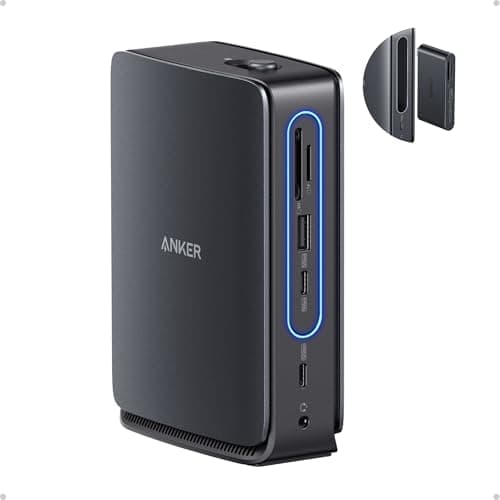
This Anker Nano dock is a premium choice for its extensive connectivity and highly innovative design. The inclusion of a detachable 6-in-1 hub provides exceptional portability without sacrificing the robust performance expected from top-tier desktop solutions.

Who Is It For:

Ideal for hybrid workers who frequently transition between extensive home office setups and traveling. Power users and professionals needing a wide array of peripheral connections will appreciate the robust 10Gbps data ports.

Comprehensive 13-in-1 port selection for maximum flexibility

Innovative detachable 6-in-1 hub for excellent portability

Commanding premium price point

Tech specs:

HDMI Configuration
Dual + 1 DP
Power Delivery
100W Pass-through
Data Transfer Speed
10Gbps
Network & Extras
Gigabit Ethernet
Based on 3.2K+ reviews

Why We Chose This Product:

The Plugable UD-3900Z remains an exceptionally practical choice, specifically designed for universal compatibility across varied laptops, including older USB 3.0 models. While limited to 1080p, its broad problem-solving nature makes it an indispensable tool for diverse equipment setups.

Who Is It For:

IT administrators outfitting shared office spaces with highly mixed laptop fleets spanning multiple generations and operating systems. It is the ultimate fail-safe solution for hot-desking environments where any user needs to plug in immediately.

Exceptionally broad universal compatibility across various laptops

Functions perfectly with older legacy USB 3.0 machines

Display resolution is strictly limited to 1080p

Tech specs:

HDMI Configuration
Dual 1080p Output
Power Delivery
None
Data Transfer Speed
Standard USB 3.0
Network & Extras
Gigabit Ethernet
Based on 905+ reviews

Why We Chose This Product:

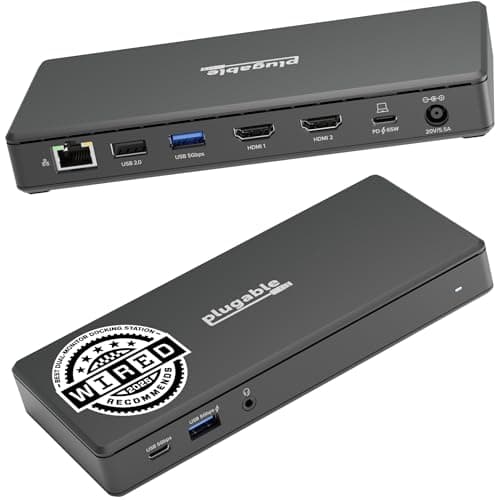
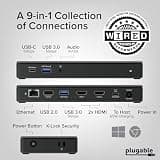
The Plugable UD-MSTH2 stands out primarily for its seamless driverless operation and incredibly strong graphical performance. Plugable is a well-regarded brand in the docking market, and this specific model delivers a flawless high-resolution dual-monitor experience without complex software.

Who Is It For:

Perfect for office workers issued securely locked-down corporate laptops where manual driver installation is restricted. It perfectly serves users wanting plug-and-play simplicity and immediate reliability.

Completely driverless operation for instant, easy setup

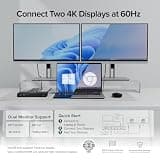
Seamless dual 4K@60Hz support for modern laptops

65W PD might charge larger laptops slower

Tech specs:

HDMI Configuration
Dual 4K@60Hz
Power Delivery
65W Pass-through
Data Transfer Speed
Standard USB 3.0
Network & Extras
Gigabit Ethernet
Based on 750+ reviews

Why We Chose This Product:

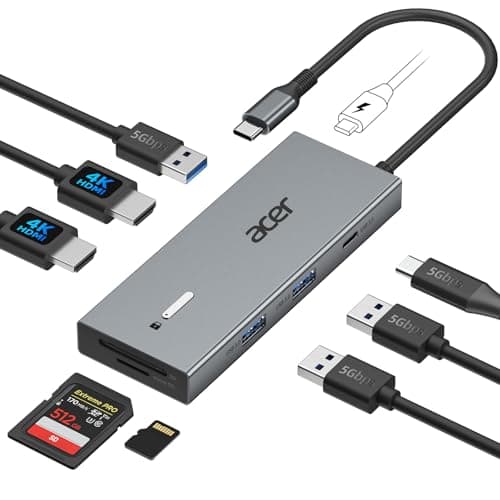
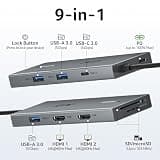
Coming from a major laptop manufacturer, the Acer 9-in-1 docking station delivers consistently reliable dual monitor performance. Its comprehensive feature set and the backing of the Acer brand make it a highly trustworthy and practical choice for mainstream users.

Who Is It For:

College students or casual home users who need a straightforward dual-monitor setup from a familiar, established hardware brand. It is an excellent companion for handling daily web browsing, document editing, and photo transfers.

Backed by a major manufacturer's reputation

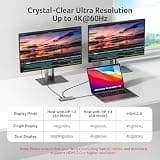
Reliable dual 4K@60Hz display output

Omits a hardwired Ethernet connection

Tech specs:

HDMI Configuration
Dual 4K@60Hz
Power Delivery
100W Pass-through
Data Transfer Speed
Standard USB 3.0
Network & Extras
SD/Micro SD Readers
Based on 3.4K+ reviews

Why We Chose This Product:

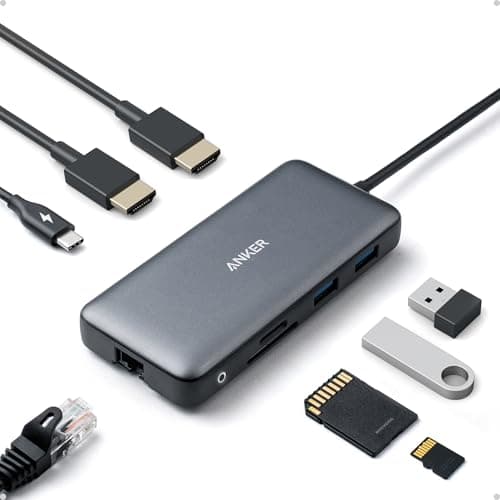
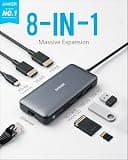
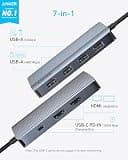
This Anker 8-in-1 hub is a consistently popular product offering essential connectivity for most standard setups. Its massive volume of positive user reviews strongly reflects its widespread satisfaction and daily workhorse reliability.

Who Is It For:

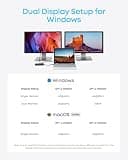
Ideal for everyday users looking for a tried-and-true, affordable docking solution for their primary desk. It perfectly suits anyone needing basic dual-display capabilities and wired internet in a compact, well-built package.

Consistently reliable and highly popular workhorse

Includes an essential 1Gbps Ethernet network port

Requires you to use your own power charger

Tech specs:

HDMI Configuration
Dual 4K Output
Power Delivery
85W Pass-through
Data Transfer Speed
Standard USB 3.0
Network & Extras
1Gbps Ethernet
Based on 685+ reviews

Why We Chose This Product:

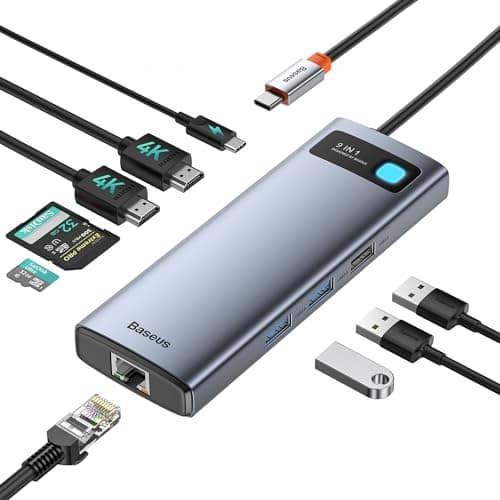
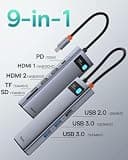
The Baseus 9-in-1 docking station successfully combines aesthetic design with noticeably strong functionality. Its unique capability to push 4K@120Hz on a single monitor makes it an excellent option for users who appreciate both style and top-tier visual fidelity.

Who Is It For:

Creatives, designers, and semi-pro gamers who occasionally need a high-refresh-rate output for a single primary screen. It is also highly suitable for users with minimalist desk setups that prioritize clean aesthetics.

Supports incredibly smooth 4K@120Hz on a single monitor

Aesthetically pleasing and modern design

Dual monitor output caps at a standard 60Hz

Tech specs:

HDMI Configuration
Dual (Up to 4K@120Hz single)
Power Delivery
85W Pass-through
Data Transfer Speed
Standard USB 3.0
Network & Extras
1Gbps Ethernet
Based on 975+ reviews

Why We Chose This Product:

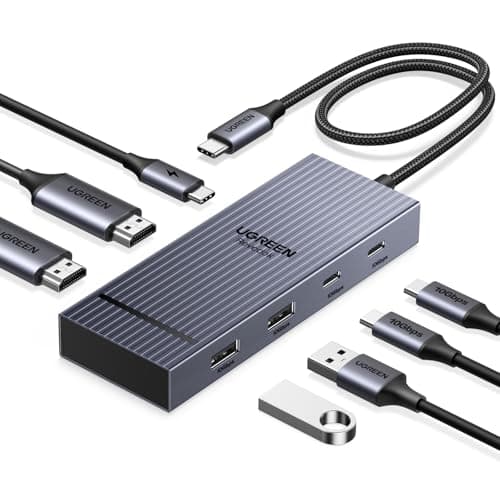
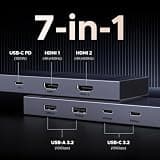
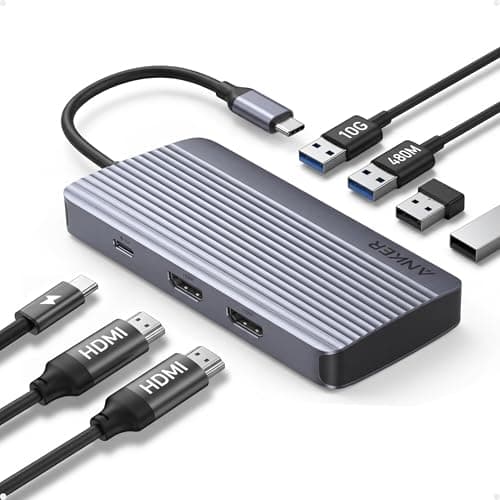
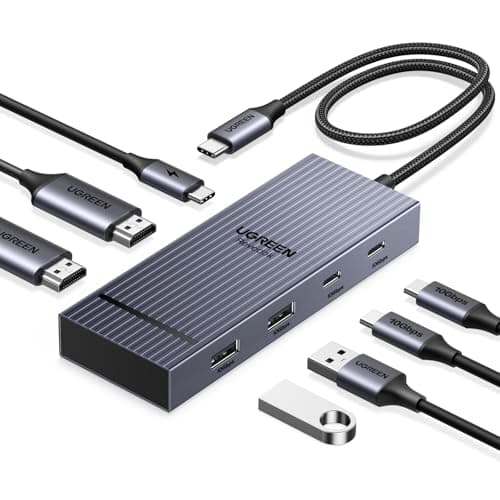
This streamlined offering provides dual HDMI outputs with a distinct focus on sheer data speed over an overwhelming quantity of ports. It prioritizes ultra-fast 10Gbps transfers and essential multi-monitor support within an incredibly compact form factor.

Who Is It For:

Digital nomads, traveling photographers, and remote professionals who frequently move large files and need a travel-friendly dock. Its streamlined shape makes it incredibly easy to slip into any laptop bag or carry-on.

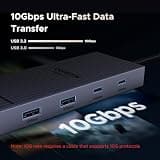
Extremely fast 10Gbps data transfers for large files

Highly portable and streamlined physical design

Omits a hardwired Ethernet network port

Tech specs:

HDMI Configuration
Dual HDMI Output
Power Delivery
85W Pass-through
Data Transfer Speed
10Gbps USB-C/A
Network & Extras
Ultra-Compact Design

Essential Tips For Choosing The Right docking station 2 hdmi port

Understanding Display Output Limitations

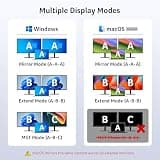
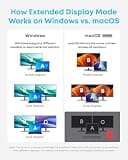
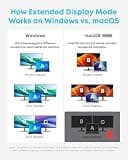
Not all dual HDMI ports guarantee dual 4K resolution on every machine. Apple users with base M-series chips, for example, natively support only one external monitor, requiring special workarounds to utilize dual displays.

Power Delivery Explained

Power Delivery (PD) pass-through determines if the dock can charge your laptop while in use. Look for 85W to 100W PD ratings to ensure your laptop stays fully charged even under heavy processing loads.

Best docking station 2 hdmi port

Data Speeds for Peripherals

If you regularly transfer large video files or use high-speed external SSDs, prioritize docks with 10Gbps USB ports over standard 5Gbps ones. Slower ports are perfectly fine for basic peripherals like keyboards, mice, and printers.

Network Stability Needs

While Wi-Fi is highly convenient, a hardwired Gigabit Ethernet port provides the uninterrupted stability needed for video conferencing and large data downloads. If your network environment is prone to latency spikes, make sure your dock includes a dedicated LAN port.


Frequently asked questions

More products you might love