Product Experts

The 7 Best Wireless Printers of 2026

Our Best Picks

Based on 2.5K+ reviews

Why We Chose This Product:

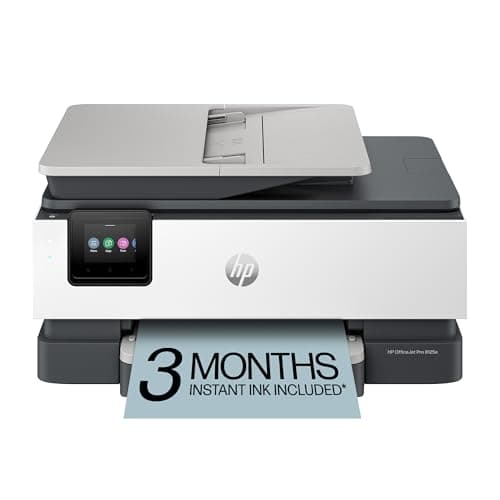
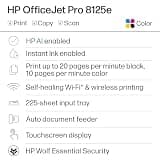
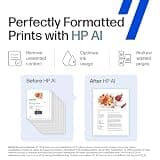
The HP OfficeJet Pro 8125e earned our top spot by delivering the perfect balance of business-class productivity and home-office convenience. Its fast print speeds, dual-band Wi-Fi, and generous paper tray make it highly reliable for demanding multi-page tasks. The inclusion of AI-assisted formatting and a 3-month Instant Ink trial provides unmatched out-of-the-box value.

Who Is It For:

Ideal for home-office professionals and small business owners handling frequent multi-page documents. It fits perfectly in a dedicated workspace where productivity and speed are paramount.

Fast 20 ppm black print speeds

Large 225-sheet input tray

Requires ongoing cartridge purchases

Tech specs:

Type
All-in-One
Connectivity
Dual-band Wi-Fi
Ink System
Cartridge (Instant Ink)
Special Feature
35-sheet ADF

Based on 1.9K+ reviews

Why We Chose This Product:

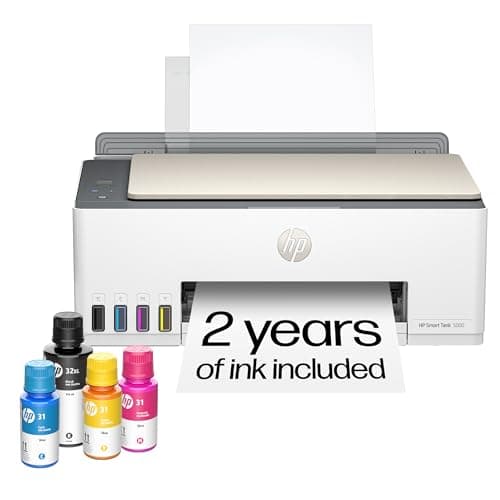
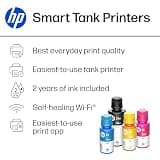
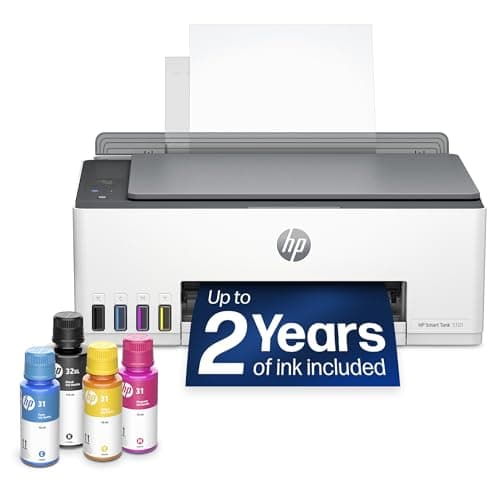
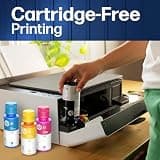
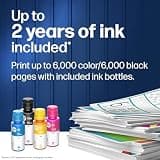
This cartridge-free printer is our favorite for users who want to eliminate the anxiety of running out of ink. While its printing speeds are modest compared to office-grade units, the sheer economy of its refillable tanks makes it an incredibly practical choice. The self-healing Wi-Fi ensures consistent connection stability for stress-free operation.

Who Is It For:

Perfect for remote workers and families with frequent, heavy printing needs. It is an excellent investment for anyone tired of constantly buying expensive replacement cartridges.

Exceptionally low operating costs

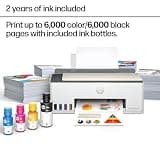
Comes with up to two years of ink

Print speeds are more modest

Tech specs:

Type
All-in-One
Connectivity
Self-healing Wi-Fi
Ink System
Refillable Ink Tank
Special Feature
Includes 2 years of ink
Based on 4.2K+ reviews

Why We Chose This Product:

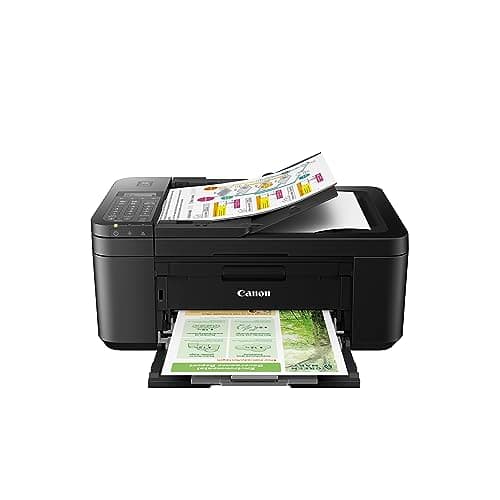
The Canon PIXMA TR4720 stands out as a highly versatile machine that packs printing, copying, scanning, and faxing into a surprisingly compact frame. It excels at delivering vibrant color photos and sharp text without breaking the bank. The inclusion of an Auto Document Feeder and two-sided printing makes it exceptionally practical for everyday tasks.

Who Is It For:

Great for students and family households needing a dependable, budget-friendly machine for occasional document printing and school projects.

Highly versatile 4-in-1 functionality

Produces vibrant borderless photos

Ongoing ink costs can add up over time

Tech specs:

Type
4-in-1 (Print/Copy/Scan/Fax)
Connectivity
Wireless
Ink System
Hybrid Cartridge
Special Feature
Auto Document Feeder
Based on 950+ reviews

Why We Chose This Product:

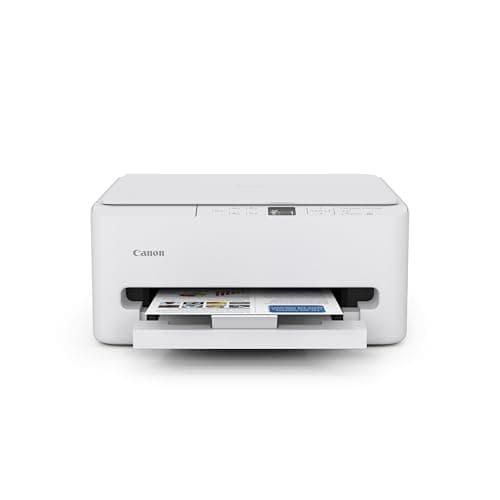
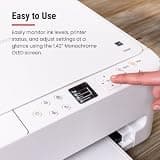
This Canon model captures our attention with its modern aesthetic and intuitive 1.42-inch OLED control panel. It delivers impressive performance for both crisp black-and-white documents and highly detailed photos. The stable dual-band Wi-Fi and auto-duplexing functionality make it a seamless addition to any home setup.

Who Is It For:

Ideal for students and hybrid workers who prioritize both aesthetic appeal and high-quality photo output in a compact device.

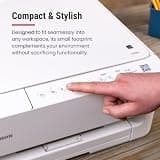
Sleek, modern space-saving design

Intuitive OLED display panel

Uses standard low-yield cartridges

Tech specs:

Type
All-in-One
Connectivity
Dual-band Wi-Fi
Ink System
Hybrid Cartridge
Special Feature
1.42-inch OLED display
Based on 1.1K+ reviews

Why We Chose This Product:

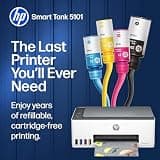
The HP Smart Tank 5101 provides a robust and incredibly low-maintenance solution for those who print in large volumes. By including thousands of pages worth of ink in the box, it effectively eliminates the standard worries associated with color printing. Its spill-free refill engineering guarantees a mess-free experience.

Who Is It For:

A stellar option for teachers and students who need a reliable, cost-effective way to print vibrant color photos and documents regularly.

Includes up to two years of ink

Spill-free refill system

Lacks dual-band Wi-Fi capabilities

Tech specs:

Type
All-in-One
Connectivity
2.4 GHz Wireless
Ink System
Refillable Ink Tank
Special Feature
Spill-free replenishment
Based on 3.1K+ reviews

Why We Chose This Product:

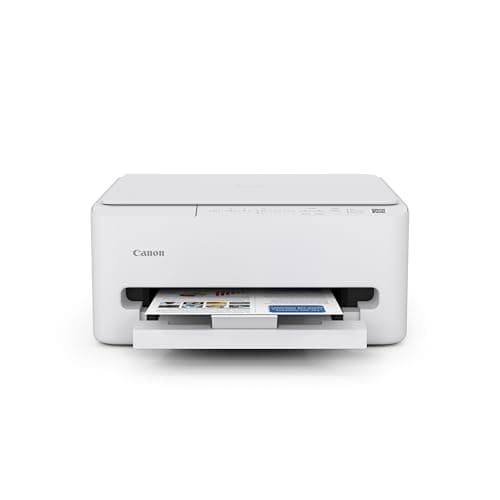
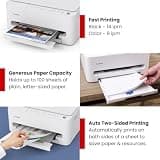
For users needing dependable basic printing without a hefty price tag, the Canon PIXMA TS4320 is a standout value. It still manages to include premium-feeling features like automatic two-sided printing and dual-band Wi-Fi despite its low cost. The compact frame and vibrant color output make it an easy recommendation.

Who Is It For:

Perfect for casual users needing a low-cost addition to a study space or kitchen counter for basic scanning and printing.

Highly affordable budget price

Compact frame fits anywhere

Basic two-cartridge hybrid system

Tech specs:

Type
All-in-One
Connectivity
Dual-band Wi-Fi
Ink System
Hybrid Cartridge
Special Feature
Auto two-sided printing
Based on 600+ reviews

Why We Chose This Product:

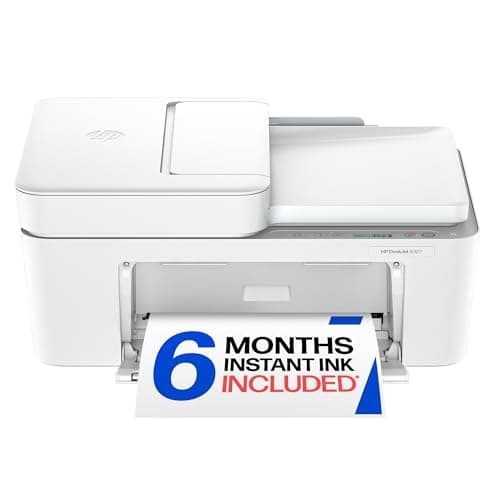
The HP DeskJet 4327 packs surprising utility into an extremely affordable machine by including an Auto Document Feeder for easy multi-page scanning. It differentiates itself with AI-capable print optimization that intelligently cleans up messy webpage layouts before printing. Along with the generous 6-month Instant Ink trial, it delivers incredible convenience.

Who Is It For:

Suited for casual home users who occasionally need to print recipes, emails, or clean webpage layouts without wasting paper.

Includes a 35-sheet ADF

Smart AI-capable print formatting

Standard cartridge page yields are low

Tech specs:

Type
All-in-One
Connectivity
Wireless
Ink System
Cartridge (Instant Ink)
Special Feature
AI-capable optimization

Essential Tips For Choosing The Right wireless printers for home use

Cartridges vs. Ink Tanks

When choosing a wireless printer, your primary decision is between a traditional cartridge system and a refillable ink tank. Traditional models have a lower upfront cost but higher long-term ink expenses, while tank systems cost more initially but include thousands of pages of ink in the box.

Footprint and Placement

Consider where the printer will be located and how much physical space you can spare. Some high-capacity models require a dedicated desk area, while compact all-in-one machines are specifically designed to fit on a small shelf or kitchen counter without sacrificing functionality.

Best wireless printers for home use

Key Specifications Explained

Look for features like an Auto Document Feeder (ADF) if you frequently scan multi-page documents, and auto-duplexing if you want to save paper by automatically printing on both sides. These physical features significantly reduce the time spent manually flipping pages.

Common Pitfalls

A common mistake is buying the cheapest printer available without checking the replacement ink costs. Additionally, ensure the wireless connectivity matches your environment; if your router is far away or you experience network drops, prioritize models with dual-band or self-healing Wi-Fi.

Frequently asked questions

More products you might love