Product Experts

The 7 Best Document Scanners for Home Office of 2026

Our Best Picks

Based on 1.6K+ reviews

Why We Chose This Product:

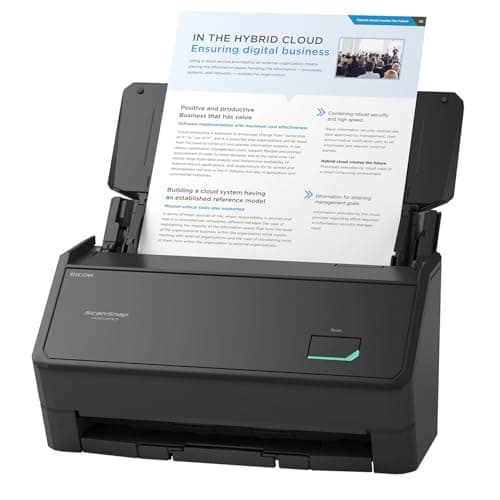
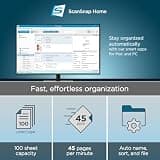
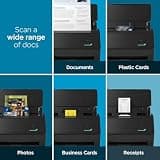
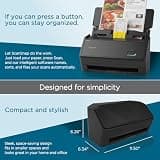
The ScanSnap iX2400 delivers exceptional speed, hitting up to 45 pages per minute with highly reliable duplex scanning. Its robust 100-sheet auto document feeder easily handles significant daily volumes without jamming. It earns the top spot for efficiency-minded users who need pure, uncompromising document digitization power.

Who Is It For:

Ideal for dedicated home offices with high-volume scanning needs. Great for professionals routinely digitizing large stacks of client paperwork or financial records.

Extremely fast 45 ppm scanning speed

Large 100-sheet automatic document feeder

Lacks Wi-Fi and wireless connectivity

Tech specs:

Connectivity
USB-C
Scanner Type
Desktop Dedicated
ADF Capacity
100 Sheets
Duplex Scanning
Yes

Based on 1.4K+ reviews

Why We Chose This Product:

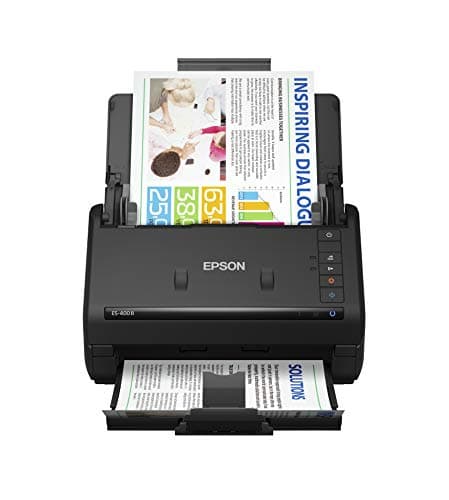
Epson's Workforce ES-400 II balances competitive pricing with fast 35 ppm duplex scanning capabilities. It comes equipped with reliable ScanSmart software that makes exporting searchable PDFs effortless. We chose this as the strongest value proposition for setups permanently tied to a single computer.

Who Is It For:

Perfect for budget-conscious buyers who need dedicated desktop scanning capabilities. It is a great fit for users digitizing moderate volumes directly to a single PC.

Highly competitive price-to-value ratio

Fast 35 ppm automatic duplex scanning

No wireless network connectivity options

Tech specs:

Connectivity
USB
Scanner Type
Desktop Dedicated
ADF Capacity
50 Sheets
Duplex Scanning
Yes

Based on 945+ reviews

Why We Chose This Product:

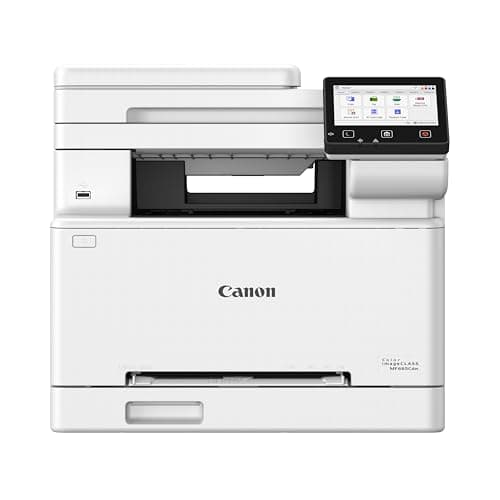
This Canon laser printer functions as a comprehensive all-in-one powerhouse with robust single-pass duplex scanning. The 50-sheet ADF processes both sides of a document simultaneously, drastically cutting down on digitizing time. It stands as the dominant choice for those who need high-quality color printing alongside premium scanning.


Who Is It For:

Best for users who require both a laser printer and a high-end scanner in one unified device. Excellent for handling dense, double-sided document stacks on a regular basis.

True single-pass duplex scanning

Fast and crisp color laser printing

Large and heavy physical footprint

Tech specs:

Connectivity
Wi-Fi & USB
Scanner Type
All-in-One Laser
ADF Capacity
50 Sheets
Duplex Scanning
Single-Pass
Based on 650+ reviews

Why We Chose This Product:

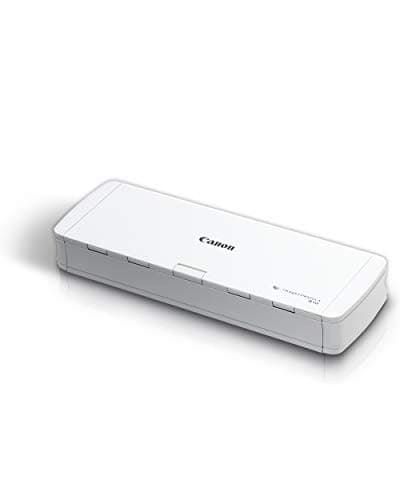
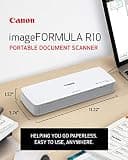
The imageFORMULA R10 combines single-pass duplex capabilities with a highly compact, USB-powered frame. Despite its tiny footprint, it includes a 20-sheet ADF that handles receipts, cards, and standard paper with ease. It secures its spot as the top travel-friendly option that never compromises on multi-page efficiency.

Who Is It For:

Ideal for mobile professionals who need to scan contracts or receipts on the road. Fits perfectly in small home offices with extremely minimal desk space.

Highly portable USB-powered design

Built-in 20-sheet automatic document feeder

Slower 12 ppm scanning speed

Tech specs:

Connectivity
USB
Scanner Type
Portable Dedicated
ADF Capacity
20 Sheets
Duplex Scanning
Yes
Based on 445+ reviews

Why We Chose This Product:

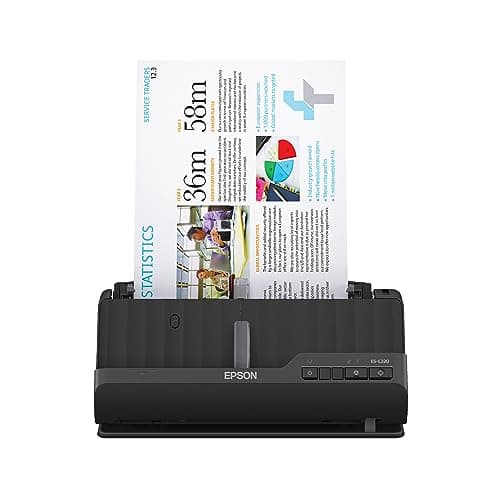
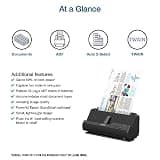
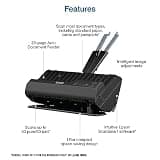
Epson’s ES-C220 minimizes desk clutter with an ultra-compact vertical design that still manages to accommodate an automatic document feeder. It easily keeps up with moderate daily tasks while taking up a fraction of the space of traditional horizontal units. It is the smart pick for tight workspaces needing dedicated scanning performance.

Who Is It For:

Great for users working in cramped apartments or shared desk areas. Suitable for standard daily document organization without dominating your workspace.

Brilliant space-saving vertical design

Fully automatic two-sided scanning

Slower overall speed than full-sized desktop models

Tech specs:

Connectivity
USB
Scanner Type
Compact Dedicated
ADF Capacity
20 Sheets
Duplex Scanning
Yes
Based on 1.4K+ reviews

Why We Chose This Product:

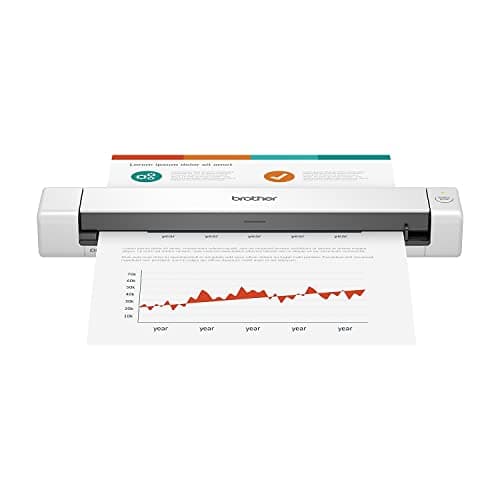
The Brother DS-640 is an exceptionally lightweight, wand-style scanner that slips effortlessly into any laptop bag. It delivers crisp individual page and card scans relying purely on simple USB power. We selected it for its sheer affordability and convenience when handling single-sided documents on an infrequent basis.

Who Is It For:

Perfect for users who rarely scan but need a dependable device on hand just in case. Ideal for storing in a drawer until tax season or monthly expense reports are due.

Extremely lightweight and portable profile

Highly affordable entry-level price point

Completely lacks an automatic document feeder

Tech specs:

Connectivity
USB
Scanner Type
Portable Single-Sheet
ADF Capacity
None
Duplex Scanning
No
Based on 400+ reviews

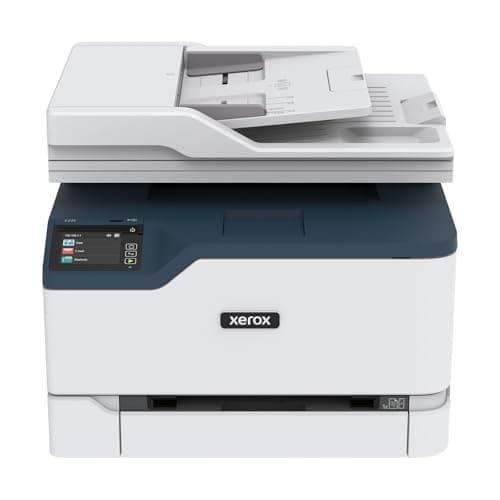
Why We Chose This Product:

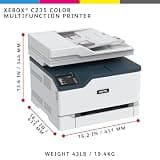
The Xerox C235dni delivers reliable business-grade printing alongside capable document digitization features. While it requires manual flipping for two-sided scans through its 50-sheet ADF, its overall network connectivity and hardware durability make it highly dependable. It earns its place as a robust, networked workhorse for varied administrative tasks.

Who Is It For:

Great for small home-based businesses that prioritize fast laser printing but still need capable document scanning. Fits incredibly well in shared office networks.

Strong brand reliability and build quality

Fast 22 ppm color laser printing performance

Lacks automatic duplex scanning features

Tech specs:

Connectivity
Wi-Fi & Ethernet
Scanner Type
All-in-One Laser
ADF Capacity
50 Sheets
Duplex Scanning
Manual Only

Essential Tips For Choosing The Right document scanners for home office

What to Look For in a Scanner

When outfitting a home office, decide between a dedicated document scanner or an all-in-one printer. Dedicated scanners process huge stacks of paper quickly, while all-in-ones save space by combining print, copy, and scan functions.

Key Specifications Explained

Pages per minute (PPM) indicates how fast the machine scans a single side, while images per minute (IPM) measures two-sided speed. The Automatic Document Feeder (ADF) capacity dictates how many pages you can load at once without manual intervention.

Best document scanners for home office

Understanding Duplex Scanning

Single-pass duplex scanning is the gold standard, capturing both sides of a page simultaneously to prevent jams. Manual duplex requires you to physically flip the paper, drastically slowing down large digitization projects.

Connectivity and Workspace Setup

Consider where your scanner will live on your desk. USB-only models require a direct tether to your computer, whereas Wi-Fi and Ethernet options allow easy wireless sharing across multiple devices and cleaner workstation setups.

Common Pitfalls to Avoid

Don't overbuy if you only scan occasional receipts; a compact mobile scanner is plenty. Conversely, avoid cheap single-sheet flatbeds if you routinely digitize thick contracts, as the manual effort will cause constant frustration.

Frequently asked questions

More products you might love