Product Experts

The 7 Best Laptop Docking Stations of 2026

Our Best Picks

Based on 1K+ reviews

Why We Chose This Product:

This powerhouse hub easily claims the top spot thanks to its unrivaled 140W power delivery and triple 4K display support via DisplayLink. The inclusion of an integrated cooling fan is a rare, innovative touch that prevents overheating during intense multitasking. It provides the ultimate workstation setup for demanding professionals who refuse to compromise on connectivity.

Who Is It For:

Ideal for heavy multitaskers and professionals with complex triple-monitor setups. It perfectly suits power users who need rapid laptop charging alongside high-bandwidth data transfers.

Supports triple 4K displays efficiently

Massive 140W fast power delivery

Premium price point compared to basic hubs

Tech specs:

Total Ports
14
Power Delivery
140W
Max Displays
3
High-Speed Data
10Gbps

Based on 925+ reviews

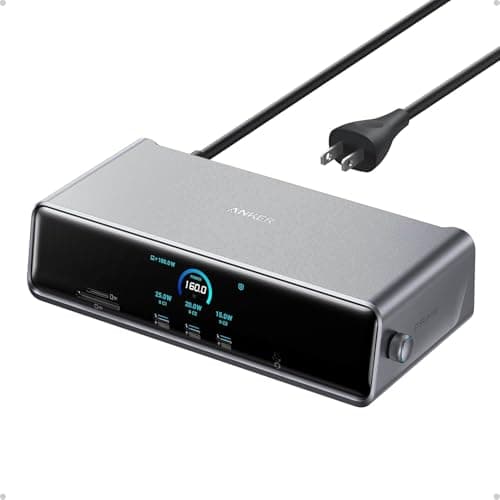
Why We Chose This Product:

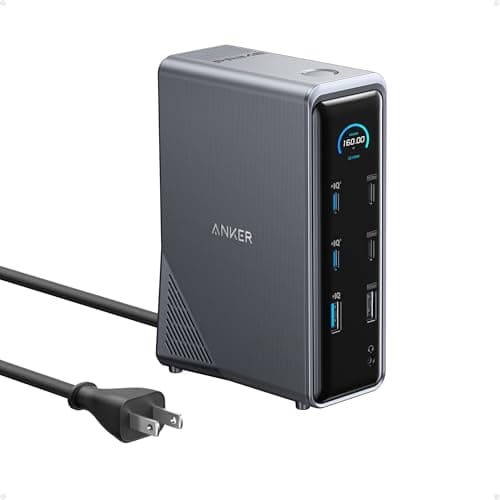
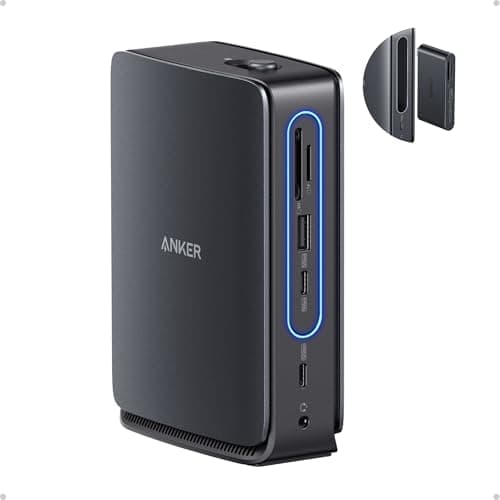
Designed for high-end setups, this Anker Prime model offers a staggering 160W maximum power output, easily charging power-hungry devices while supporting an array of peripherals. The Real-Time Smart Interface enhances practicality by giving users instant feedback on system performance. It is a fantastic runner-up that delivers exceptional charging and premium build quality.

Who Is It For:

Perfect for power users and creatives who rely on dual 4K monitors and exceptionally fast data transfers. It easily handles high-power laptops that require significantly more than the standard 100W delivery.

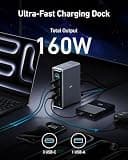
Incredible 160W maximum power output

Blazing fast 10Gbps data transfer ports

Might be overkill for casual office users

Tech specs:

Total Ports
14
Power Delivery
160W
Max Displays
2
High-Speed Data
10Gbps

Based on 895+ reviews

Why We Chose This Product:

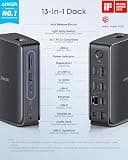
The Anker Nano stands out with its unique modular design, allowing users to detach a smaller 6-in-1 hub for on-the-go connectivity. This level of versatility is unmatched, letting you transition from a full desktop triple-monitor setup to a travel-friendly configuration in seconds. It strikes a brilliant balance between permanent workstation stability and portable convenience.

Who Is It For:

Best for remote workers who frequently transition between home offices and coffee shops. It suits anyone who needs extensive ports at home but wants a travel-ready hub without buying two separate devices.

Innovative detachable portable hub design

Consistently supports three external displays

Requires careful cable management on the desk

Tech specs:

Total Ports
13
Power Delivery
100W
Max Displays
3
High-Speed Data
10Gbps

Based on 1.3K+ reviews

Why We Chose This Product:

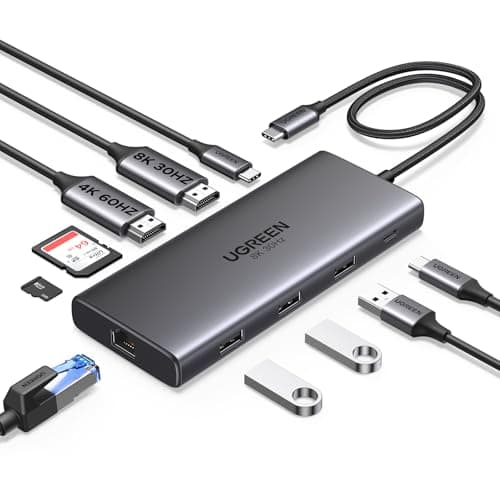
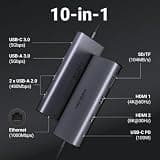
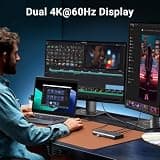
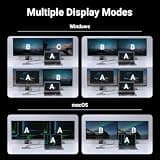
UGREEN consistently delivers high-quality accessories at accessible prices, and the Revodok Pro 210 is a prime example. Offering 100W power delivery alongside dual 4K or single 8K display support, it hits the sweet spot for everyday productivity. It remains a highly practical choice for those who need essential high-performing features without the premium brand markup.

Who Is It For:

Excellent for students and budget-conscious professionals building a capable home office. It caters exceptionally well to photographers and content creators needing quick access to built-in memory card readers.

Exceptional overall value for the feature set

Supports a single high-resolution 8K display

Lacks support for triple monitor configurations

Tech specs:

Total Ports
10
Power Delivery
100W
Max Displays
2
High-Speed Data
5Gbps

Based on 680+ reviews

Why We Chose This Product:

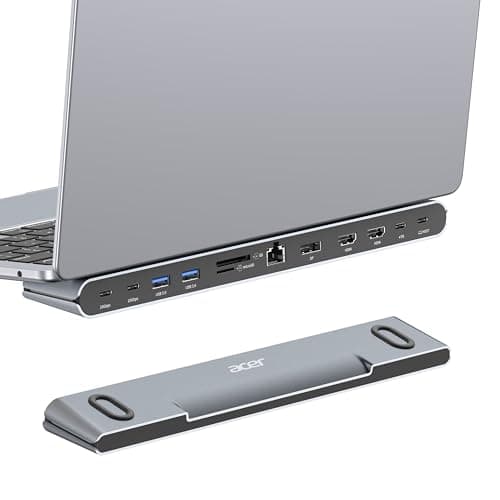
Acer intelligently combines ergonomic elevation with expansive connectivity in this clever 11-in-1 stand. The form factor completely eliminates the need for a separate laptop riser, freeing up valuable desk real estate while comfortably supporting an impressive triple-monitor configuration. It is a smart, space-saving solution that does not compromise on high-end display outputs.

Who Is It For:

Ideal for users with limited desk space who want to naturally elevate their laptop screen for better posture. It is a great fit for professionals who prefer an organized, minimalist workstation setup.

Space-saving integrated ergonomic stand design

Impressively supports up to 8K resolution

Fixed stand angle limits viewing adjustability

Tech specs:

Total Ports
11
Power Delivery
100W
Max Displays
3
High-Speed Data
10Gbps

Based on 1.6K+ reviews

Why We Chose This Product:

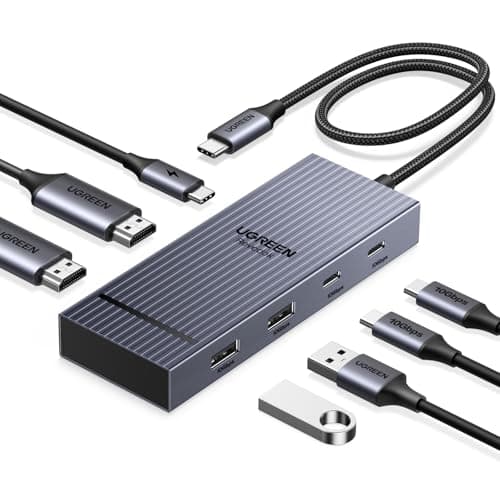
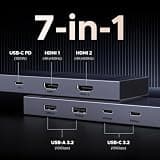
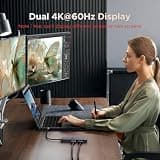
For users who prioritize a clean, uncluttered desk, this streamlined UGREEN hub provides exactly what is needed and nothing extra. It comfortably handles dual 4K monitors and keeps your primary device powered with 100W pass-through charging. The premium aluminum build ensures durability and effective heat dissipation in a highly compact, travel-friendly form factor.

Who Is It For:

Suited for users who only need to connect two external monitors and a couple of basic USB accessories. It is perfect for flexible environments where simplicity, clean aesthetics, and quick connections are paramount.

Sleek and durable aluminum outer chassis

Highly consistent 4K dual monitor output

Limited total number of connectivity ports

Tech specs:

Total Ports
7
Power Delivery
100W
Max Displays
2
High-Speed Data
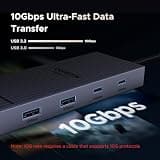
10Gbps
Based on 885+ reviews

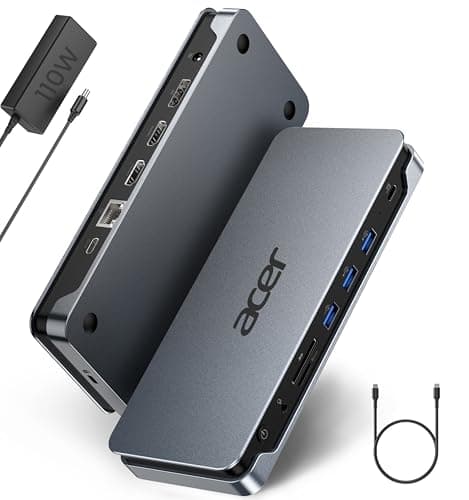
Why We Chose This Product:

This robust Acer docking station is built specifically for professional environments, offering an extensive array of ports to handle virtually any peripheral. The inclusion of a physical security lock slot and sturdy 110W power delivery make it highly practical for permanent office installations. It reliably handles triple monitors while ensuring your workstation remains safe and fully charged.

Who Is It For:

Great for corporate employees and technical departments looking for standardized, highly secure docking solutions. It comfortably supports extensive peripheral setups including wired internet and multiple external hard drives.

Comprehensive 13-port connectivity array

Robust and reliable 110W power delivery

Utilitarian aesthetic lacks modern design flair

Tech specs:

Total Ports
13
Power Delivery
110W
Max Displays
3
High-Speed Data
5Gbps

Essential Tips For Choosing The Right docking station

What to Look For: Port Variety

Port selection is the most critical factor when choosing a docking station. Ensure the dock has the right mix of USB-A, USB-C, HDMI, and Ethernet ports to adequately support your current and future peripherals.

Understanding Power Delivery

Power delivery (PD) allows the docking station to charge your laptop while connected. Look for at least 85W to 100W PD to ensure your laptop stays fully charged during heavy multitasking sessions.

Best docking station

Display Capabilities Explained

Not all docks support multiple monitors natively, and supported resolutions vary wildly between models. Always check if your laptop and the dock can handle 4K at 60Hz across multiple screens, or if specific display technologies are required.

Common Compatibility Pitfalls

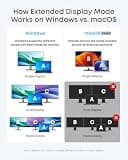
A frequent mistake is buying a high-end dock without checking compatibility with Mac or Windows specific limitations. Additionally, relying on unbranded hubs can lead to overheating and unreliable data transfer speeds.

Frequently asked questions

More products you might love