Product Experts

The 7 Best Mac Mini Docking Stations of 2026

Our Best Picks

Based on 1K+ reviews

Why We Chose This Product:

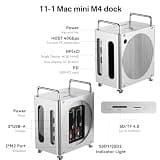
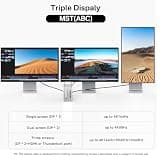
This workstation powerhouse easily secures the top position by offering an incredibly rare 40Gbps connection and dual-bay RAID support. Its ability to simultaneously manage dual 4K monitors natively while pushing massive amounts of data places it in a completely different performance tier than standard 10Gbps hubs.

Who Is It For:

This hub is engineered for creative professionals, 3D artists, and intensive multitaskers. It is perfect for users who require zero-compromise data speeds and massive redundant local storage.

Unmatched 40Gbps host connection speed

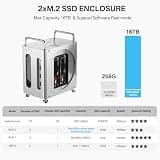
Dual-bay RAID support for massive storage

Requires an expensive premium investment

Tech specs:

Max Storage Capacity
16TB Dual-Bay NVMe
Data Transfer Speed
40Gbps
Display Output
Dual 4K@60Hz / Single 4K@144Hz
Port Connectivity
10Gbps USB-A & SD 4.0
Based on 813+ reviews

Why We Chose This Product:

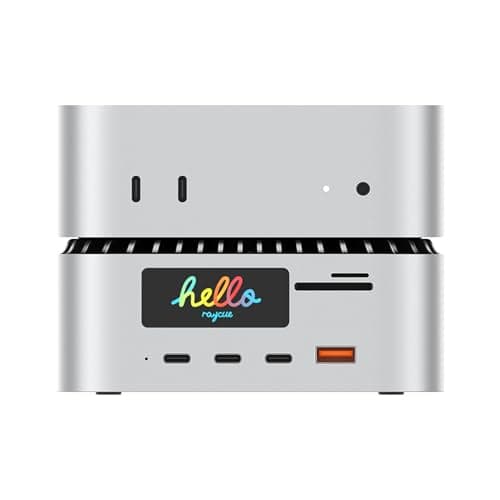
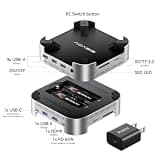
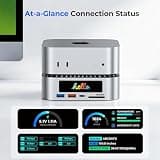
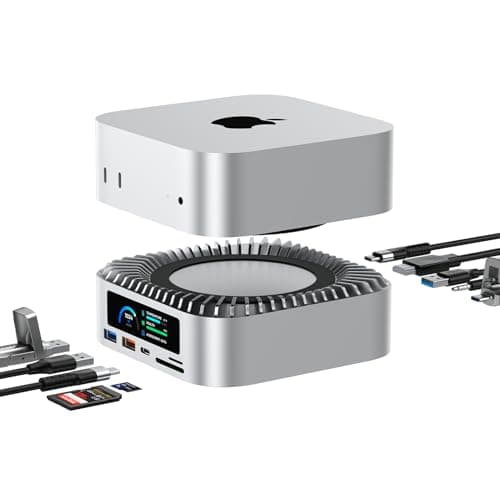
RayCue brilliantly merges extreme charging capabilities with deep data integration to solve multiple desktop pain points at once. Delivering a massive 165W power output ensures users can fast-charge a secondary laptop while simultaneously utilizing the high-speed 8TB SSD expansion.

Who Is It For:

Ideal for power users who juggle multiple devices at their desk throughout the day. It perfectly suits professionals wanting to consolidate their laptop chargers, tablet chargers, and desktop hub into one seamless unit.

Massive 165W total power delivery system

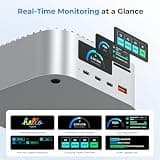
Unique Smart UI displays for real-time monitoring

The powerful charging components can run quite warm

Tech specs:

Max Storage Capacity
8TB NVMe/SATA
Data Transfer Speed
10Gbps
Display Output
4K@60Hz HDMI
Port Connectivity
10Gbps USB-A/C & SD 4.0

Based on 792+ reviews

Why We Chose This Product:

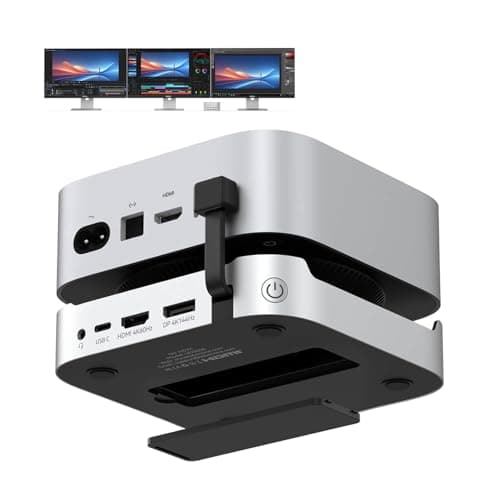
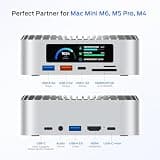
TobenONE secures a high rank by providing an exceptionally balanced mix of comprehensive connectivity and thoughtful usability. The addition of a front-facing one-touch power button brilliantly solves a notorious daily frustration, while the combination of DisplayPort and HDMI accommodates complex visual workflows.

Who Is It For:

This is an excellent match for remote workers and multi-screen power users. It caters specifically to those who need vast connectivity options and physical ease of use for daily power cycling.

Versatile 13-in-1 port array eliminates dongles

High-refresh 4K@144Hz DisplayPort video output

Design footprint is slightly bulkier than minimalist alternatives

Tech specs:

Max Storage Capacity
8TB NVMe
Data Transfer Speed
10Gbps
Display Output
4K@144Hz DP & 4K@60Hz HDMI
Port Connectivity
13-in-1 USB/SD Mix
Based on 703+ reviews

Why We Chose This Product:

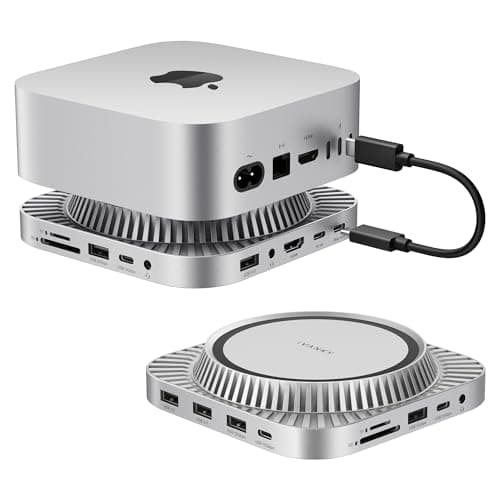
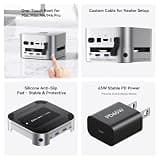
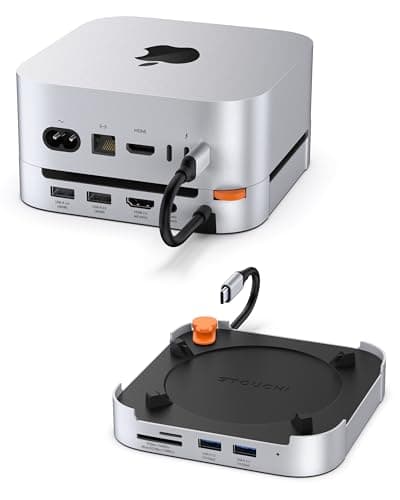
The FusionDock stands out by prioritizing system stability through its dedicated 20W power adapter, an essential inclusion that prevents the data loss common in unpowered hubs. Its thick, premium metal chassis not only matches Apple's design language flawlessly but provides critical passive cooling for hot NVMe drives.

Who Is It For:

Perfect for aesthetic-conscious home office professionals who prioritize a clean, unified workspace without sacrificing high-speed storage or dedicated display connections.

Premium metal construction seamlessly mimics Apple aesthetics

Included 20W PD adapter ensures zero power fluctuations

Legacy USB 2.0 ports take up valuable space on the chassis

Tech specs:

Max Storage Capacity
8TB NVMe
Data Transfer Speed
10Gbps
Display Output
4K@144Hz HDMI & DP
Port Connectivity
13-in-1 USB/SD Mix
Based on 1.2K+ reviews

Why We Chose This Product:

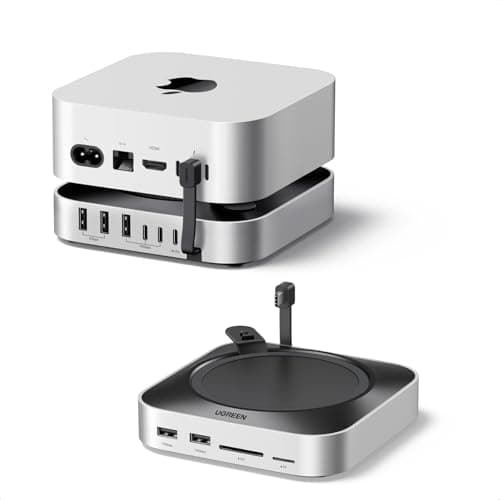
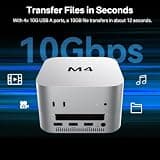
UGREEN demonstrates the importance of invisible engineering by utilizing heavy internal conductive paint shielding to permanently eliminate the Bluetooth and Wi-Fi interference common with 10Gbps hubs. By skipping video output ports, it keeps costs reasonable while delivering rock-solid reliability for peripheral data transfers.

Who Is It For:

Geared toward students and everyday consumers operating in wireless-heavy environments. It is ideal for users who simply need dependable storage expansion and basic USB connectivity.

Internal conductive shielding completely stops Wi-Fi interference

Clean, understated design blends flawlessly with the host computer

Lacks dedicated HDMI or DisplayPort video outputs entirely

Tech specs:

Max Storage Capacity
8TB NVMe
Data Transfer Speed
10Gbps
Display Output
N/A (Data Only)
Port Connectivity
Multiple 10Gbps USB-A/C
Based on 506+ reviews

Why We Chose This Product:

For users requiring massive, redundant local storage archives, this dual-bay model is an incredibly rare find in this form factor. The ability to configure hardware RAID arrays right underneath the computer, fully supported by a dedicated 30W power supply, makes it an exceptional tool for creative asset management.

Who Is It For:

Designed specifically for videographers, photographers, and audio engineers. It strongly benefits users who require vast amounts of redundant RAID storage directly integrated into their desk space.

Massive 16TB dual-drive capacity support

Hardware RAID functionality built directly into the base

Maximum 10Gbps host connection creates a bottleneck for dual SSDs

Tech specs:

Max Storage Capacity
16TB Dual-Bay NVMe
Data Transfer Speed
10Gbps
Display Output
4K@60Hz HDMI
Port Connectivity
Four 10Gbps USB-A
Based on 335+ reviews

Why We Chose This Product:

RayCue injects a modern, cyberpunk flair into an otherwise purely functional market segment by integrating interactive status screens. By marrying this unique visual gimmick with highly practical 10Gbps ports and flexible drive support, it earns a solid position for users who appreciate tracking real-time performance data.

Who Is It For:

Best suited for PC hardware enthusiasts and power users who love tracking granular operational metrics. It appeals to buyers who want a visually distinctive and conversational piece of tech on their desk.

Unique Smart UI screens provide real-time hardware metrics

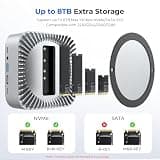
Highly versatile hybrid NVMe and SATA drive support

Lacks the massive 165W fast-charging capabilities of its premium sibling

Tech specs:

Max Storage Capacity
8TB NVMe/SATA
Data Transfer Speed
10Gbps
Display Output
4K@60Hz HDMI
Port Connectivity
10Gbps USB-A/C & SD/TF

Essential Tips For Choosing The Right mac mini docking station

Understanding SSD Expansion

Most modern docking hubs include integrated enclosures, allowing you to seamlessly add high-capacity internal storage directly beneath your machine. It is crucial to check whether a specific dock supports the faster M.2 NVMe standards or the slower SATA protocols before purchasing drives.

Navigating Transfer Speeds

Entry-level docking stations typically max out at 10Gbps data transfer limits, which is perfectly adequate for daily document handling and basic photo storage. Creative professionals running demanding video workflows should prioritize premium 40Gbps docks to eliminate transfer bottlenecks.

Best mac mini docking station

Power Delivery Requirements

Running external SSDs, high-refresh displays, and multiple peripherals simultaneously can tax a computer's native power output. Hubs equipped with their own dedicated Power Delivery (PD) adapters ensure consistent system performance without random accessory disconnects.

Managing Heat and Interference

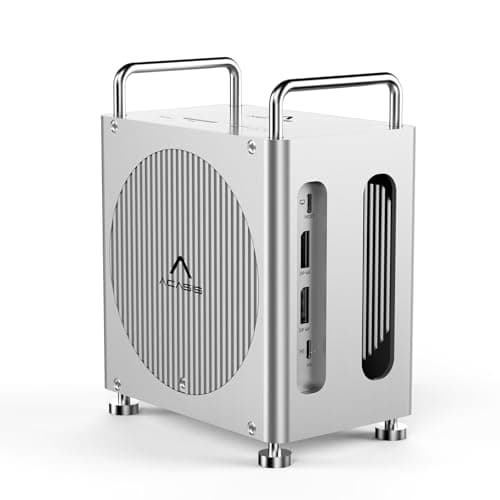
Packing NVMe storage and high-speed USB interfaces into a tight form factor generates noticeable heat and potential Wi-Fi disruption. Look for units featuring thick aluminum chassis designs, active cooling fans, and internal conductive shielding to mitigate thermal throttling and signal drops.

Frequently asked questions

More products you might love