Product Experts

The 7 Best Printers of 2026

Our Best Picks

Based on 100+ reviews

Why We Chose This Product:

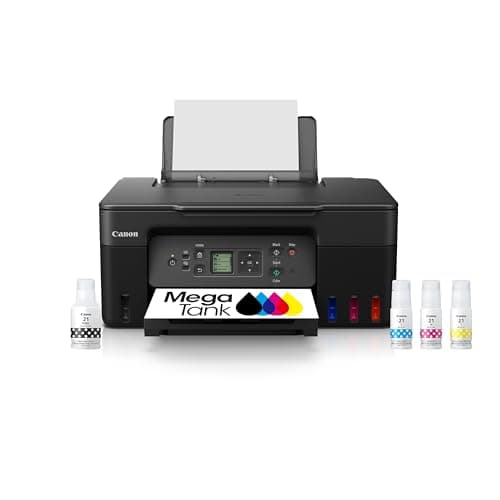
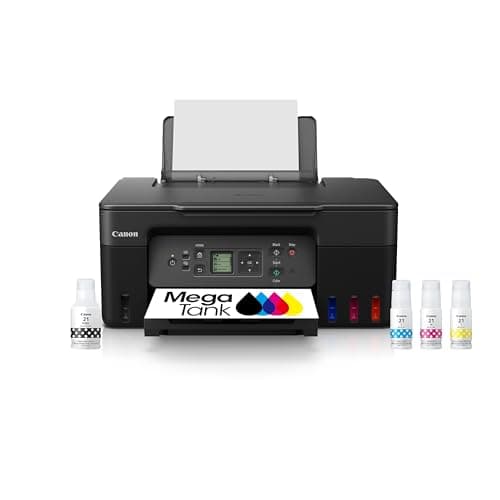
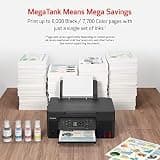
The Canon MegaTank G3270 earns the top spot by eliminating the frustration of expensive ink replacements. It offers an incredible balance of low running costs, reliable dual-band Wi-Fi, and mess-free maintenance. This makes it an outstanding long-term value for any busy household.

Who Is It For:

Ideal for remote workers and families with school-aged children. It perfectly supports high-volume daily printing without constant cartridge anxiety.

Extremely low cost-per-print

Includes 2 years of ink

Small 1.35-inch display screen

Tech specs:

Type
Supertank Inkjet
Connectivity
Dual-band Wi-Fi
Print Color
Color
Key Feature
1.35-inch LCD

Based on 100+ reviews

Why We Chose This Product:

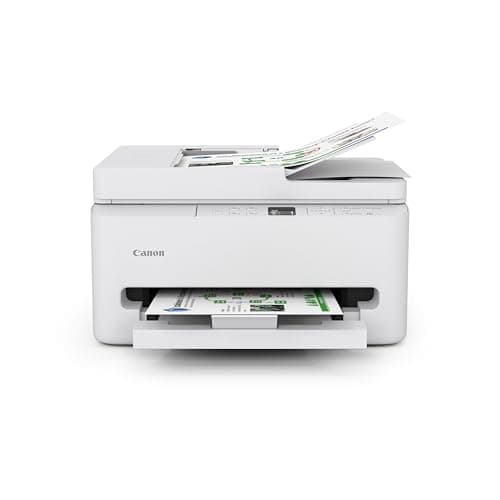
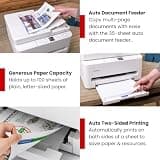
This printer punches well above its weight class by including premium productivity features at a modest price. The 35-sheet ADF and automatic duplexing are lifesavers for multi-page documents. It delivers unmatched value for light business use.

Who Is It For:

Great for home-based professionals and freelancers who frequently handle contracts. It fits users who need robust scanning and copying without a massive upfront investment.

Includes automatic document feeder

Auto two-sided printing

Higher long-term ink costs

Tech specs:

Type
Cartridge Inkjet
Connectivity
Wi-Fi
Print Color
Color
Key Feature
35-sheet ADF
Based on 100+ reviews

Why We Chose This Product:

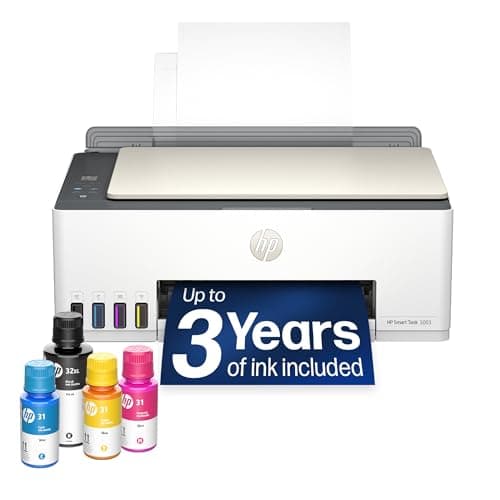
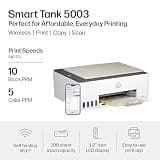
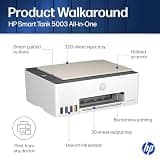
HP's 5003 model provides massive tank-printer savings in a highly efficient and accessible package. The gravity-fed refill system and seamless mobile app integration make it remarkably user-friendly. It is a smart compromise between premium tank models and budget cartridge machines.

Who Is It For:

Best suited for high-volume family households that print a mix of homework, recipes, and borderless photos. It accommodates diverse, frequent printing needs effortlessly.

Incredibly low operating costs

Comes with up to 3 years of ink

Higher initial purchase price

Tech specs:

Type
Supertank Inkjet
Connectivity
Wi-Fi & Bluetooth
Print Color
Color
Key Feature
Smart App Control
Based on 100+ reviews

Why We Chose This Product:

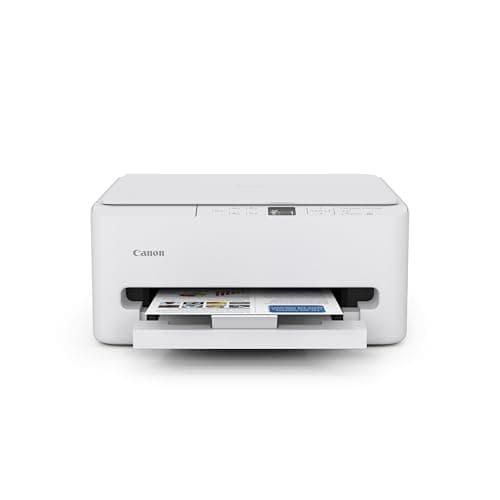
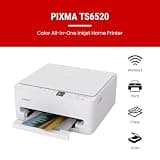
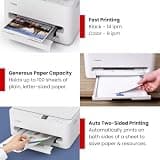
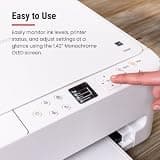
The TS6520 is a modern, affordable entry-level option that doesn't compromise on core conveniences like dual-band Wi-Fi and automatic duplexing. Its compact size ensures it fits comfortably in cramped quarters. It represents a highly reliable, straightforward solution for daily needs.

Who Is It For:

Perfect for apartment dwellers or college students needing an unobtrusive desktop companion. It fits households that print text documents and occasional color graphics.

Compact, desk-friendly footprint

Automatic two-sided printing

Basic hybrid ink limits photo quality

Tech specs:

Type
Cartridge Inkjet
Connectivity
Dual-band Wi-Fi
Print Color
Color
Key Feature
Auto Duplexing
Based on 100+ reviews

Why We Chose This Product:

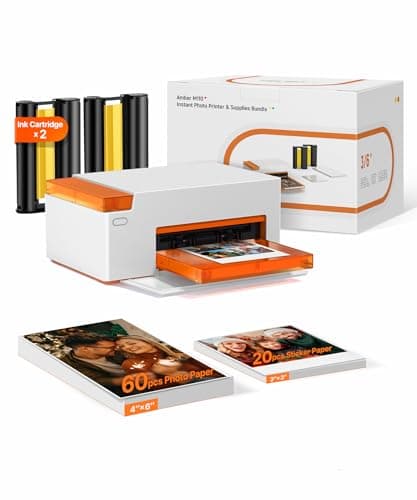
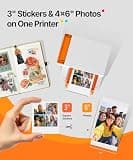
This specialized printer stands out with advanced thermal dye-sublimation technology that produces deeply embedded, laminated photos. The unique ability to swap between standard 4x6 prints and sticky-backed photo stickers adds exceptional creative value. It completely transforms digital snaps into durable physical keepsakes.

Who Is It For:

Ideal for crafters, scrapbookers, and social media enthusiasts wanting instant physical prints. It caters perfectly to creative hobbies and photo journaling.

Water and fingerprint-resistant prints

Innovative dual-tray for stickers

Limited strictly to small photos

Tech specs:

Type
Dye-Sublimation
Connectivity
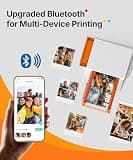
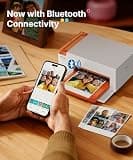
Bluetooth
Print Color
Color
Key Feature
Dual-tray System
Based on 100+ reviews

Why We Chose This Product:

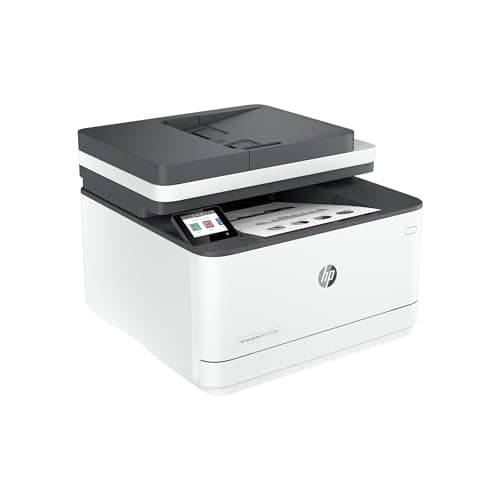
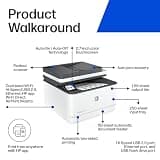
For users who prioritize speed and reliability over color output, this monochrome laser printer is the gold standard. It effortlessly powers through major printing loads with a heavy-duty 250-sheet tray and automatic document feeder. It is a formidable tool for serious, high-volume text production.

Who Is It For:

Excellent for students, educators, and small businesses handling large syllabi or reports. It fits those who need rapid, sharp text without the fuss of drying ink.

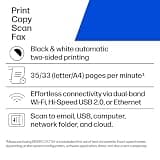
Blazing fast 35 pages per minute

Robust 250-sheet paper tray

Cannot print in color

Tech specs:

Type
Monochrome Laser
Connectivity
Dual-band Wi-Fi
Print Color
Monochrome
Key Feature
Fast 35 ppm Output
Based on 100+ reviews

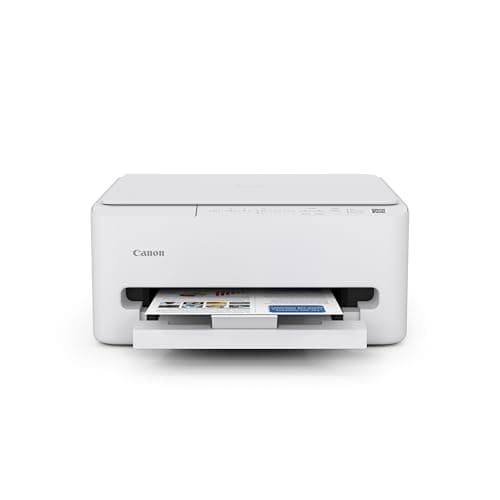
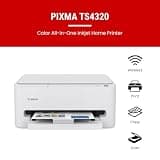
Why We Chose This Product:

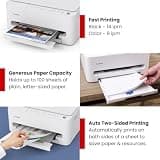
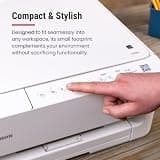
The TS4320 provides a highly practical, no-frills experience for users seeking a rock-bottom entry price. Despite shedding non-essential features like an OLED display, it thoughtfully retains crucial functions like flatbed scanning and automatic two-sided printing. It proves that a budget printer can still cover all the basics reliably.

Who Is It For:

Best for infrequent users who only print a handful of pages per month. It is a low-commitment choice for simple copying and scanning tasks.

Rock-bottom entry price

Retains auto two-sided printing

No display screen for navigation

Tech specs:

Type
Cartridge Inkjet
Connectivity
Dual-band Wi-Fi
Print Color
Color
Key Feature
Flatbed Scanner

Essential Tips For Choosing The Right home printers

What to Look For

When choosing a printer, consider your typical monthly page volume and what you print most often. If you predominantly print text documents, a laser printer provides the sharpest quality and best speed. For mixed media and photos, an inkjet or tank printer offers superior color reproduction.

Key Specifications Explained

Pay close attention to connectivity and paper handling. Dual-band Wi-Fi ensures a stable wireless connection, while an automatic document feeder (ADF) saves massive amounts of time when scanning multi-page documents. Duplexing refers to automatic two-sided printing, which helps save paper.

Best home printers

Budget Ranges

Entry-level cartridge printers typically cost under $100 but have higher ongoing ink expenses. Mid-range laser printers and high-capacity supertank models range from $150 to $300, requiring a higher upfront investment but saving you significantly on long-term ink and toner costs.

Common Pitfalls

A frequent mistake is buying a cheap cartridge printer for high-volume use, which quickly leads to exorbitant ink replacement costs. Conversely, buying an expensive supertank printer when you only print a few pages a month can result in dried-out printheads and wasted money. Match your purchase to your true volume.

Frequently asked questions

More products you might love