Product Experts

The 7 Best Printers of 2026

Our Best Picks

1
Best Overall
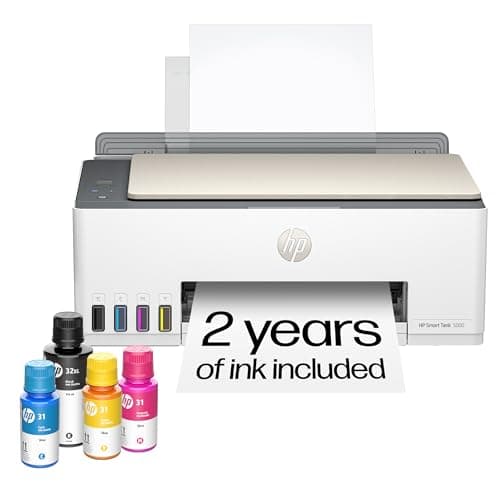
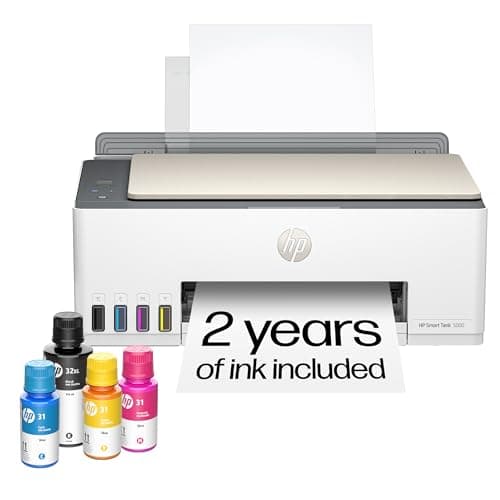
HP Smart Tank 5000 Wireless All-in-One Cartridge-Free Ink Tank Printer

Picked by 542 users this week
Based on 3.5K+ reviews

Why We Chose This Product:

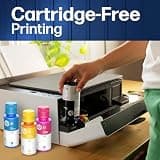
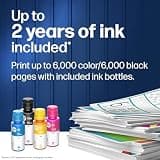
The HP Smart Tank 5000 represents the pinnacle of modern home printing by addressing the single biggest consumer complaint: the high cost of replacement ink cartridges. By utilizing a high-capacity, cartridge-free refillable ink tank system, this model drastically slashes operating costs. It comes packaged with up to two years of ink right in the box, allowing users to print thousands of sharp text pages and vibrant color documents without a single trip to the store.

Who Is It For:

This is an exceptional workhorse for students, busy families, and home users who print frequently. It is particularly valuable for anyone tired of running out of ink at the worst possible moment.

Extremely low cost per page compared to cartridges

Includes up to two years of ink in the box

Requires manual double-sided printing

Tech specs:

Technology
Ink Tank
Connectivity
Dual-Band Wi-Fi
Duplexing
Manual
Document Feeder
No

Based on 12.4K+ reviews

Why We Chose This Product:

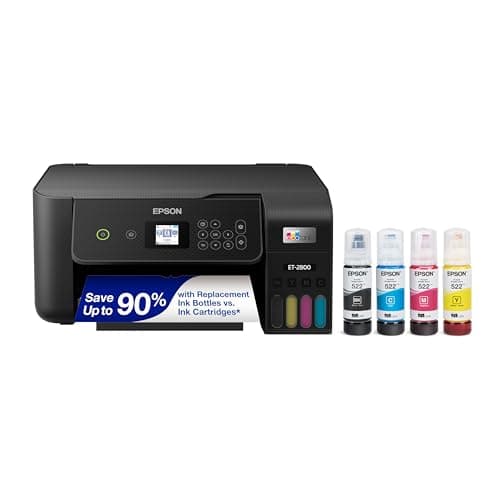
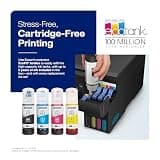
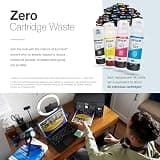
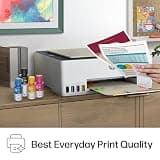
For users prioritizing rock-solid long-term savings and exceptional volume, the Epson EcoTank ET-2800 is a legendary choice. Its innovative cartridge-free Supertank design holds massive reservoirs of ink, with each included set of bottles equivalent to roughly 90 individual cartridges. While it prints slightly slower than some of its cartridge-based competitors, the trade-off is more than justified by the microscopic cost-per-print.

Who Is It For:

Ideal for household managers and budget-conscious creators who demand consistent, high-volume color printing. It perfectly suits those prioritizing rock-bottom operational costs over top-tier print speeds.

Massive ink reservoirs provide incredible value

Micro Piezo technology ensures vivid, detailed colors

Print speeds are slightly sluggish compared to rivals

Tech specs:

Technology
Ink Tank
Connectivity
Wi-Fi
Duplexing
Manual
Document Feeder
No

Based on 2.1K+ reviews

Why We Chose This Product:

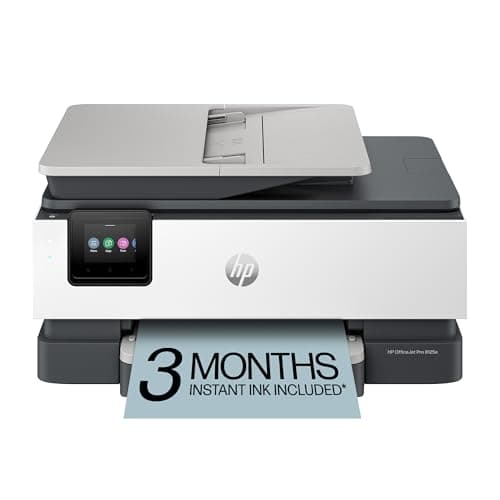
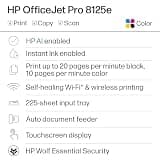
If your printing needs skew toward professional business documents, reports, and school presentations, the HP OfficeJet Pro 8125e is an outstanding home-office assistant. Packing an automatic document feeder (ADF), double-sided duplex printing, and a spacious 225-sheet input tray, it easily manages multi-page workflows. It delivers swift print speeds of up to 20 ppm black and 10 ppm color.

Who Is It For:

Excellent for remote workers, small business owners, and educators needing professional document management. It fits anyone who regularly scans multi-page contracts or large assignments.

Swift 20 ppm print speeds save time

Convenient automatic document feeder handles stacks easily

Relies on traditional replacement ink cartridges

Tech specs:

Technology
Inkjet
Connectivity
Dual-Band Wi-Fi
Duplexing
Automatic
Document Feeder
Yes
Based on 3.2K+ reviews

Why We Chose This Product:

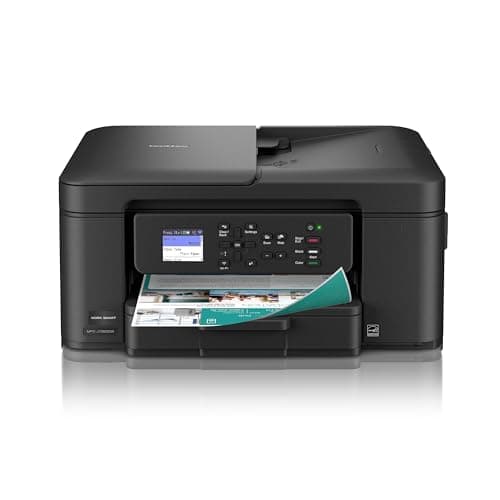
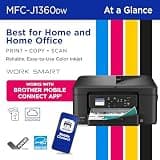
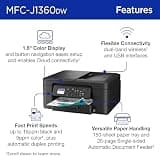
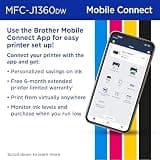
Engineered with Brother’s reputation for rugged reliability, the MFC-J1360DW is a versatile, productivity-focused home all-in-one. It prints at brisk speeds—up to 16 ppm in black and 9 ppm in color—and features automatic double-sided printing alongside a 20-sheet automatic document feeder. Users appreciate the 1.8-inch color display, which enables direct scanning to and printing from popular cloud services like Google Drive and Dropbox without needing a computer.

Who Is It For:

Highly reliable for busy households that need a straightforward, durable printer for shared daily tasks. It is ideal for users who prefer scanning directly to the cloud without turning on a laptop.

Enables direct scanning to popular cloud services

Rugged and highly durable build quality

Color printing is somewhat slow at 9 ppm

Tech specs:

Technology
Inkjet
Connectivity
Wi-Fi
Duplexing
Automatic
Document Feeder
Yes
Based on 4K+ reviews

Why We Chose This Product:

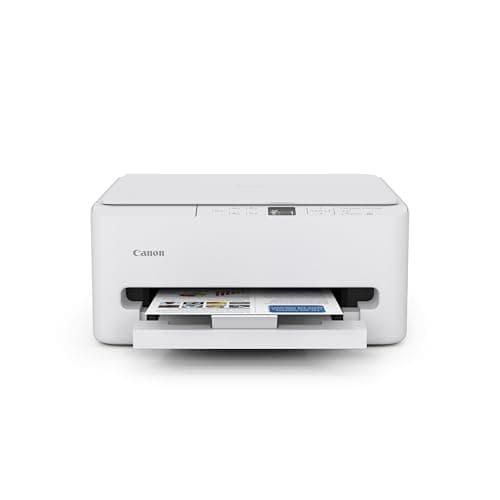
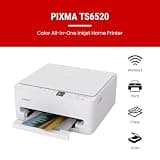
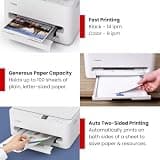
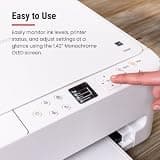
The Canon PIXMA TS6520 strikes an ideal balance between price, features, and physical footprint. This budget-friendly, two-cartridge hybrid printer is specifically optimized for students, hybrid workers, and casual home users. Despite its affordable price tag, it includes premium conveniences like automatic two-sided printing, a bright 1.42-inch OLED status display, and dual-band Wi-Fi for highly reliable wireless connections.

Who Is It For:

Great for university students, hybrid workers, and casual users with limited desk real estate. It is a top pick for those wanting an attractive, unobtrusive device without sacrificing duplex capabilities.

Very compact and modern aesthetic design

Bright and clear 1.42-inch OLED status display

Uses a traditional two-cartridge hybrid system

Tech specs:

Technology
Inkjet
Connectivity
Dual-Band Wi-Fi
Duplexing
Automatic
Document Feeder
No
Based on 2.5K+ reviews

Why We Chose This Product:

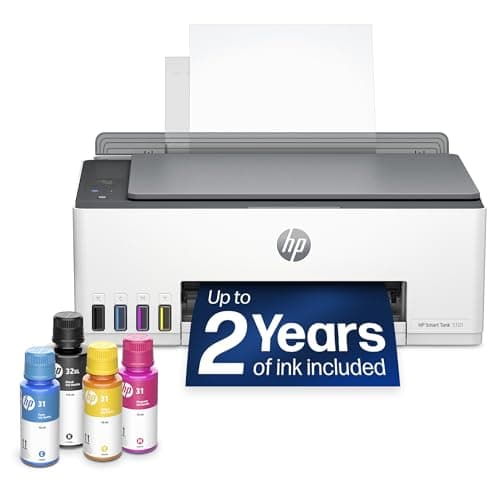
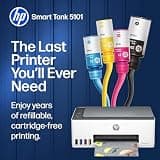
A sibling to the top-ranked Smart Tank 5000, the HP Smart Tank 5101 offers the same highly desirable cartridge-free convenience. Packed with two years of ink out of the box, it removes the stress of printing high-volume school packets, recipes, or creative projects. Operating on a simplified 2.4GHz wireless interface, it features a clean layout, easy-to-read ink windows on the front panel, and simple physical controls.

Who Is It For:

Suited for users seeking clean, dependable, and highly economical full-color output. It perfectly matches households that regularly print high-volume school assignments, colorful charts, or craft materials.

Included ink effectively lasts up to two years

Easy-to-read physical ink windows prevent surprises

Lacks dual-band Wi-Fi capabilities

Tech specs:

Technology
Ink Tank
Connectivity
Wi-Fi
Duplexing
Manual
Document Feeder
No
Based on 7K+ reviews

Why We Chose This Product:

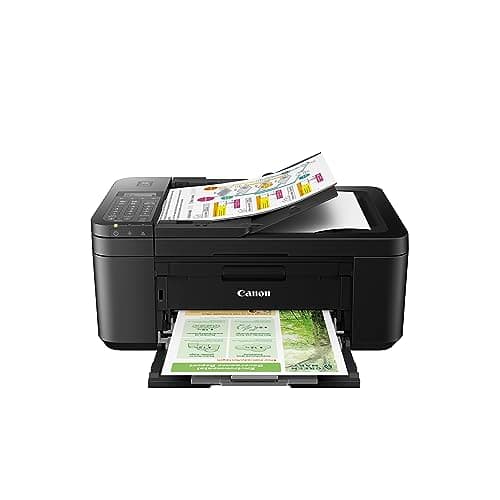
For households that require a true 4-in-1 device on a tight budget, the Canon PIXMA TR4720 is a highly versatile option. It manages to fit printing, copying, scanning, and faxing into a relatively compact frame, while also boasting an integrated automatic document feeder (ADF) for quick multi-page scanning. Known for producing rich, detailed photo prints with excellent color accuracy, it is as capable at producing family photo albums as it is at scanning tax forms.

Who Is It For:

Ideal for budget-conscious families looking for a versatile, all-purpose machine. It caters directly to users wanting to produce rich, detailed family photos alongside basic document scanning and faxing.

True 4-in-1 functionality including fax capabilities

Excellent color accuracy for rich photo prints

High ongoing cost for replacement cartridges

Tech specs:

Technology
Inkjet
Connectivity
Wi-Fi
Duplexing
Automatic
Document Feeder
Yes

Essential Tips For Choosing The Right home printer

Cartridges vs. Refillable Ink Tanks

When evaluating a new printer, your first decision is between cartridge-based inkjet and refillable ink tank systems. While traditional inkjets cost less upfront, ink tanks save hundreds of dollars over time for frequent users. Always match the technology to your expected monthly page output.

The Value of an Automatic Document Feeder

An Automatic Document Feeder (ADF) allows you to scan or copy multi-page stacks without manually placing each page on the glass. If you scan contracts, homework packets, or tax documents regularly, an ADF is a mandatory time-saving feature. For casual home users, you can often save money by skipping it.

Best home printer

Understanding Print Speeds (PPM)

Print speeds are measured in pages per minute (PPM). Entry-level home printers average 8 to 10 PPM, which is fine for occasional tickets or forms. For home offices handling large reports, look for speeds exceeding 15 PPM to avoid workflow bottlenecks.

Long-Term Costs and Common Pitfalls

A common mistake is buying a cheap printer without checking the cost of replacement ink cartridges. Manufacturers often subsidize the hardware by charging premium prices for consumables. Always calculate the cost-per-print and consider a slightly more expensive ink tank model if you plan on printing daily.

Frequently asked questions

More products you might love