Product Experts

The 7 Best Photo Printers of 2026

Our Best Picks

Based on 3.2K+ reviews

Why We Chose This Product:

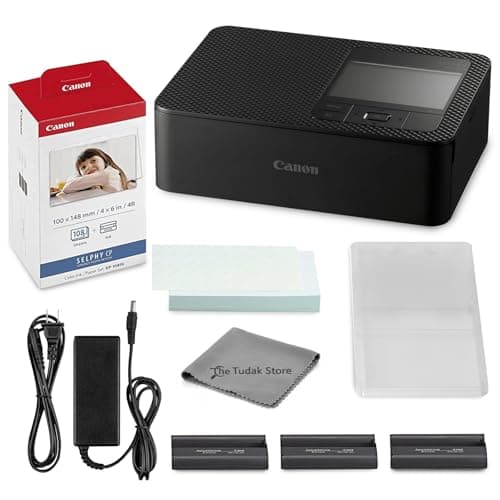
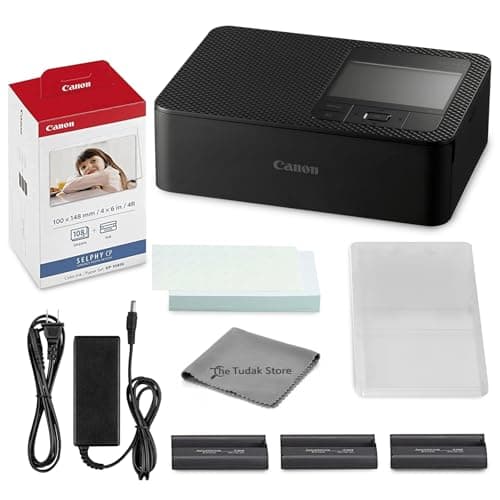
The Canon Selphy CP1500 earns the top spot for its unmatched combination of lab-quality dye-sublimation prints and robust wireless connectivity. It delivers archival-grade, laminated photos that resist environmental damage, making it the premier choice for serious home archiving.

Who Is It For:

Ideal for photographers and avid crafters who want to produce long-lasting physical memories. It perfectly suits users who have a dedicated desktop space for consistent, high-volume home printing.

Produces stunning, lab-quality 4x6 prints with deep colors

Laminated finishing layer resists water and fingerprints

Requires a stable desktop space to operate comfortably

Tech specs:

Price
$229.95
Print Technology
Thermal Dye-Sublimation
Print Size
4" x 6"
Connectivity
Wi-Fi, USB

Based on 1.9K+ reviews

Why We Chose This Product:

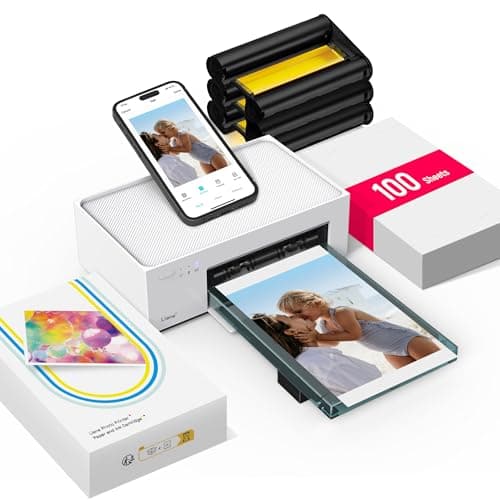
This model stands out for its exceptional built-in Wi-Fi hotspot, which allows multiple devices to connect without relying on a home router. Combined with professional-grade dye-sublimation quality and a generous starter kit, it represents incredible value for households.

Who Is It For:

Great for families or shared living spaces where multiple people want to print from their own devices simultaneously. It's also excellent for locations with spotty or nonexistent home Wi-Fi networks.

Built-in Wi-Fi hotspot connects up to five devices directly

Generous starter kit includes 100 sheets of photo paper

Lacks a Bluetooth connection option for quick pairing

Tech specs:

Price
$159.99
Print Technology
Thermal Dye-Sublimation
Print Size
4" x 6"
Connectivity
Wi-Fi Hotspot
Based on 940+ reviews

Why We Chose This Product:

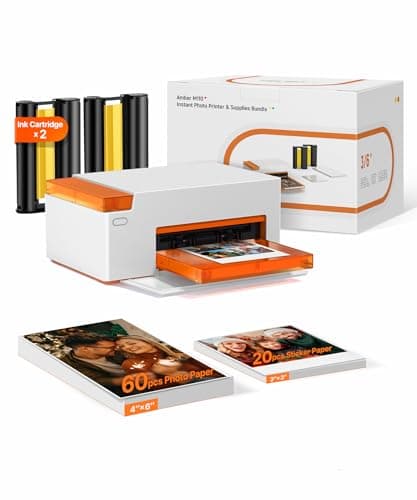
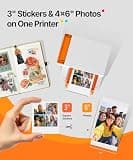
The M110 sets itself apart with remarkable versatility, offering both standard 4x6 photos and 3x3 square sticky-backed prints. Its rapid Bluetooth pairing and completely dry, laminated output make it highly efficient and creative for tangible memory keeping.

Who Is It For:

Tailor-made for scrapbooking enthusiasts, bullet journalers, and crafters who love mixing standard photos with fun, adhesive prints. It’s ideal for users wanting high-quality, long-lasting craft materials.

Highly innovative dual-tray design for two paper sizes

Ultra-fast Bluetooth pairing connects in just 13 seconds

Initial setup with dual trays has a slight learning curve

Tech specs:

Price
$169.99
Print Technology
Thermal Dye-Sublimation
Print Size
4" x 6" and 3" x 3"
Connectivity
Bluetooth
Based on 2.1K+ reviews

Why We Chose This Product:

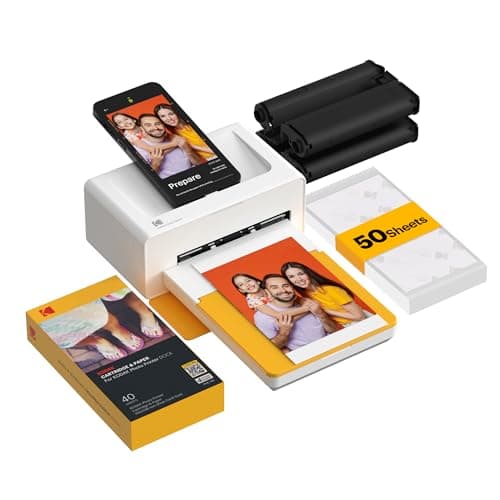
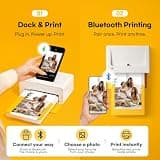
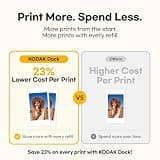
Kodak delivers a highly reliable and zero-lag experience by incorporating a physical docking pin directly onto the printer. This dual-purpose design uniquely charges the smartphone during a print session while producing excellent, fade-resistant photos.

Who Is It For:

Excellent for users who prefer physical connections over wireless setups to avoid pairing issues. It is a fantastic desktop companion for those who frequently print long batches and need to keep their phone battery topped up.

Physical docking pin ensures a stable, zero-lag connection

Conveniently charges your smartphone during print sessions

Physical docking pin may not accommodate very thick phone cases

Tech specs:

Price
$109.99
Print Technology
4PASS Dye-Sublimation
Print Size
4" x 6"
Connectivity
Bluetooth & Docking Pin
Based on 630+ reviews

Why We Chose This Product:

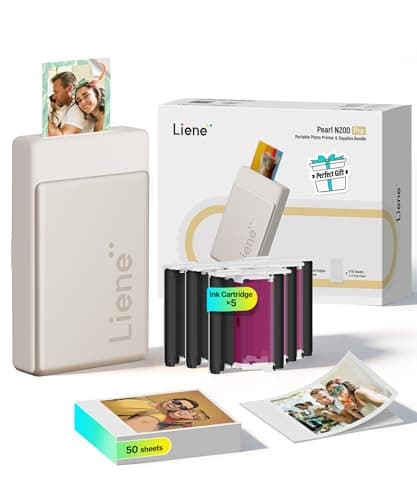
The N200 Pro achieves the seemingly impossible by fitting premium true thermal dye-sublimation technology into a tiny 3-inch palm-sized chassis. It entirely avoids the muddy look often associated with zero-ink pocket printers while maintaining ultimate portability.

Who Is It For:

Perfect for frequent travelers and memory-keepers who refuse to compromise on color accuracy. It’s geared toward anyone wanting professional-looking sticky photos while living out of a suitcase.

Fits premium true dye-sublimation into a 3-inch pocket size

Avoids the muddy colors often associated with standard Zink

Creative AI features in the app can feel somewhat gimmicky

Tech specs:

Price
$119.99
Print Technology
Thermal Dye-Sublimation
Print Size
2" x 3"
Connectivity
Bluetooth
Based on 4.2K+ reviews

Why We Chose This Product:

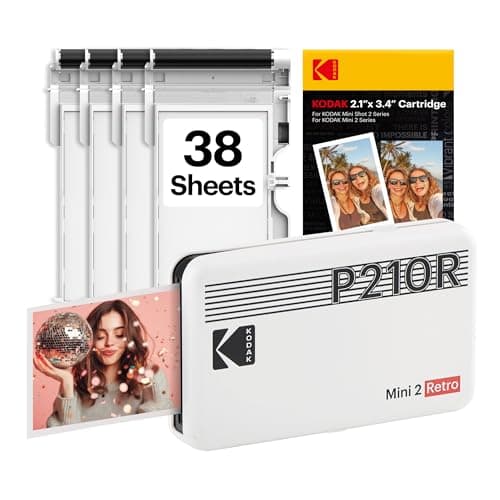
The Mini 2 Retro combines an iconic vintage design with Kodak's proven 4PASS dye-sublimation technology for stunning, water-resistant wallet photos. It strikes an excellent balance between stylish portability and high-fidelity output.

Who Is It For:

Ideal for hosts of parties, summer weddings, or school events where guests can easily print and take home a high-quality physical favor. It appeals heavily to users who love a classic, nostalgic aesthetic.

Chic vintage aesthetic makes it a great conversation piece

Excellent water-resistant lamination protects the prints

Requires proprietary Kodak cartridges to operate

Tech specs:

Price
$79.99
Print Technology
4PASS Dye-Sublimation
Print Size
2" x 3"
Connectivity
Bluetooth
Based on 8.5K+ reviews

Why We Chose This Product:

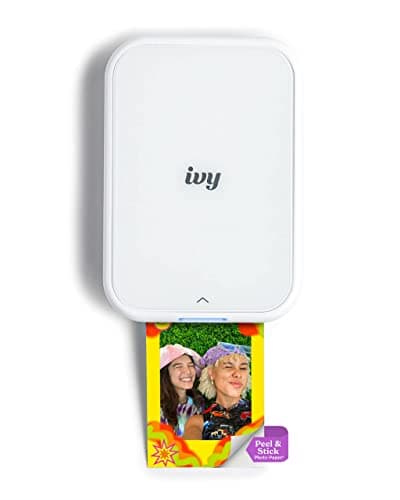
Canon’s Ivy 2 stands out for its ultimate portability and zero-maintenance Zink operation, meaning users never have to deal with ink cartridges. The upgraded thermal engine optimizes skin tones and sharpness better than many competing Zink devices.

Who Is It For:

Designed for teens, students, and travelers who want a hassle-free, pocket-friendly sticker maker. It perfectly suits users who prioritize extreme lightness and speed over lab-grade color depth.

Zero maintenance required since it never needs ink replacements

Upgraded thermal engine optimizes contrast and skin tones

Zink colors do not quite reach the vibrancy of dye-sublimation

Tech specs:

Price
$109.90
Print Technology
Zink (Zero Ink)
Print Size
2" x 3"
Connectivity
Bluetooth 5.0

Essential Tips For Choosing The Right compact photo printer

What to Look For

When shopping for a home photo printer, prioritize the connectivity options that fit your lifestyle. Desktop models with robust Wi-Fi are excellent for consistent, high-volume home use, while portable Bluetooth options are better suited for printing directly from your smartphone at events. Be sure to check the companion app's features to ensure it offers the editing tools you need.

Key Specifications Explained

The two dominant printing technologies are Zink (Zero-Ink) and Dye-Sublimation. Zink uses heat to activate color crystals embedded in the paper, offering zero-maintenance portability but slightly muted colors. Dye-Sublimation layers physical ink and a protective laminate, producing lab-quality, water-resistant photos that capture true dynamic range.

Best compact photo printer

Budget Ranges

Entry-level Zink pocket printers generally range from $60 to $90, making them highly accessible for casual users. Premium dye-sublimation models, especially those bundled with high-capacity paper and ink kits, typically cost between $100 and $230. Keep in mind that the upfront cost is only part of the equation, as ongoing paper costs will dictate your long-term budget.

Common Pitfalls

A frequent mistake buyers make is ignoring the ongoing cost of proprietary paper and ink refills. Always calculate the cost per print before committing to a specific ecosystem. Additionally, beware of buying a strictly AC-powered printer if you intend to travel, or a tiny Zink model if your primary goal is archival-quality family albums.

Frequently asked questions

More products you might love