Product Experts

The 7 Best Triple Monitor Docking Stations of 2026

Our Best Picks

Based on 925+ reviews

Why We Chose This Product:

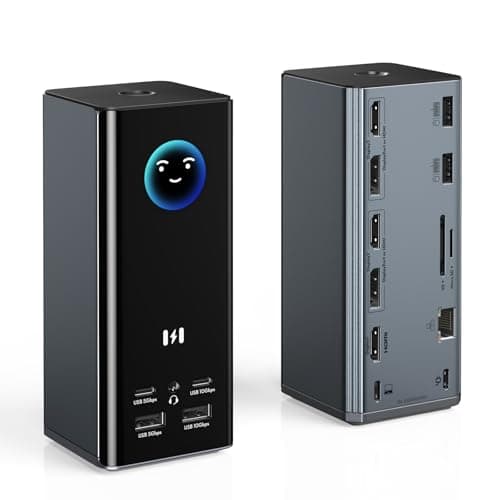
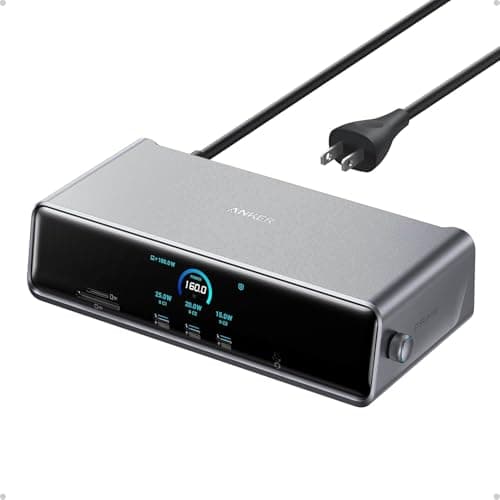
The Anker Prime DL7400 earns top honors by combining uncompromised triple 4K 60Hz display support with a massive 140W charging capacity. Its 14-port layout and built-in smart display deliver a comprehensive, high-performance solution that easily outpaces competitors. It stands as the most robust and complete premium pick available.

Who Is It For:

Ideal for power users and professionals demanding peak performance across multiple screens. It perfectly handles demanding creative workflows and complex multi-tasking without bottlenecking.

Exceptional 140W laptop charging output

Reliable 4K 60Hz performance across three screens

Premium price point compared to standard docks

Tech specs:

Max Power Delivery
140W
Host Connection
USB-C
Max Displays
3 Monitors
Video Outputs
DP & HDMI

Based on 765+ reviews

Why We Chose This Product:

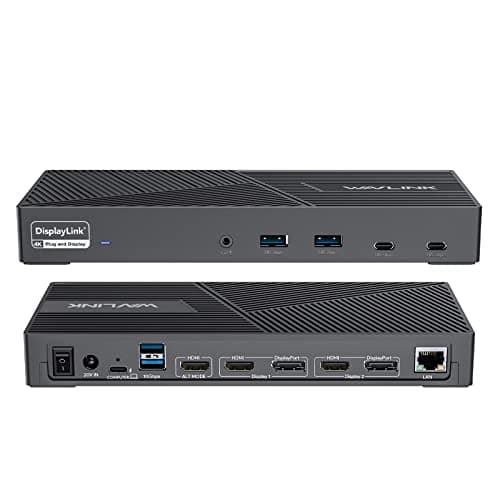
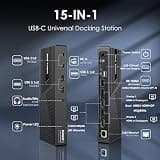
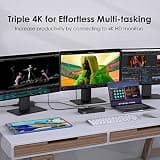
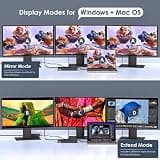
WAVLINK resolves the notorious multi-monitor limitations of modern Apple laptops by utilizing reliable DisplayLink technology. It pairs robust display output with an ample 100W of charging power to maintain battery life during heavy use. This makes it an incredibly balanced and effective multi-monitor solution.

Who Is It For:

Perfect for Apple laptop users needing to bypass native external monitor restrictions. It is an excellent fit for creative professionals relying heavily on multiple distinct screens for editing.

Flawless M1/M2/M3 MacBook multi-monitor compatibility

Generous 160W power adapter included in the box

Takes up a bulky physical footprint on the desk

Tech specs:

Max Power Delivery
100W
Host Connection
USB-C
Max Displays
3 Monitors
Video Outputs
DP & HDMI

Based on 573+ reviews

Why We Chose This Product:

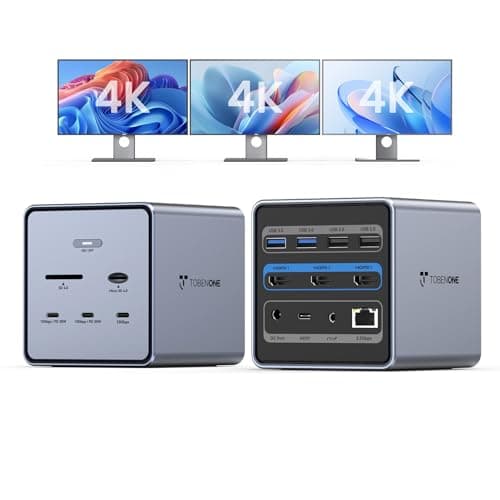
TobenONE distinguishes itself by incorporating an ultra-fast 2.5Gbps Ethernet port alongside its extensive 16-port connectivity suite. Powered by a stable 150W dedicated supply, it ensures zero bottlenecks during intense multi-tasking or large file transfers. It provides a highly capable, future-proof hub for high-bandwidth workstations.

Who Is It For:

Network administrators, video editors, and professionals working with large server-hosted files. It perfectly suits expansive desktop setups requiring maximum wired network speeds and stability.

Ultra-fast 2.5Gbps Ethernet port for local networking

Massive 16-port array easily handles all desk peripherals

Demands significant physical desk space to accommodate cables

Tech specs:

Max Power Delivery
100W
Host Connection
USB-C
Max Displays
3 Monitors
Video Outputs
DP & HDMI

Based on 1.9K+ reviews

Why We Chose This Product:

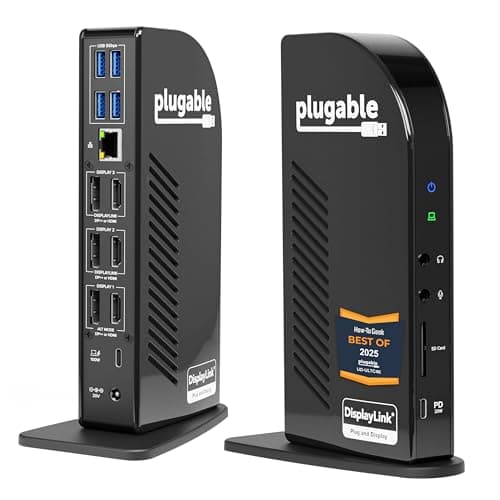
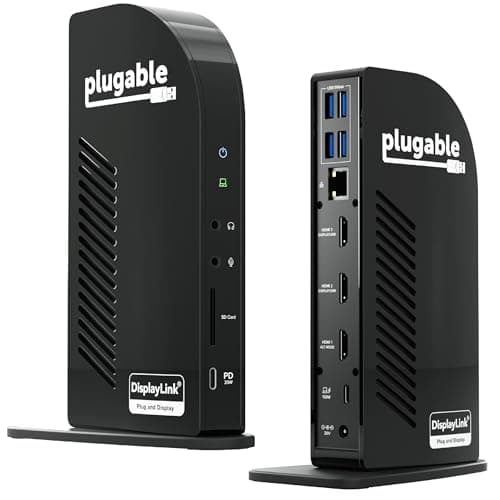
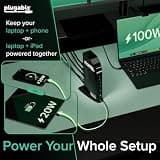
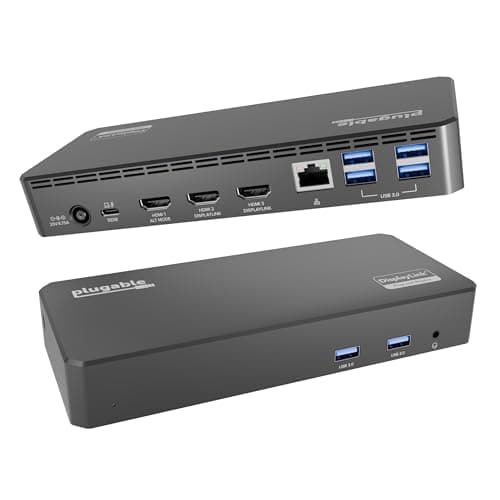
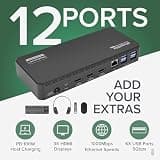
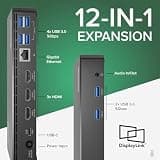
Plugable delivers trusted reliability with a versatile layout offering both HDMI and DisplayPort connections to accommodate various monitors. It operates as a proven, workhorse dock backed by excellent customer support and a long track record of stability. The inclusion of 100W power delivery keeps connected laptops fully charged throughout the workday.

Who Is It For:

Corporate office workers and IT departments standardizing reliable workstations across large teams. It easily adapts to environments with a mix of different monitor cable types and legacy screens.

Exceptional brand support and long-term warranty

Highly flexible HDMI and DisplayPort output options

Only two display ports run at 60Hz simultaneously

Tech specs:

Max Power Delivery
100W
Host Connection
USB-C
Max Displays
3 Monitors
Video Outputs
3x HDMI, 3x DP
Based on 540+ reviews

Why We Chose This Product:

Selore offers a feature-rich triple 4K docking solution at a highly attractive price point for Windows-centric environments. The addition of an integrated smart display adds a unique, modern touch to the workstation while keeping track of daily metrics. It stands as a dominant value proposition within its price range.

Who Is It For:

Windows laptop owners looking for maximum display expansion without a premium price tag. It is an excellent match for home office users wanting modern features on a budget.

Innovative integrated smart weather display screen

Exceptional value for the massive port selection provided

Mac OS users are strictly limited to mirrored displays

Tech specs:

Max Power Delivery
100W
Host Connection
USB-C
Max Displays
3 Monitors
Video Outputs
3x HDMI, 2x DP
Based on 4K+ reviews

Why We Chose This Product:

This older but highly dependable Plugable model remains a stellar choice for standard productivity tasks that do not demand triple 4K resolutions. It reliably handles mixed-resolution multi-monitor environments across almost any operating system without complex driver issues. Its proven track record makes it an incredibly safe bet for reliable daily use.

Who Is It For:

General office workers, students, and home office users who prioritize stability over cutting-edge resolutions. It effortlessly supports everyday web browsing, video calls, and spreadsheet management.

Incredibly reliable hardware track record over years

Broad operating system compatibility right out of the box

Secondary and tertiary displays are limited to 1080p

Tech specs:

Max Power Delivery
100W
Host Connection
USB-C
Max Displays
3 Monitors
Video Outputs
3x HDMI

Based on 2.1K+ reviews

Why We Chose This Product:

Offering straightforward triple HDMI connectivity, this specific Plugable model simplifies setups relying heavily on standard monitors and consumer televisions. It provides excellent connectivity alongside a consistent 100W charging output for an accessible price. The dedicated HDMI focus removes the need for annoying dongles or adapters.


Who Is It For:

Remote workers and casual users with straightforward desk setups utilizing standard HDMI screens. It is extremely practical for shared household workspaces.

Incredibly simple plug-and-play setup process

Dedicated exclusively to common HDMI display connections

Maximum resolution capped at 1080p on two connected displays

Tech specs:

Max Power Delivery
100W
Host Connection
USB-C
Max Displays
3 Monitors
Video Outputs
3x HDMI

Essential Tips For Choosing The Right triple monitor docking station

Matching Power Delivery Requirements

When selecting a docking station, ensure its Power Delivery (PD) rating matches or exceeds your laptop's charging requirements. Laptops requiring 100W will slowly drain if connected to an 85W dock under heavy load. Check your original laptop charger's wattage to find the right baseline.

Understanding Operating System Limits

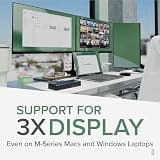
Mac and Windows systems handle multi-monitor outputs differently. Base M-series MacBooks natively support only one external display, requiring docks with DisplayLink technology to drive three monitors. Windows machines generally support MST natively, allowing more flexibility with standard docks.

Best triple monitor docking station

Aligning Video Ports with Displays

Review the exact video output ports on the dock (HDMI vs. DisplayPort) and ensure they match your existing monitors. Adapting DisplayPort to HDMI or vice versa can sometimes cause flickering or resolution drops, so native cable connections are always preferred for stability.

Decoding Display Resolutions and Refresh Rates

Not all triple monitor docks output 4K resolution at a smooth 60Hz across all three screens due to bandwidth limits. Many budget docks limit secondary displays to 1080p or 30Hz refresh rates. Read the specific resolution breakdown before purchasing to avoid choppy video playback.

Frequently asked questions

More products you might love