Product Experts

The 7 Best Surface Docking Stations of 2026

Our Best Picks

Based on 1.9K+ reviews

Why We Chose This Product:

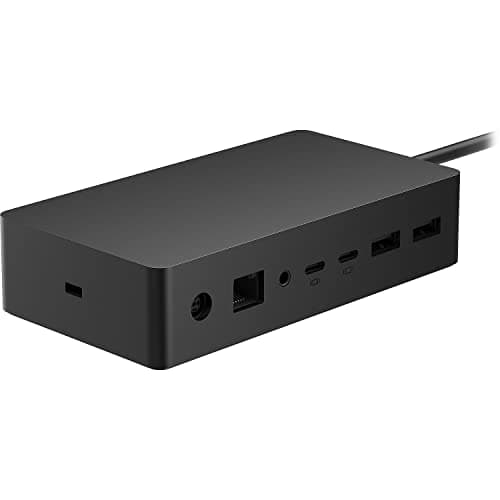
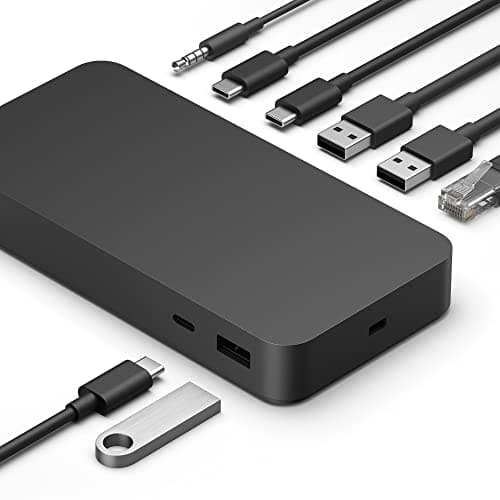
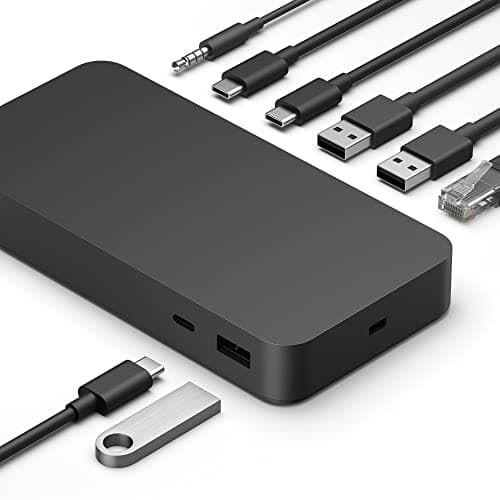
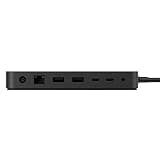
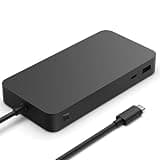
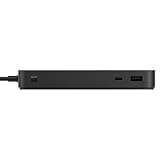
As the first official Thunderbolt 4 dock from Microsoft, it represents a massive leap in bandwidth over the older Surface Connect standard. We ranked it first because it delivers flawless ecosystem compatibility, lightning-fast 40Gbps data speeds, and a generous 96W of host power.

Who Is It For:

This official dock is perfect for professionals using the latest Surface Pro and Laptop models. It easily handles data-heavy workflows and dual-monitor multitasking.

Lightning-fast 40Gbps transfers

Thoughtful tactile port indicators

Lacks legacy display ports

Tech specs:

Host Connection
Thunderbolt 4
Max Power Output
96W
Display Support
Dual 4K@60Hz
Total Port Count
8 Ports

Based on 2.9K+ reviews

Why We Chose This Product:

The Surface Dock 2 remains the ultimate choice for users reliant on Microsoft's proprietary magnetic connection. It earns its high rank thanks to an incredibly robust 199W power supply that guarantees your device will never drain under heavy loads.

Who Is It For:

Ideal for power users running hardware-intensive tasks on devices like the Surface Book 3 or Laptop Studio. It is also excellent for users who want to keep their USB-C ports completely free.

Massive 199W power supply

Official ecosystem reliability

Proprietary Surface Connect only

Tech specs:

Host Connection
Surface Connect
Max Power Output
199W
Display Support
Dual 4K@60Hz
Total Port Count
8 Ports

Based on 610+ reviews

Why We Chose This Product:

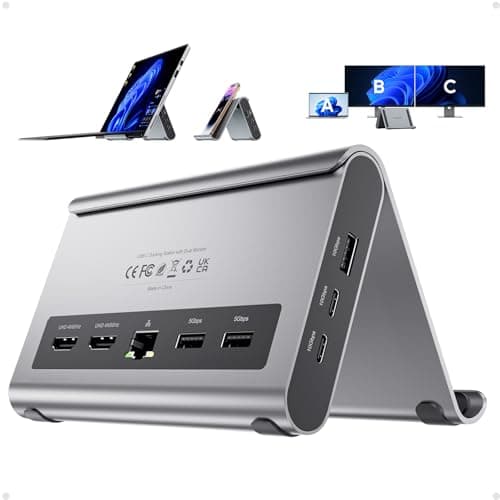
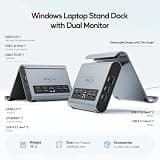
This dock stands out by addressing the awkward footprint of a tablet equipped with a kickstand. By holding the Surface vertically, it reclaims valuable desk space while still offering an impressive 11 ports for desktop-grade expansion.

Who Is It For:

Perfect for tablet-first users with Surface Pro devices who want a cleaner, more organized desk. It appeals to minimalists looking to merge a stand and a dock into one streamlined device.

Clever vertical stand design

Robust 11-in-1 connectivity

4K limited to 30Hz for dual video

Tech specs:

Host Connection
USB-C
Max Power Output
85W
Display Support
Dual 4K@30Hz
Total Port Count
11 Ports

Based on 1.2K+ reviews

Why We Chose This Product:

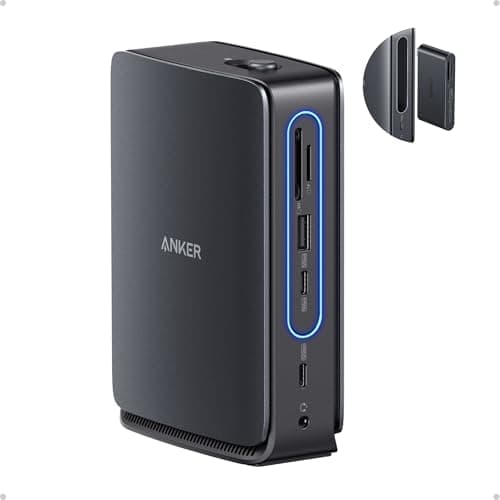
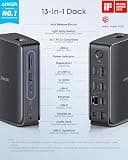
Anker's innovative two-in-one design is a game-changer for versatility, easily securing its spot on our list. We love that it includes a beefy 140W power adapter to ensure stable connectivity whether the hub is docked at your desk or detached.

Who Is It For:

Tailored for hybrid workers who split their time between a home office and travel environments. It provides a complete desktop setup while keeping a portable hub ready for the road.

Detachable travel hub module

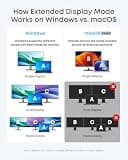
Supports up to three monitors

Two-piece design can get lost

Tech specs:

Host Connection
USB-C
Max Power Output
100W
Display Support
Triple Monitor
Total Port Count
13 Ports

Based on 510+ reviews

Why We Chose This Product:

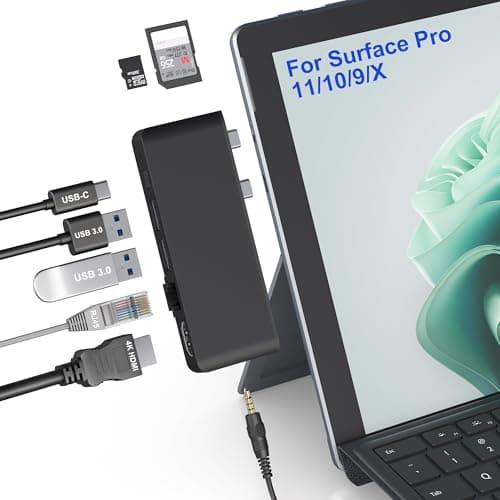
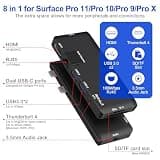
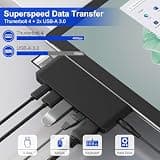
This side-clamping hub earned a spot for its brilliant form-fitting design that preserves the Surface's portable tablet aesthetic. Despite its tiny footprint, it delivers uncompromising Thunderbolt 4 performance alongside a highly practical mix of legacy ports.

Who Is It For:

Best suited for frequent travelers and coffee shop workers who need immediate port expansion without bulky external cables. It matches seamlessly with the physical profile of the Surface Pro 9, 10, and 11.

Seamless bezel-matching fit

Retains sleek tablet aesthetics

Blocks both device side ports

Tech specs:

Host Connection
Dual USB-C
Max Power Output
100W
Display Support
Dual 4K
Total Port Count
8 Ports

Based on 1.4K+ reviews

Why We Chose This Product:

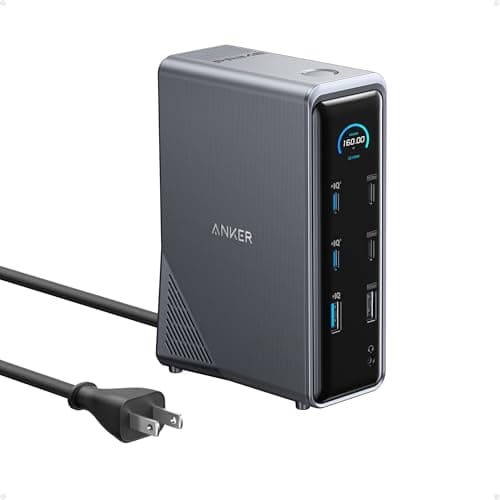
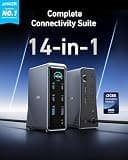
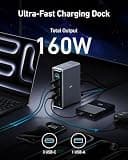
Anker brings elite charging intelligence to this dock with a unique real-time LCD interface that actively monitors port loads. It justifies its premium tier with a massive 160W output, 10Gbps transfer speeds, and flawless dual 4K monitor support.


Who Is It For:

Geared toward tech enthusiasts, video editors, and professionals with premium multi-device setups. It perfectly complements high-end hardware like the Surface Laptop Studio.

Smart LCD status interface

Massive 160W total power

Very expensive price tag

Tech specs:

Host Connection
USB-C
Max Power Output
100W
Display Support
Dual 4K
Total Port Count
14 Ports
Based on 940+ reviews

Why We Chose This Product:

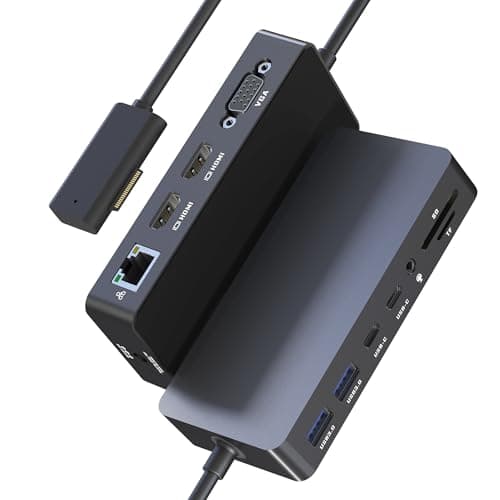
Cateck provides a highly compelling third-party alternative to the official Microsoft Dock 2 by utilizing the same magnetic connector. It stands out for delivering incredible value, including its own 72W power adapter and triple-screen capabilities at a fraction of the official price.

Who Is It For:

Great for budget-conscious buyers looking to expand their legacy or mid-range Surface devices. It easily accommodates multi-monitor office setups without breaking the bank.

High-value affordable alternative

Included 72W power adapter

VGA port is outdated technology

Tech specs:

Host Connection
Surface Connect
Max Power Output
72W
Display Support
Triple Monitor
Total Port Count
12 Ports

Essential Tips For Choosing The Right microsoft surface docking station

Understanding Surface Connect vs. USB-C

Older Surface devices rely heavily on Microsoft's proprietary magnetic Surface Connect port for charging and expansion. Newer models support universal USB-C and Thunderbolt 4, offering faster data speeds and broader compatibility with third-party docks.

Power Delivery Requirements

Ensure your chosen dock provides enough host wattage to keep your device charged under heavy workloads. While 60W is sufficient for basic tablets, larger models like the Surface Laptop Studio require 96W or more to prevent battery drain.

Best microsoft surface docking station

Display Output Capabilities

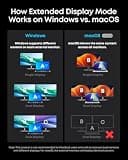
If you plan to run multiple high-resolution monitors, check the dock's maximum refresh rates. Thunderbolt 4 docks typically support dual 4K screens at a smooth 60Hz, whereas older or budget hubs may limit dual 4K setups to 30Hz.

Form Factor and Desk Space

Consider how the dock will physically sit on your desk. Vertical stands are excellent for saving space with tablet-style Surface Pros, while heavier, flat docks prevent cables from dragging off the edge of your workspace.

Common Pitfalls to Avoid

Do not assume all USB-C ports on a dock support video output; many are strictly for data or charging. Always double-check port specifications and ensure you are using the correct high-bandwidth cables included with your hardware.

Frequently asked questions

More products you might love