Product Experts

The 7 Best Dual Monitor Docking Stations of 2026

Our Best Picks

Based on 1.3K+ reviews

Why We Chose This Product:

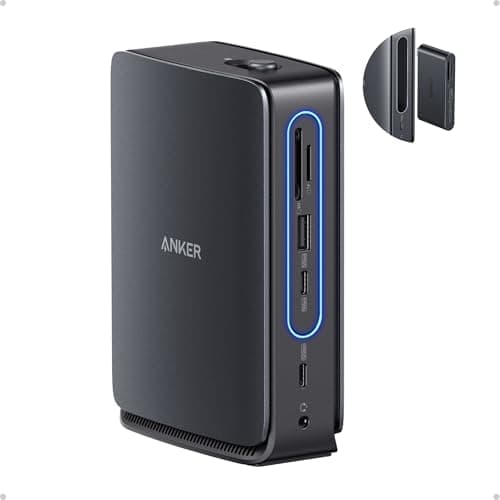
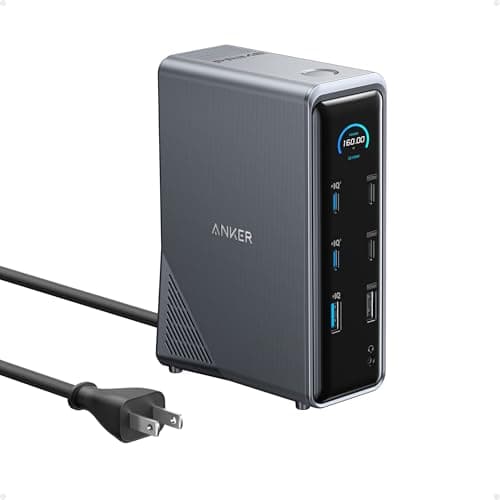
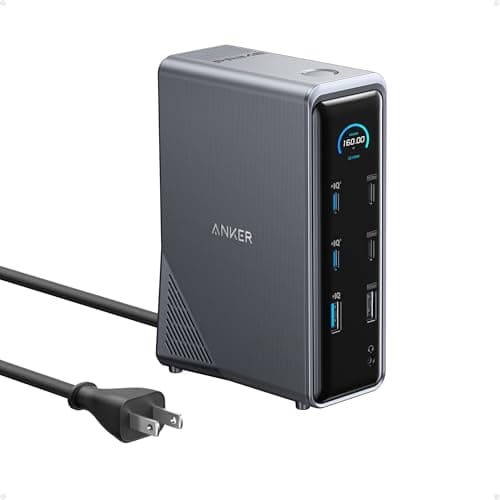
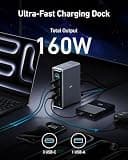
This Anker Prime docking station stands out for its cutting-edge features and premium performance. It offers a massive 160W maximum output, ensuring powerful charging for even demanding laptops, alongside 10Gbps fast data transfer speeds for peripherals.

Who Is It For:

Ideal for power users and professionals with demanding charging needs. Great for highly productive multi-monitor desk setups.

Massive 160W maximum power output

Crisp dual 4K high-resolution display support

Might be too bulky for travel use

Tech specs:

Ports
14
Power Delivery
160W
Data Speed
10Gbps
External Displays
Dual 4K

Based on 850+ reviews

Why We Chose This Product:

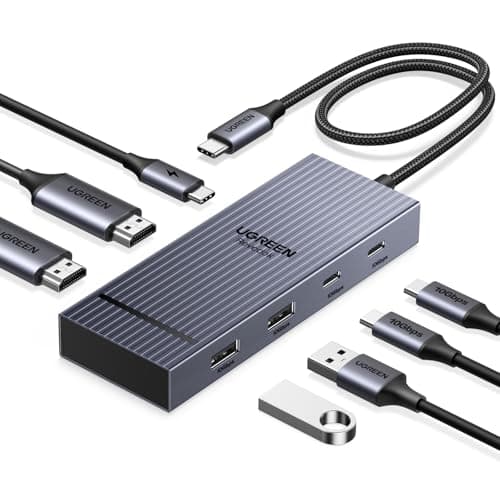
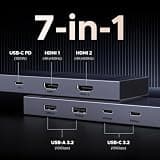
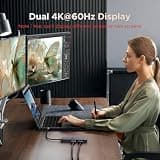
UGREEN's Revodok Pro is an excellent value proposition, delivering dual 4K@60Hz HDMI display output, which is a crucial feature for high-resolution setups. The aluminum casing ensures durability and effective heat dissipation, offering a complete, high-performance package.

Who Is It For:

Perfect for Windows and macOS users looking for high-resolution setups. Excellent for budget-conscious remote workers outfitting a home office.

Excellent value and performance ratio

Consistent dual 4K at 60Hz display support

Fewer total ports than some competitors

Tech specs:

Ports
7
Power Delivery
100W
Data Speed
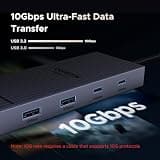
10Gbps
External Displays
Dual 4K

Based on 1K+ reviews

Why We Chose This Product:

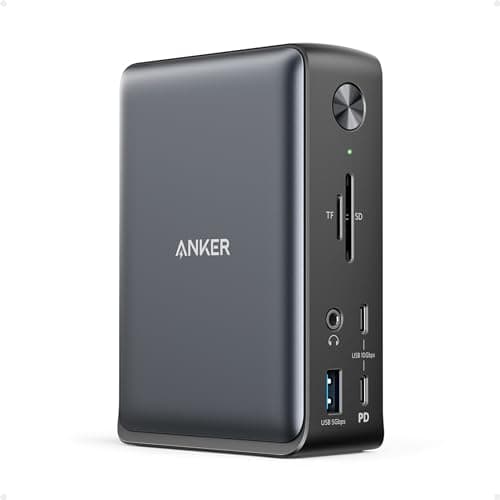
This Anker Nano docking station is highly versatile, offering 13 ports including triple display support. A standout feature is the detachable 6-in-1 hub, significantly enhancing its practicality for both permanent desktop use and on-the-go travel needs.

Who Is It For:

Excellent for professionals who split their time between multiple locations. The detachable hub makes it great for on-the-go meetings or cafe work sessions.

Unique detachable 6-in-1 modular hub

Triple display support (2 HDMI, 1 DP)

Can involve complex display port sharing

Tech specs:

Ports
13
Power Delivery
100W
Data Speed
10Gbps
External Displays
Triple
Based on 3.4K+ reviews

Why We Chose This Product:

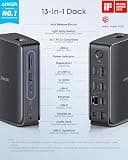
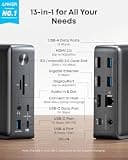
Another strong contender from Anker, this 13-in-1 docking station provides comprehensive connectivity with triple display support. With reliable 85W charging, it efficiently powers most laptops, making it a dependable choice for expansive setups.

Who Is It For:

Fits users needing versatile display options and a high number of peripheral ports. Great for permanent workstation desks equipped with numerous accessories.

Comprehensive and versatile port selection

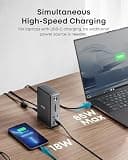
Dependable 85W charging capability

Features a slightly older design aesthetic

Tech specs:

Ports
13
Power Delivery
85W
Data Speed
10Gbps
External Displays
Triple
Based on 650+ reviews

Why We Chose This Product:

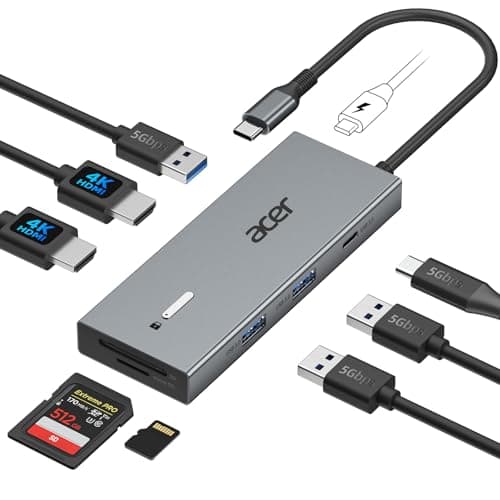
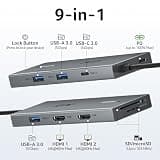
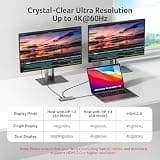
Acer's 9-in-1 docking station provides excellent core dual monitor functionality with two 4K@60Hz HDMI ports. This station offers a balanced feature set for a strong dual monitor experience, backed by the reliability of an established brand.

Who Is It For:

Perfect for creative professionals and workers who need stable, high-resolution dual monitors. A solid choice for photographers relying on integrated card readers.

Core dual 4K@60Hz functionality works flawlessly

Includes highly useful SD and Micro SD card readers

USB ports are likely limited to slower 5Gbps speeds

Tech specs:

Ports
9
Power Delivery
100W
Data Speed
5Gbps
External Displays
Dual 4K

Based on 950+ reviews

Why We Chose This Product:

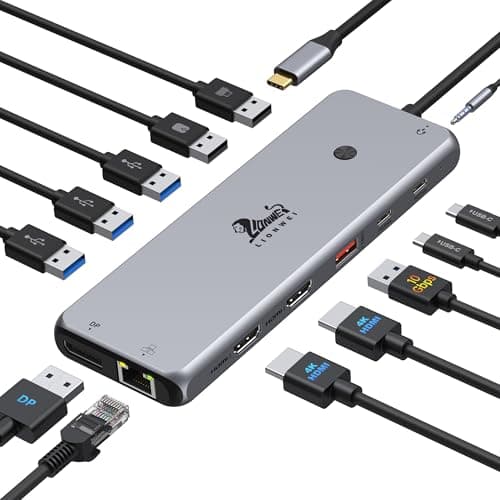
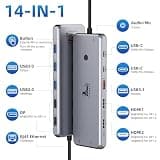
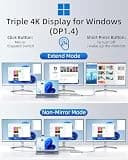
The LIONWEI 13-in-1 docking station offers a comprehensive set of features, including dual 4K HDMI and a DisplayPort for triple display support on Windows. Despite its lesser-known brand name, its robust feature set provides incredibly strong value.

Who Is It For:

Ideal for PC power users needing multiple extended displays and high-speed data transfer. Great alternative for shoppers looking for maximum features on a strict budget.

Extensive display expansion options for Windows

Smart mix of 10Gbps and standard legacy ports

Manufactured by a less widely recognized brand

Tech specs:

Ports
13
Power Delivery
100W
Data Speed
10Gbps
External Displays
Triple
Based on 1.1K+ reviews

Why We Chose This Product:

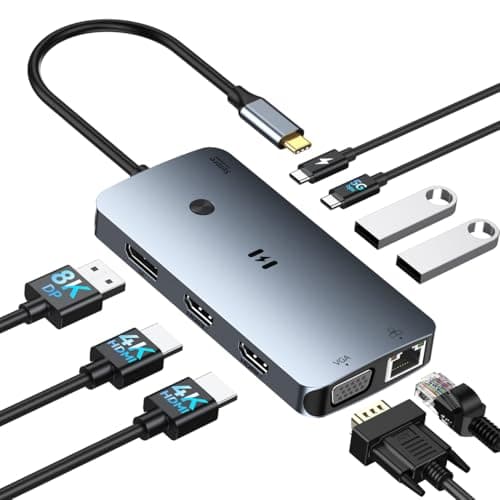
This Selore docking station offers impressive flexibility with triple display capabilities, including a legacy VGA connection. For Windows users, it presents a feature-rich solution for complex multi-monitor setups and high-speed peripheral connectivity.

Who Is It For:

Fits users with mixed-generation equipment, particularly those still utilizing older monitors. Excellent for extensive Windows-based multi-monitor office setups.

Impressive triple display flexibility for Windows users

Conveniently includes a legacy VGA port for older screens

macOS support for extended displays is limited

Tech specs:

Ports
Multiple
Power Delivery
100W
Data Speed
10Gbps
External Displays
Triple

Essential Tips For Choosing The Right dual monitor docking station

Display Resolution and Refresh Rates

When evaluating dual monitor docking stations, consider the maximum resolution and refresh rate supported. If you plan to use 4K monitors, ensure the dock explicitly supports dual 4K at 60Hz rather than capping at 30Hz.

Power Delivery (PD) Capabilities

Understanding Power Delivery (PD) is critical to keeping your workspace free of extra cables. Look for docks that offer between 85W and 100W of power output to your laptop, ensuring it stays fully charged even during heavy usage.

Best dual monitor docking station

Operating System Compatibility

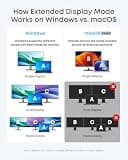
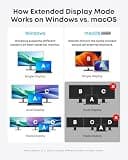
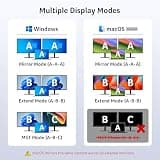
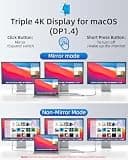
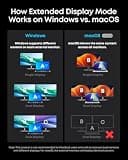
Not all operating systems handle external monitors the same way. Windows systems typically support extended displays natively, whereas macOS often requires specialized setups or DisplayLink drivers to extend across multiple monitors instead of mirroring.

Data Transfer Speeds

Check the transfer speeds on the USB ports included with the dock. If you frequently move large files via external drives, prioritize docking stations equipped with 10Gbps USB-A or USB-C ports over standard 5Gbps or 480Mbps ports.

Common Connectivity Pitfalls

A common mistake is assuming every USB-C port on a docking station supports video out. Pay close attention to the specific port designations (HDMI, DisplayPort, or USB-C video) and whether your laptop's host port supports DisplayPort Alternate Mode.

Frequently asked questions

More products you might love