Product Experts

The 7 Best Mac Docking Stations of 2026

Our Best Picks

Based on 1.5K+ reviews

Why We Chose This Product:

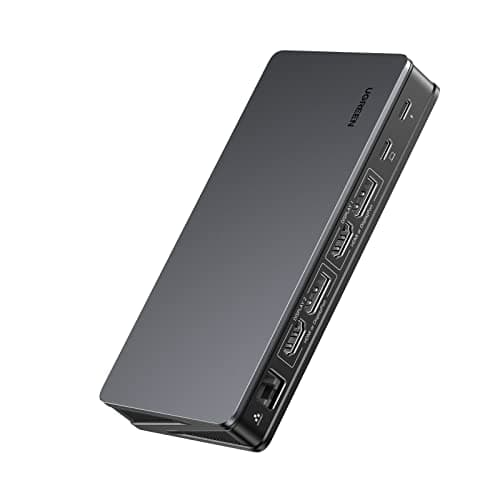
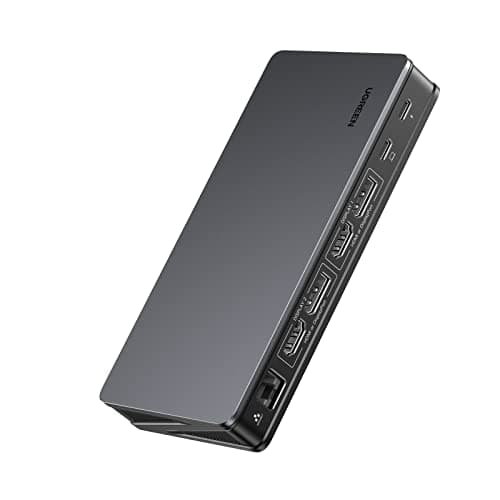
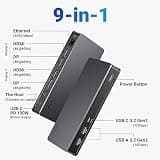
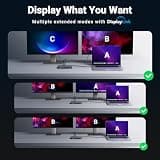
Taking the top spot, this UGREEN dock offers the most dependable and well-rounded solution for modern Mac users. Its integration of DisplayLink ensures that even base-model machines achieve true multi-monitor extension without unstable workarounds. The balance of port variety, charging speed, and build quality delivers exceptional overall value.

Who Is It For:

Ideal for everyday professionals and remote workers who rely on a dual-monitor desktop setup. It provides a seamless, plug-and-play feel once the initial setup is complete.

Flawless extended dual-monitor support for base Apple Silicon Macs

Robust 100W charging keeps the host machine fully powered

Requires installing third-party DisplayLink manager software

Tech specs:

Display Support
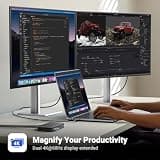
Dual 4K@60Hz
Power Delivery
100W
Port Count
9-in-1
Host Connection
USB-C DisplayLink

Based on 890+ reviews

Why We Chose This Product:

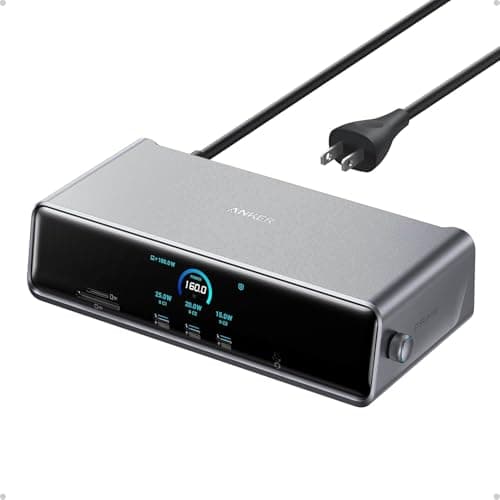
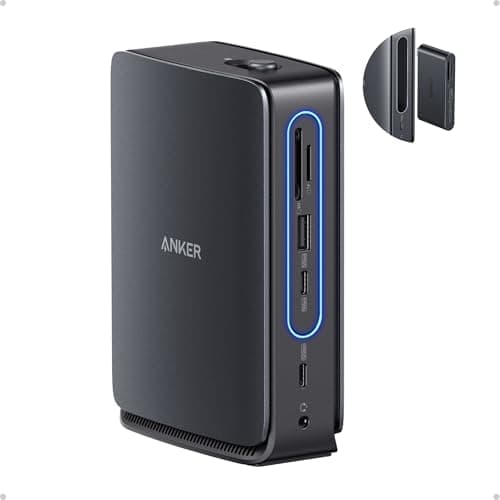
Earning its place as a premium powerhouse, this Anker Prime model is unmatched in sheer capability and technological innovation. The integrated cooling and smart display provide a level of performance stability rarely seen in standard workstation setups. It handles absolute maximum workflows without bottlenecking.

Who Is It For:

Perfect for power users, data scientists, and developers running complex, multi-layered applications. It is tailored for those who demand maximum performance and visibility into their system metrics.

Massive 140W power delivery easily supports 16-inch MacBooks under full load

Innovative smart display provides real-time connection and power metrics

Commands a significant premium price compared to standard docks

Tech specs:

Display Support
Triple 4K@60Hz
Power Delivery
140W
Port Count
14-in-1
Host Connection
USB-C DisplayLink

Based on 650+ reviews

Why We Chose This Product:

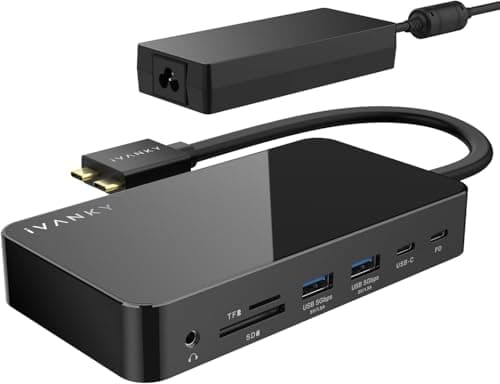
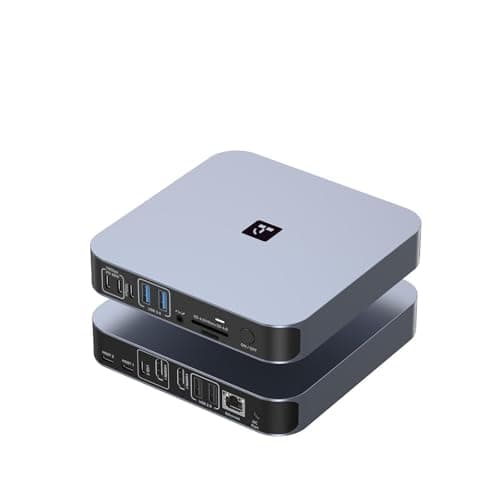
This dock stands out by explicitly catering to the high-refresh-rate demands of premium MacBook Pro models, a feature many standard docks ignore. Its dedicated physical and technical design for macOS ensures a smoother, more integrated experience than generic universal docks. It justifies its price with flawless, high-fidelity visual output.

Who Is It For:

Built specifically for professional video editors, animators, and designers requiring ultra-smooth display performance. It is an essential tool for high-end creative workflows where frame rates matter.

Incredibly high 144Hz refresh rate support for buttery-smooth screen motion

Rock-solid 150W AC power adapter ensures uninterrupted stability

Lacks broad compatibility with non-Apple devices due to specific spacing

Tech specs:

Display Support
Dual 4K@144Hz
Power Delivery
150W
Port Count
12-in-2
Host Connection
Dual USB-C Native
Based on 1.2K+ reviews

Why We Chose This Product:

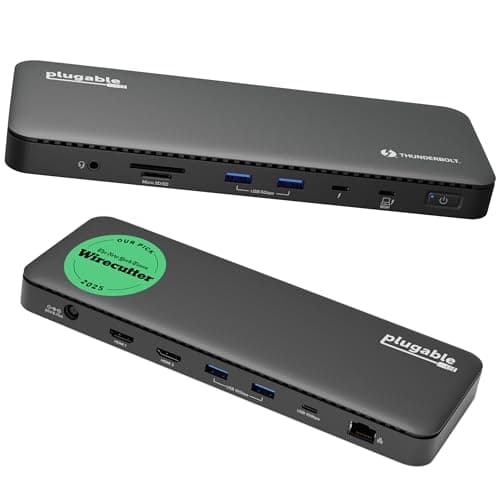
Selected for its pure, unadulterated bandwidth, this Plugable dock offers incredible data and display performance natively over Thunderbolt 4. It bypasses software overlays entirely, representing the gold standard for pure connection speed. It is a brilliant, zero-compromise solution for those with native hardware support.

Who Is It For:

Excellent for content creators and photographers who regularly transfer massive files to and from external Thunderbolt drives. It guarantees peak data transfer rates.

Lightning-fast native Thunderbolt 4 bandwidth for external SSDs

Native dual monitor support without the need for DisplayLink drivers

Features fewer legacy USB-A ports compared to massive multi-hubs

Tech specs:

Display Support
Dual 4K / Single 8K
Power Delivery
100W
Port Count
11-in-1
Host Connection
Thunderbolt 4
Based on 2.1K+ reviews

Why We Chose This Product:

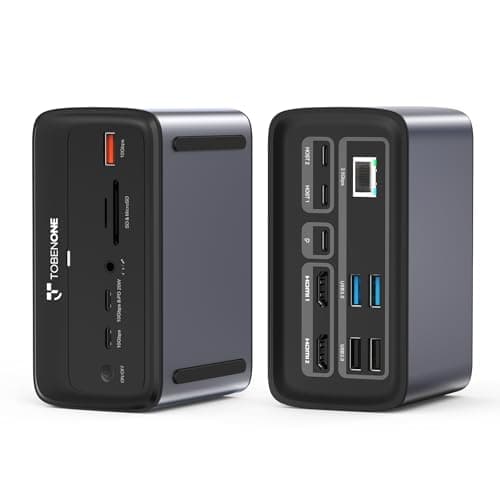
We ranked this highly for its unmatched port density, making it the premier choice for users who absolutely refuse to rely on secondary dongles. It balances an incredible array of physical connections with stable, reliable dual-display output. It is highly practical for extensive, permanent workstation builds.

Who Is It For:

Best suited for hardware enthusiasts and audio/video producers needing to connect numerous instruments, interfaces, and hard drives simultaneously. It is the ultimate command center.

Massive 18-port expansion covers nearly every conceivable legacy and modern peripheral

Includes a high-speed 2.5G Ethernet port for ultra-fast wired networking

Takes up a considerable amount of horizontal desk space

Tech specs:

Display Support
Dual 4K@60Hz
Power Delivery
150W
Port Count
18-in-2
Host Connection
Dual USB-C Native
Based on 450+ reviews

Why We Chose This Product:

This Anker model wins significant points for sheer ingenuity, offering a clever two-in-one hardware solution that simplifies the tech ecosystem. It brings unmatched flexibility to the premium docking category without sacrificing the core desktop experience. It efficiently serves two distinct use cases in a single package.

Who Is It For:

Ideal for professionals splitting their week between a home office setup and traveling, meetings, or hot-desking. It solves the need for multiple separate adapters.

Unique modular design perfectly blends a desk dock with a portable travel hub

Capable of driving up to three displays for maximum multitasking

The detachable travel hub component can be easy to misplace

Tech specs:

Display Support
Triple Display
Power Delivery
100W
Port Count
13-in-1
Host Connection
USB-C DisplayLink

Based on 890+ reviews

Why We Chose This Product:

Earning its spot through smart power management, the inclusion of a compact GaN charger makes this a much more elegant solution than competitors saddled with large power bricks. It delivers comprehensive connectivity and fast networking without unnecessary bulk. It balances aesthetics with serious productivity power.

Who Is It For:

Great for home office users who demand a high-performance, multi-monitor setup without the usual clutter of a massive power adapter. It fits beautifully into clean workspaces.

Bundled with a highly efficient, space-saving 100W GaN power brick

Features lightning-fast 2.5Gbps networking for heavy intranet transfers

Dual-cable host tethering occupies two side-by-side ports on the Mac

Tech specs:

Display Support
Dual 4K@60Hz
Power Delivery
100W
Port Count
16-in-2
Host Connection
Dual USB-C Native

Essential Tips For Choosing The Right docking stations for mac

Understanding Display Limitations and DisplayLink

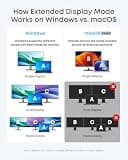
When choosing a docking station for a Mac, the most critical factor is the type of display support you need. Base model Apple Silicon Macs natively support only one external display, so you must look for a dock with DisplayLink technology if you want a dual-monitor setup. Users with Pro or Max chips can use native Thunderbolt or dual-cable USB-C docks without extra software.

Power Delivery and Charging Needs

Ensure the dock you choose provides adequate Power Delivery (PD) to keep your MacBook charged while in use. Most standard users will be fine with 85W to 100W, which covers almost all 13-inch and 15-inch models perfectly. If you run resource-intensive applications on a 16-inch MacBook Pro, look for docks offering 140W or more to prevent battery drain under heavy loads.

Best docking stations for mac

Navigating Budget Ranges

Docking stations typically fall into three pricing tiers: budget universal hubs ($50-$100), premium DisplayLink or dual-cable docks ($150-$250), and high-end Thunderbolt 4 stations ($250+). While budget models handle basic connectivity, investing in the middle tier ensures better thermal management and more stable display outputs over long working hours. High-end models are best reserved for those needing maximum bandwidth for external storage.

Common Pitfalls to Avoid

A frequent mistake buyers make is purchasing a generic USB-C hub expecting it to support multiple extended displays on a base M1, M2, or M3 Mac. Without DisplayLink certification, those hubs will only mirror the display across both screens. Additionally, be mindful of the dock's footprint; some multi-port stations require massive external power bricks that can clutter a minimalist desk setup.


Frequently asked questions

More products you might love