

Product Experts

The 7 Best 4K Webcams of 2026

Our Best Picks

Based on 1.9K+ reviews

Why We Chose This Product:

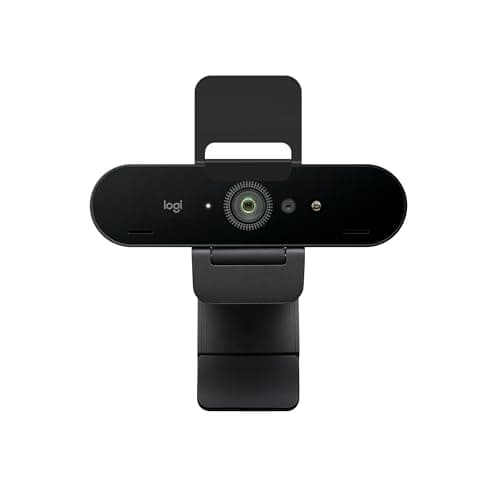
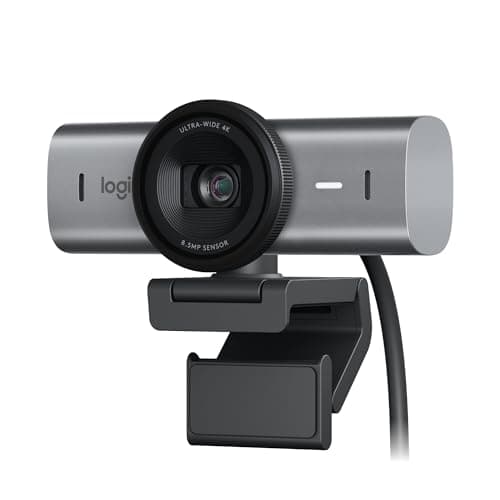
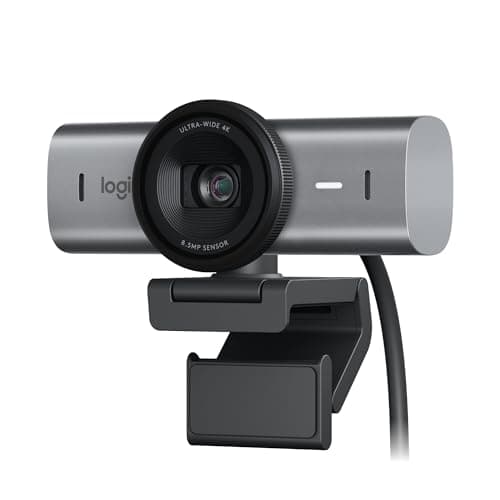
The MX Brio captures the definitive flagship position by offering uncompromising manual controls and a massive sensor. It easily dominates its price range by rendering incredibly fine details in difficult lighting scenarios.

Who Is It For:

Perfect for dedicated content creators and corporate executives who broadcast from specialized home offices. It fits seamlessly into environments where users want precise control over their image temperature and exposure.

Exceptional low-light clarity and color accuracy

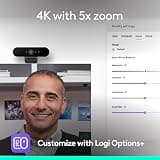
Comprehensive manual ISO and exposure controls

Requires companion software to access full manual controls

Tech specs:

Resolution
4K UHD
Autofocus
Advanced PDAF
Sensor
Extra-Large Pixel CMOS
Microphone
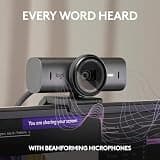
Dual Beamforming

Based on 1.2K+ reviews

Why We Chose This Product:

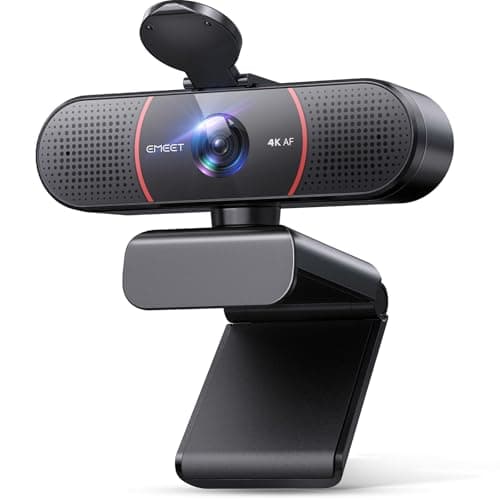
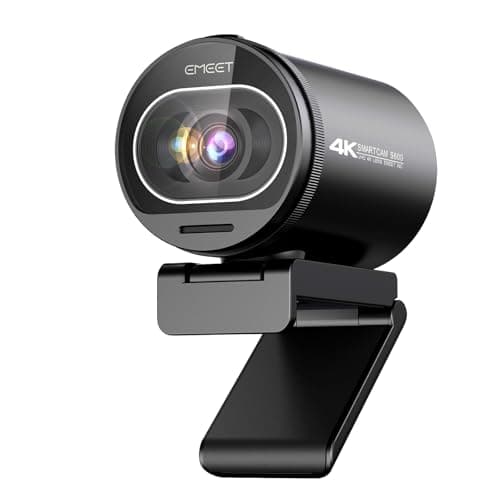
This webcam perfectly anchors the entry-level tier by providing unscaled 4K without demanding a massive budget. It brings high-end phase detection autofocus down to a highly accessible price point.

Who Is It For:

Ideal for remote students and typical office workers handling daily virtual meetings. It comfortably fits into standard desktop setups where plug-and-play simplicity is the top priority.

Outstanding balance of performance and affordability

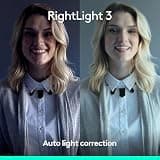
Automatic light correction handles mixed environments well

Fixed 73-degree field of view lacks wider framing options

Tech specs:

Resolution
4K UHD
Autofocus
Fast PDAF
Sensor
Standard High-Def Sensor
Microphone
Dual Omnidirectional
Based on 865+ reviews

Why We Chose This Product:

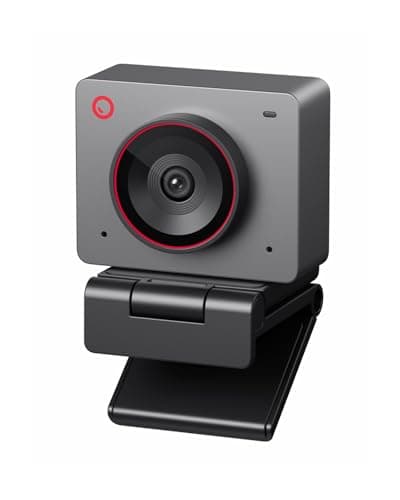
Standing out for its deep integration of AI capabilities, this camera intelligently keeps subjects framed during active sessions. Its versatile magnetic mounting system offers a unique advantage for vertical recording formats.



Who Is It For:

Best suited for digital nomads and dynamic presenters who frequently shift positions while speaking. It naturally fits minimalists looking to minimize physical desk footprint while maximizing video features.

Intelligent AI-driven auto-framing keeps subjects centered

Versatile magnetic mount for instant portrait recording

Ultra-compact form factor limits internal heat dissipation

Tech specs:

Resolution
4K UHD
Autofocus
Swift PDAF
Sensor
Large 1/2-inch CMOS
Microphone
Built-in Array
Based on 640+ reviews

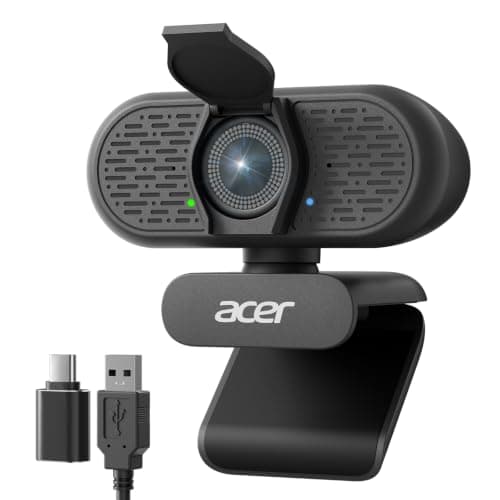
Why We Chose This Product:

Delivers near-flagship performance at a highly competitive mid-range price point. Its ability to seamlessly handle 1080p at 60fps makes it highly versatile for mixed media usage.

Who Is It For:

Gamers and presenters with fast-paced styles who benefit from higher framerates. Perfect for users wanting a simple, driver-free experience without sacrificing high-end specifications.

Highly fluid 1080p at 60fps support for fast action

Instant focus lock completely eliminates focus hunting

Utilitarian physical design feels slightly industrial

Tech specs:

Resolution
4K at 30fps / 1080p at 60fps
Autofocus
Instant PDAF
Sensor
Sony 1/2.8-inch
Microphone
AI Noise-Canceling
Based on 540+ reviews

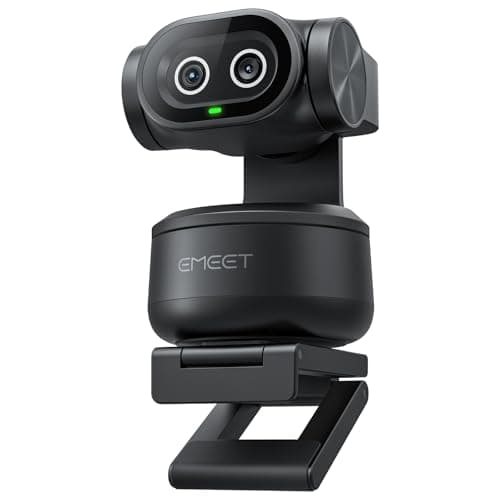
Why We Chose This Product:

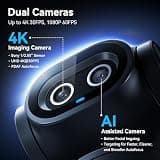
Highly innovative mechanical PTZ capabilities driven by a dedicated tracking camera set this apart. It offers unparalleled tracking for dynamic, room-scale activities where static cameras fail.

Who Is It For:

Fitness instructors, dynamic presenters, and live-streamers who move constantly around a room. Best suited for larger studio spaces rather than tight cubicles.

Lightning-fast automatic 310-degree panning and tilting

Dedicated secondary AI camera for perfect exposure tracking

Larger desk footprint due to the mechanical base

Tech specs:

Resolution
4K UHD
Autofocus
0.2-Second PDAF
Sensor
1/2.55-inch Main Image
Microphone
Versatile Triple-Mic
Based on 4.4K+ reviews

Why We Chose This Product:

Remains an industry benchmark for reliability with proven HDR technology that outpaces many newer competitors. The Windows Hello integration makes it uniquely valuable for security-conscious enterprise users.

Who Is It For:

Corporate professionals and executives who need secure logins and robust exposure correction. Ideal for home offices with tricky backlighting or bright windows directly behind the user.

Proven RightLight 3 HDR corrects severe backlighting

Secure Windows Hello facial recognition integration

Slightly older flagship architecture compared to newest models

Tech specs:

Resolution
4K UHD
Autofocus
Standard Contrast
Sensor
RightLight 3 HDR
Microphone
Dual Built-in
Based on 855+ reviews

Why We Chose This Product:

Engineered to provide rich contrasts specifically tailored for live streaming setups. The reinforced joints and durable chassis offer excellent long-term physical stability.

Who Is It For:

Broadcasters and gamers needing smooth 60fps at 1080p alongside high-detail 4K options. Perfect for permanent desktop studio environments where hardware stability is key.

Premium Sony sensor delivers exceptionally vibrant colors

Reinforced structural joints provide extra mounting stability

Chassis is slightly bulkier than minimalist webcams

Tech specs:

Resolution
4K at 30fps / 1080p at 60fps
Autofocus
Fast PDAF
Sensor
Sony 1/2.55-inch
Microphone
Customized Dual Noise-Canceling

Essential Tips For Choosing The Right webcam 4k

Resolution vs. Utility

While 1080p is sufficient for basic calls, a 4K resolution provides significant headroom for digital zooming and cropping without losing quality. It also ensures your video looks sharp on modern high-definition displays, which is crucial for professional presentations.

The Importance of Sensor Size

A high pixel count means nothing if the physical sensor is too small to capture adequate light. Look for larger sensors (like 1/2-inch or 1/2.8-inch CMOS) which naturally absorb more light, resulting in cleaner, noise-free images even in dimly lit rooms.

Best webcam 4k

Understanding Autofocus Technologies

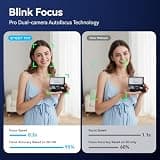
Phase Detection Autofocus (PDAF) is significantly faster and smoother than older contrast-based autofocus systems. It prevents the annoying 'focus hunting' or blurring that occurs when you lean in or show an object to the camera.

Choosing the Right Field of View

The field of view (FOV) dictates how much of your background is visible. A narrow FOV (around 65-70°) is excellent for hiding a messy room, while a wide FOV (90° or more) is better for presenting alongside physical whiteboards or hosting multiple people.

Frequently asked questions

More products you might love