Product Experts

The 7 Best Ultrawide Monitors for Mac of 2026

Our Best Picks

Based on 455+ reviews

Why We Chose This Product:

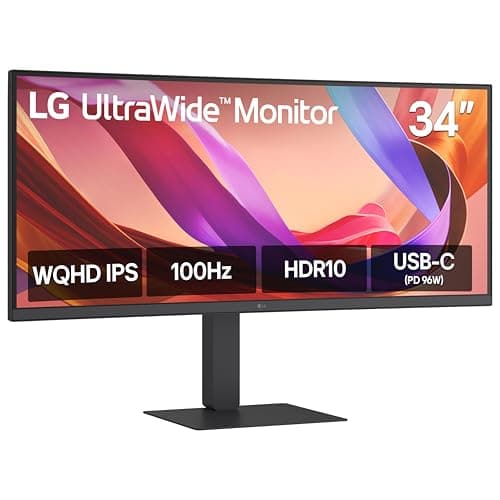
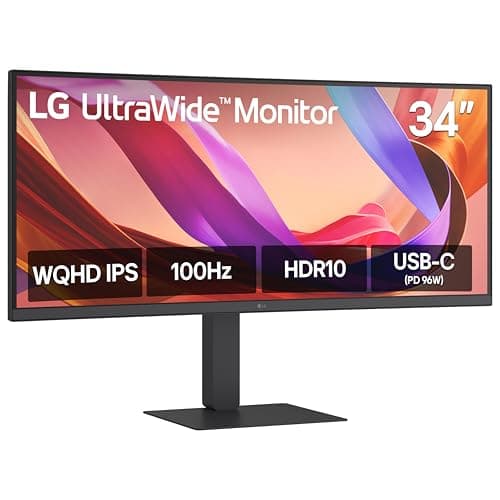
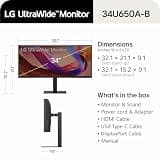
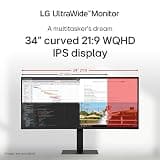
This monitor delivers the ultimate combination of high-end connectivity and panel quality for MacBook users. The 96W Power Delivery easily charges a 16-inch MacBook Pro under heavy workloads. Its built-in KVM switch and wired LAN port transform the monitor into a fully integrated desktop docking station, earning it the top spot.

Who Is It For:

Ideal for power users and professionals who need a centralized hub for their MacBook. It perfectly suits those who rely on wired networking and switch between multiple machines.

Powerful 96W USB-C charging

Excellent IPS viewing angles

Limited 100Hz refresh rate lacks high-speed smoothness

Tech specs:

Size & Shape
34-inch curved
Resolution
3440 x 1440
Refresh Rate
100Hz
Connectivity
96W USB-C

Based on 552+ reviews

Why We Chose This Product:

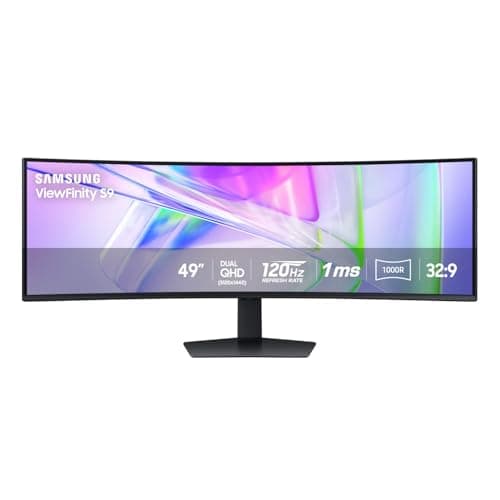
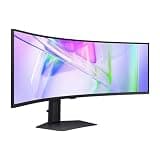
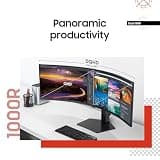
This massive 32:9 display behaves exactly like two 27-inch QHD monitors side-by-side but without any distracting middle bezels. It stands out for its robust 90W USB-C connection and highly immersive 1000R curvature that closely matches the human field of view.

Who Is It For:

Perfect for project managers, financial analysts, and video editors working on macOS. It is highly suited for users who need expansive horizontal screen real estate.

Immersive 1000R viewing curve

Massive dual QHD screen space

Requires extremely deep desk space

Tech specs:

Size & Shape
49-inch curved
Resolution
5120 x 1440
Refresh Rate
120Hz
Connectivity
90W USB-C

Based on 345+ reviews

Why We Chose This Product:

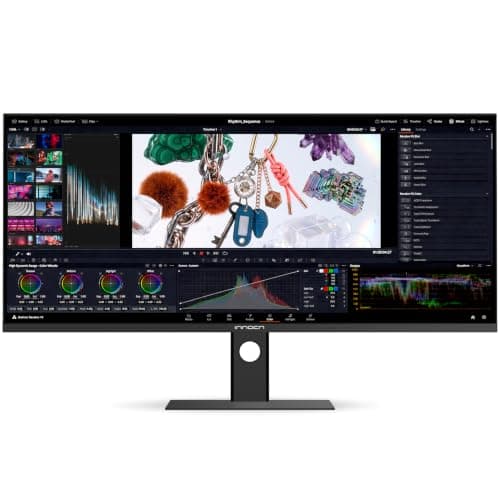
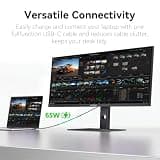
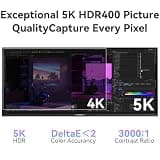
It uniquely solves the common macOS scaling issue by offering a native 5K2K resolution for incredibly sharp text rendering. With wide color gamuts and factory-calibrated color accuracy, it is a stellar choice for design-heavy workflows.

Who Is It For:

Tailored for Mac-based digital artists, photographers, and video editors. It is ideal for anyone who prioritizes high-resolution clarity and accurate color representation.

Native 5K2K resolution for sharp text

Exceptional factory-calibrated color accuracy

Flat panel lacks the immersion of curved alternatives

Tech specs:

Size & Shape
34-inch flat
Resolution
5120 x 2160
Refresh Rate
120Hz
Connectivity
65W USB-C

Based on 220+ reviews

Why We Chose This Product:

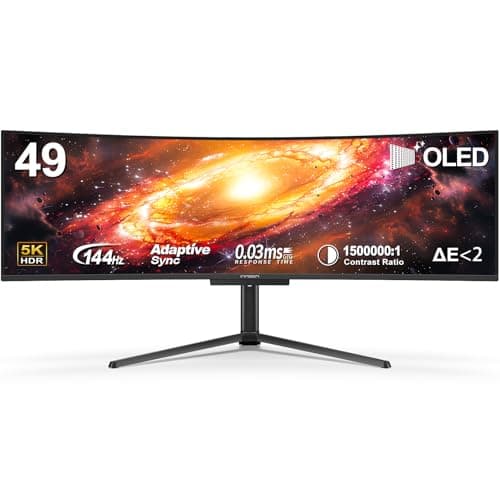
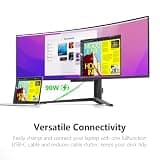
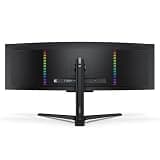
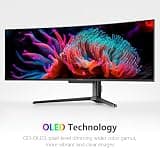
This QD-OLED monitor offers the absolute pinnacle of display technology with infinite contrast and true blacks. The 90W USB-C connection and built-in KVM make it a highly capable luxury display for both work and play.

Who Is It For:

Excellent for users who consume high-definition media, write code, and enjoy occasional high-end gaming. It fits dual-system setups sharing a Mac laptop and a separate desktop workstation perfectly.

Infinite contrast with true blacks

Vibrant QD-OLED color performance

Risk of OLED burn-in over long periods

Tech specs:

Size & Shape
49-inch curved
Resolution
5120 x 1440
Refresh Rate
144Hz
Connectivity
90W USB-C

Based on 290+ reviews

Why We Chose This Product:

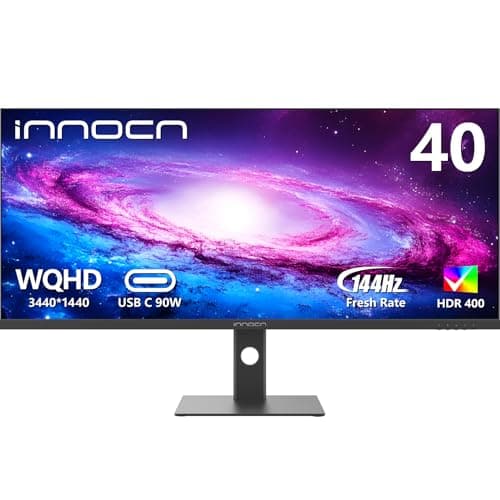
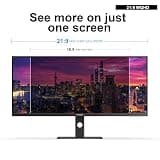
At 40 inches, this flat ultrawide offers significantly more vertical screen real estate than standard 34-inch displays. The IPS panel guarantees wide viewing angles, while the 90W charging and color calibration deliver remarkable overall value.

Who Is It For:

Highly practical for programmers viewing long lines of code or data analysts navigating massive spreadsheets. It is ideal for those who prefer tall, flat screens over ultra-wide curves.

Tall vertical screen space for coding

Premium IPS panel viewing angles

Edges may seem far away on a flat 40-inch screen

Tech specs:

Size & Shape
40-inch flat
Resolution
3440 x 1440
Refresh Rate
144Hz
Connectivity
90W USB-C

Based on 700+ reviews

Why We Chose This Product:

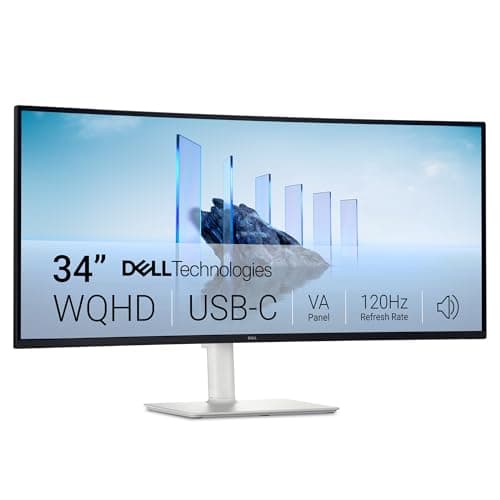
Dell is highly regarded for its build quality, ergonomic stands, and consistent long-term performance. The single-cable USB-C connection easily powers a MacBook Air, making it a reliable productivity workhorse for daily tasks.

Who Is It For:

Best suited for remote workers and office professionals who appreciate brand reliability. It works exceptionally well for standard document editing, emailing, and browsing.

Highly reliable brand build quality

Deep contrast VA panel for text

65W charging is slightly low for 16-inch MacBooks

Tech specs:

Size & Shape
34-inch curved
Resolution
3440 x 1440
Refresh Rate
120Hz
Connectivity
65W USB-C
Based on 250+ reviews

Why We Chose This Product:

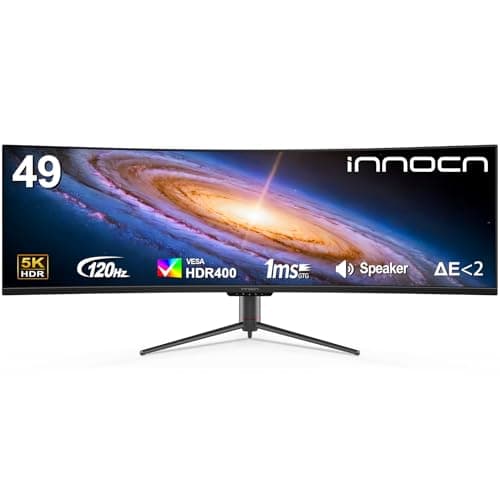
This display is an excellent entry point into the massive 32:9 form factor without the high cost of premium brand counterparts. The sharp 5120 x 1440 resolution prevents the pixelation often seen on lower-budget 1080p ultrawides.

Who Is It For:

Great for budget-conscious Mac users who need an efficient multi-window station. It fits perfectly in home offices where vast horizontal screen space is needed for research.

Sharp Dual QHD resolution prevents pixelation

Highly accessible 49-inch price point

Only 65W power delivery restricts larger laptops

Tech specs:

Size & Shape
49-inch curved
Resolution
5120 x 1440
Refresh Rate
120Hz
Connectivity
65W USB-C

Essential Tips For Choosing The Right ultrawide monitor for mac

What to Look For in a Mac Monitor

Prioritize USB-C connectivity with Power Delivery to ensure you can charge your laptop and send video through a single cable. Look for at least 65W of power, though 90W or higher is ideal for 14-inch and 16-inch MacBooks running demanding software.

Understanding macOS Scaling

macOS is optimized for specific pixel densities, usually around 110 or 220 PPI. Monitors with standard 1440p resolution can occasionally look slightly soft, while native 5K displays will offer the crispest text rendering for Apple users.

Best ultrawide monitor for mac

Choosing the Right Curvature

Curved monitors reduce eye strain on ultrawide displays by keeping the edges of the screen at the same focal distance as the center. A 1000R or 1500R curve is highly immersive for 49-inch screens, while flat panels are better for straight-line design work.

Panel Types Explained

IPS panels provide the most accurate colors and widest viewing angles, making them a favorite for creative professionals. VA panels offer deeper blacks and higher contrast, while emerging QD-OLED tech delivers the ultimate vibrancy and true blacks.

Budget Considerations

Expect to pay a premium for features like high-wattage Power Delivery, built-in KVM switches, and native 5K resolution. If you are on a strict budget, opting for a monitor without USB-C and using an external dock can save you hundreds of dollars.

Frequently asked questions

More products you might love