Product Experts

The 7 Best Monitors for Photo Editing of 2026

Our Best Picks

Based on 1.5K+ reviews

Why We Chose This Product:

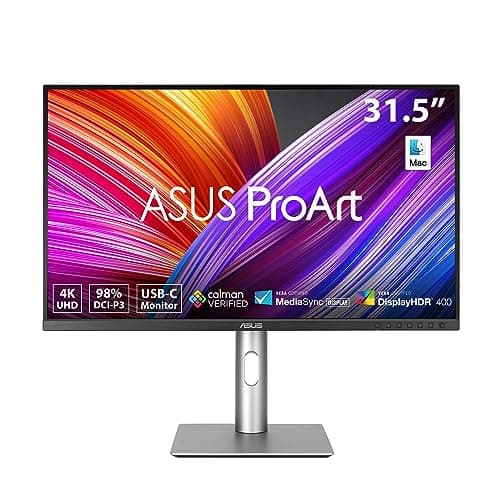
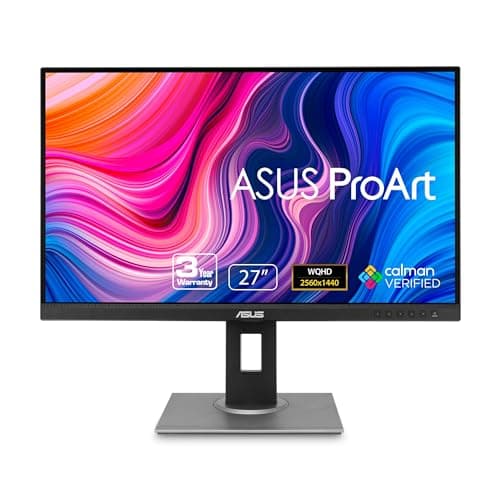
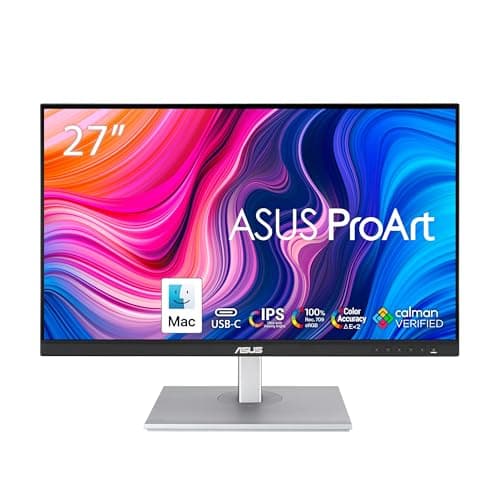
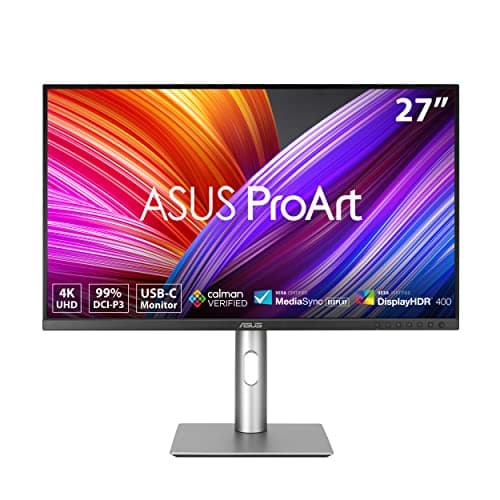
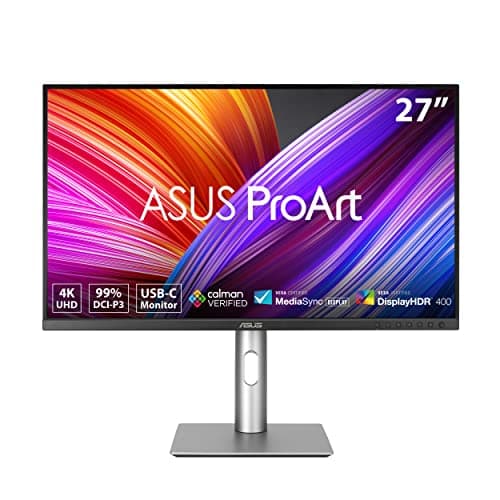
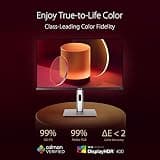
The ASUS ProArt PA279CRV stands out as an exceptional value for professional photo editors. It offers incredible color accuracy right out of the box with strict Calman Verification. The inclusion of USB-C with 96W power delivery makes it perfect for modern desk setups, earning its place as the top overall pick.

Who Is It For:

Serious photographers and professional editors looking for a highly accurate 4K display. It perfectly suits users needing reliable color reproduction and modern single-cable connectivity at a competitive price point.

Exceptional out-of-the-box color accuracy

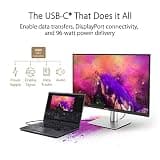
Robust USB-C with 96W power delivery

Entry-level HDR performance (DisplayHDR 400)

Tech specs:

Resolution
4K UHD
Panel Technology
IPS
Color Accuracy
99% DCI-P3
Primary Connectivity
USB-C

Based on 850+ reviews

Why We Chose This Product:

The ASUS ProArt PA329CRV delivers an expansive 32-inch 4K panel for photographers who demand maximum screen real estate. It maintains the stellar color accuracy of the ProArt line, delivering fantastic detail and vibrant consistency across a massive canvas.

Who Is It For:

Ideal for creators managing complex editing panels, video timelines, or viewing high-resolution imagery. It fits users who prefer a single, expansive screen over a dual-monitor configuration.

Massive screen real estate for complex panels

Calman Verified color calibration

Takes up significant physical desk space

Tech specs:

Resolution
4K UHD
Panel Technology
IPS
Color Accuracy
98% DCI-P3
Primary Connectivity
USB-C

Based on 430+ reviews

Why We Chose This Product:

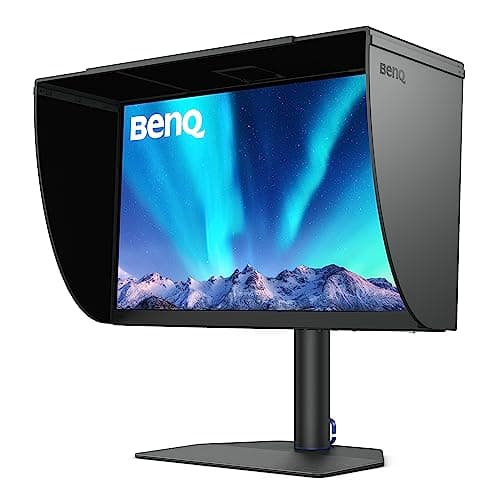
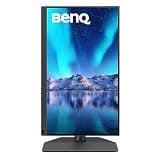
The BenQ SW272Q is a highly specialized monitor with unparalleled color capabilities, including a 16-bit 3D LUT and 99% Adobe RGB support. Its innovative Nano Matte panel actively eliminates glare, making it a reliable choice for professional print matching.

Who Is It For:

Print-focused professionals and commercial photographers who need precise control over wider color spaces. It is a critical tool for viewers who work in bright or challenging ambient lighting environments.

Exceptional 99% Adobe RGB coverage

Industry-leading Nano Matte anti-glare panel

Only features QHD rather than 4K resolution

Tech specs:

Resolution
QHD 1440p
Panel Technology
Nano Matte IPS
Color Accuracy
99% Adobe RGB
Primary Connectivity
USB-C

Based on 920+ reviews

Why We Chose This Product:

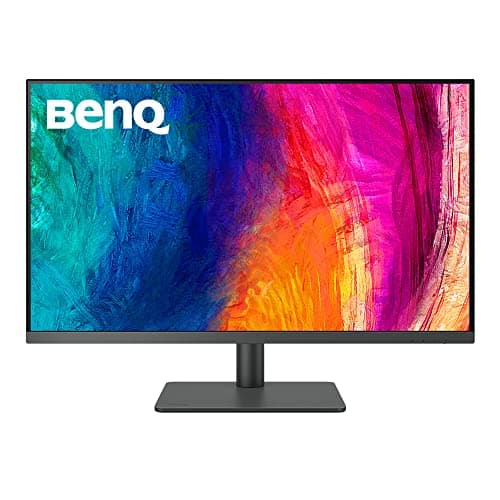
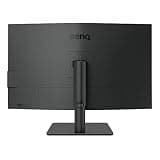
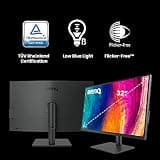
The BenQ PD3205U offers robust features tailored for creative workflows, including an exclusive Mac Color Match mode. It provides fantastic sRGB performance and seamless profile switching via its included HotKey Puck dial.

Who Is It For:

Desktop users looking for a large, highly accurate secondary display for content creation. It perfectly suits editors working primarily in sRGB who value streamlined hardware workflow tools.

Seamless Mac Color Match integration

Convenient HotKey Puck for quick settings

Lacks wide Adobe RGB or DCI-P3 coverage

Tech specs:

Resolution
4K UHD
Panel Technology
IPS
Color Accuracy
99% sRGB
Primary Connectivity
USB-C

Based on 3.1K+ reviews

Why We Chose This Product:

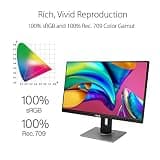
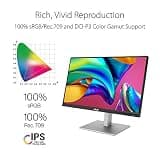
The ASUS ProArt PA278QV is a phenomenal value pick that delivers brilliant 1440p clarity and 100% sRGB coverage. Its rigorous factory calibration ensures reliable color accuracy for photo editing without the premium cost associated with 4K monitors.

Who Is It For:

Budding photographers and digital artists needing an affordable but highly accurate editing display. It fits users who prioritize excellent color reproduction over extreme pixel density or high-end features.

Outstanding value for color-accurate work

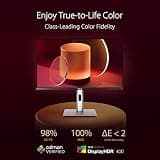
100% sRGB with Delta E < 2 calibration

Limited to 1440p resolution instead of 4K

Tech specs:

Resolution
WQHD 1440p
Panel Technology
IPS
Color Accuracy
100% sRGB
Primary Connectivity
DisplayPort
Based on 2.1K+ reviews

Why We Chose This Product:

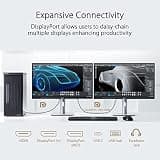
Taking the excellent foundation of the PA278QV, the PA278CV adds crucial USB-C connectivity with power delivery and daisy-chaining capabilities. This transforms it into a highly practical single-cable hub for color-accurate creative work.

Who Is It For:

Laptop-based creatives who want a clean, single-cable desk setup that provides professional color calibration and charging simultaneously. It fits professionals working extensively in sRGB and Rec. 709 color spaces.

Convenient single-cable USB-C connectivity

Excellent out-of-the-box sRGB calibration

Resolution maxes out at 1440p

Tech specs:

Resolution
WQHD 1440p
Panel Technology
IPS
Color Accuracy
100% sRGB
Primary Connectivity
USB-C
Based on 1.5K+ reviews

Why We Chose This Product:

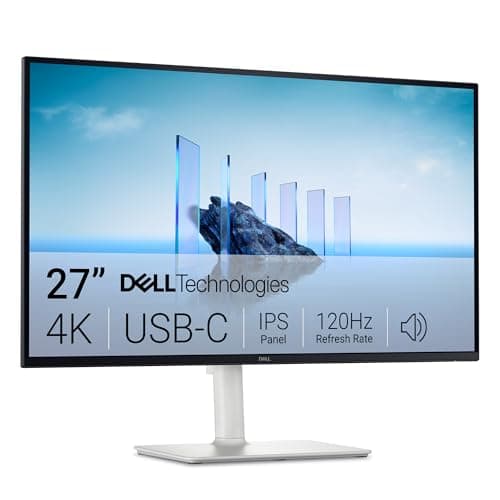
The Dell S2725QC blends a crisp 4K resolution with a smooth 120Hz refresh rate, making it versatile for both editing and general use. Its reliable 99% sRGB coverage and 65W USB-C connectivity make it a well-rounded performer.

Who Is It For:

Content creators who want a monitor that excels at photo editing while providing a smooth daily computing experience. It is ideal for generalists who need accurate sRGB combined with a faster refresh rate.

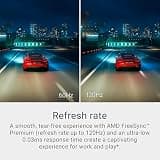
Superb 120Hz refresh rate for smooth motion

Excellent 4K sharpness and text clarity

Not specialized for wide color gamuts

Tech specs:

Resolution
4K UHD
Panel Technology
IPS
Color Accuracy
99% sRGB
Primary Connectivity
USB-C

Essential Tips For Choosing The Right monitor for photo editing

Screen Size and Resolution

Choosing the right resolution and size is the foundation of a good photo editing setup. A 27-inch monitor with a 4K resolution provides the ideal pixel density for scrutinizing fine details without overwhelming a standard desk. If you are on a budget, a 27-inch 1440p (WQHD) display is still a significant upgrade over 1080p and offers plenty of workspace.

Color Gamut and Accuracy

Color accuracy is paramount when editing photos, meaning your monitor should be factory-calibrated with a low Delta E score (ideally under 2). Most photographers only need 100% sRGB coverage for digital and web work. However, if you plan to print your photos professionally, look for a monitor that covers at least 95% of the Adobe RGB color space.

Best monitor for photo editing

Understanding Panel Technology

Always opt for an IPS (In-Plane Switching) panel when shopping for an editing monitor. IPS technology ensures that colors and contrast remain consistent regardless of your viewing angle, which is critical when editing. VA and TN panels may offer faster refresh rates or deeper blacks, but their color shifting makes them unsuitable for professional photo work.

Connectivity and Workspace Ergonomics

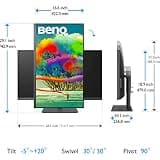
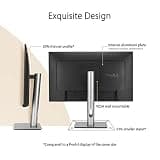
Modern monitors offer single-cable solutions via USB-C, which can transmit video, data, and power to your laptop simultaneously. This keeps your workspace incredibly clean and reduces cable clutter. Additionally, ensure the monitor stand allows for height, tilt, and swivel adjustments to prevent neck strain during long editing sessions.

Common Budgeting Pitfalls

A common mistake is buying a high-resolution gaming monitor and expecting perfect colors out of the box. Gaming displays prioritize speed over color fidelity, often lacking the strict factory calibration needed for editing. Additionally, don't overpay for massive Adobe RGB coverage if your work is exclusively posted on social media and web portfolios.

Frequently asked questions

More products you might love