Product Experts

The 7 Best Monitors for Eye Strain of 2026

Our Best Picks

Based on 1.3K+ reviews

Why We Chose This Product:

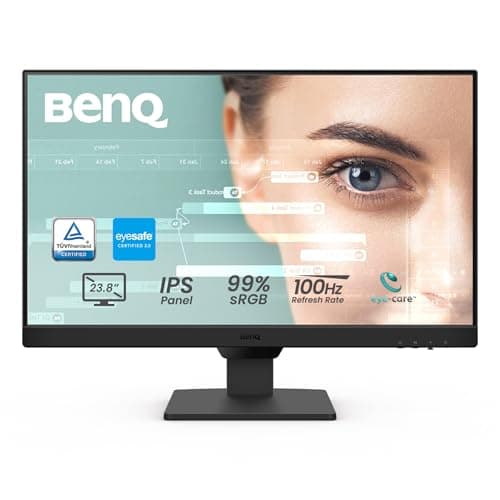
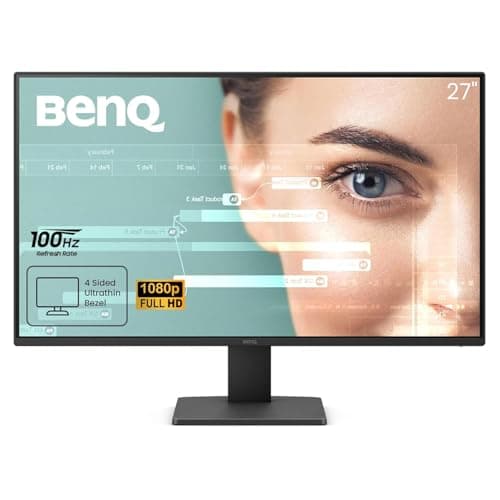
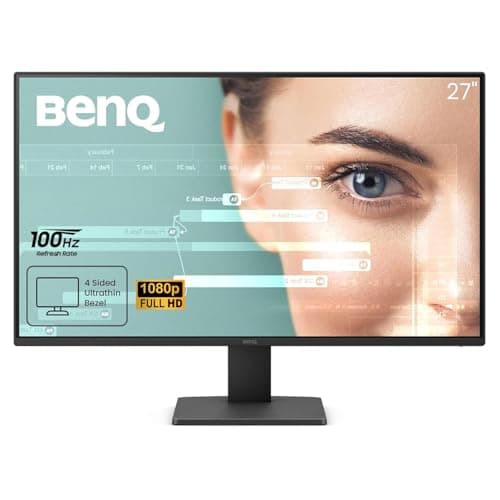
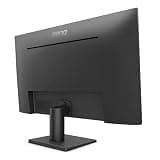
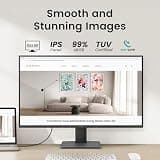
The GW2791 earns the top spot by combining BenQ's industry-leading TUV-Certified Eye-Care technology with a perfectly smooth 100Hz refresh rate. Its Brightness Intelligence Gen 2 system actively adjusts the screen to your room's ambient lighting, providing unparalleled automated comfort. It strikes an exceptional balance of price, visual performance, and comprehensive protective features.

Who Is It For:

Ideal for remote workers and students who spend more than eight hours a day stationed at their desks. It perfectly suits anyone prone to regular headaches or dry eyes from extended screen time.

Industry-leading adaptive brightness technology responds to room lighting

Crisp IPS display provides excellent color accuracy and viewing angles

Included stand only allows for basic tilt adjustments without height modification

Tech specs:

Screen Size
27 Inches
Resolution
1080p FHD
Refresh Rate
100Hz
Panel Type
IPS

Based on 950+ reviews

Why We Chose This Product:

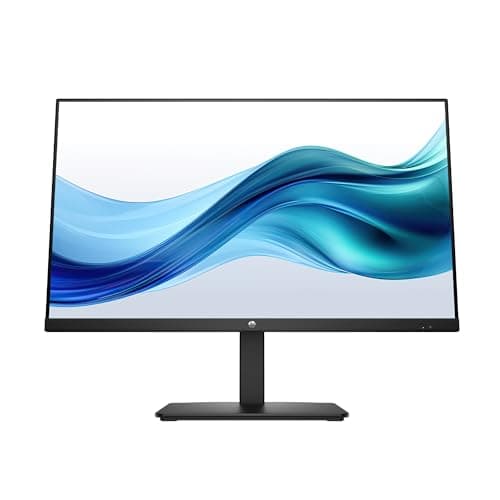
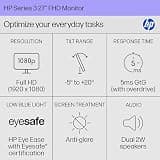
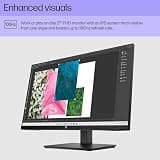
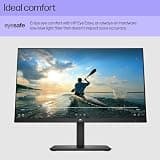
HP's Series 3 stands out significantly thanks to its stringent Eyesafe Certification, which ensures harmful blue light is reduced directly at the hardware level without shifting colors toward an unnatural tint. It provides a massive, comfortable workspace ideal for full-day, color-critical tasks. The combination of verified eye protection and precise visual fidelity makes it a premium daily driver.

Who Is It For:

Ideal for graphic designers, marketers, and remote professionals who need accurate color representation while actively protecting their vision. It perfectly suits workers who spend their entire day evaluating visual content and brand assets.

Stringent Eyesafe Certification guarantees true hardware low blue light

Maintains excellent color accuracy without a noticeable yellow tint

Basic stand design lacks comprehensive ergonomic adjustments

Tech specs:

Screen Size
27 Inches
Resolution
1080p FHD
Refresh Rate
75Hz
Panel Type
IPS

Based on 2.1K+ reviews

Why We Chose This Product:

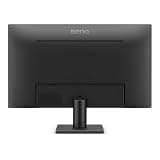
Bringing BenQ's top-tier eye care into a much more manageable 24-inch footprint, the GW2490 represents an exceptional value proposition. It retains the powerful Brightness Intelligence Gen 2 feature, ensuring the screen adapts perfectly to your room's shifting daylight. It delivers premium, uncompromising eye comfort for setups with severely limited physical space.

Who Is It For:

Great for students or apartment dwellers working with highly compact furniture. It is also an excellent option for users building an affordable, eye-friendly multi-monitor layout in a tight corner.

Highly compact and space-saving physical footprint

Features the same premium adaptive brightness technology as larger models

Bottom bezel is noticeably thicker than competing modern designs

Tech specs:

Screen Size
24 Inches
Resolution
1080p FHD
Refresh Rate
100Hz
Panel Type
IPS

Based on 3.4K+ reviews

Why We Chose This Product:

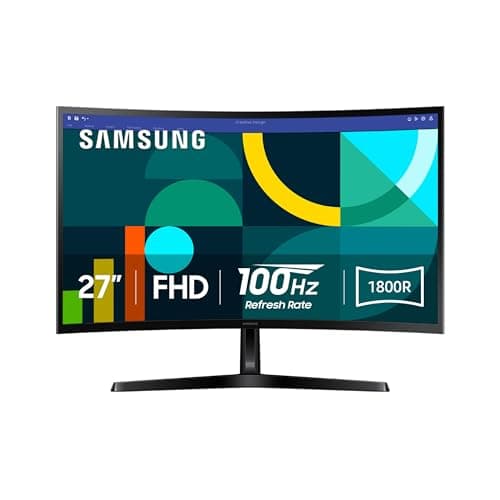
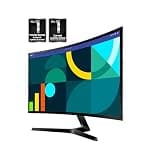
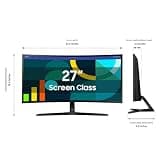
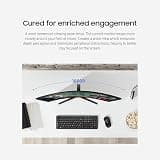
The Samsung S3 utilizes an 1800R curvature designed to closely match the natural field of human vision, effectively minimizing the need for your eyes to constantly refocus at the far edges of the display. Combined with a fluid 100Hz refresh rate and a dedicated Eye Saver Mode, it actively mitigates long-term fatigue. It serves as a highly effective, budget-friendly entry into curved ergonomic displays.

Who Is It For:

Ideal for data analysts and financial planners who constantly scan wide horizontal documents. It caters to users who prefer the ergonomic wraparound feel of a curved screen to keep peripheral data comfortably in focus.

Immersive 1800R curve keeps edges at a comfortable focal distance

Dedicated Eye Saver Mode can be activated with a single button

Viewing angles are slightly narrower compared to premium IPS panels

Tech specs:

Screen Size
27 Inches
Resolution
1080p FHD
Refresh Rate
100Hz
Panel Type
VA
Based on 820+ reviews

Why We Chose This Product:

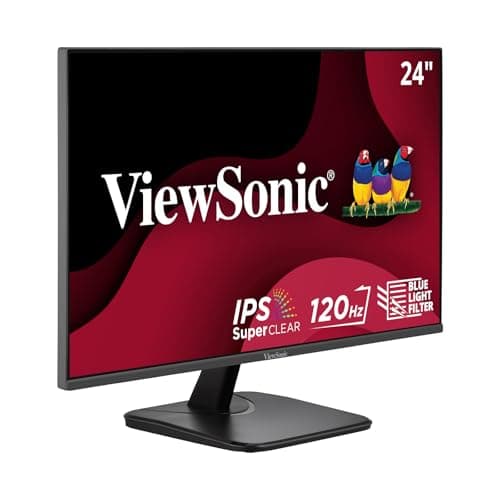
This ViewSonic monitor heavily differentiates itself by pushing the refresh rate up to an impressive 120Hz on a sharp IPS panel, creating incredibly fluid motion that prevents eye strain during rapid text scrolling. Its natively integrated Eye Care Technology actively and completely eliminates backlight flicker. It offers phenomenal responsiveness and reliable comfort for visually demanding administrative tasks.

Who Is It For:

Perfect for researchers, writers, and programmers who spend hours scrolling through dense text or complex code. It highly benefits users who are particularly sensitive to screen stuttering and motion blur.

Exceptionally smooth 120Hz refresh rate eliminates text ghosting

Built-in blue light filter is highly customizable to user preference

Physical design features slightly outdated and thick bezels

Tech specs:

Screen Size
24 Inches
Resolution
1080p FHD
Refresh Rate
120Hz
Panel Type
IPS
Based on 630+ reviews

Why We Chose This Product:

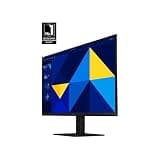
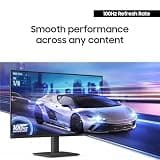
The Samsung S30GD offers a highly reliable flat-screen experience backed by Advanced Eye Care features that dynamically filter out harsh blue light emissions. The 100Hz IPS panel provides excellent off-axis viewing without noticeable color distortion, keeping the image uniform, readable, and incredibly easy on the eyes. It is a wonderfully well-rounded, protective display from a universally trusted manufacturer.

Who Is It For:

Great for professionals working in shared, open-plan workspaces where multiple people might view the screen from distinctly different angles. It functions perfectly as a reliable daily driver for standard administrative and operational tasks.

Vibrant color reproduction remains consistent across wide angles

Dependable flicker-free technology prevents tension headaches

Ergonomic stand only allows for basic tilt adjustments

Tech specs:

Screen Size
27 Inches
Resolution
1080p FHD
Refresh Rate
100Hz
Panel Type
IPS
Based on 1.1K+ reviews

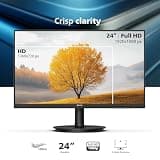
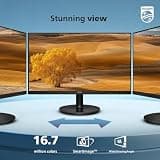
Why We Chose This Product:

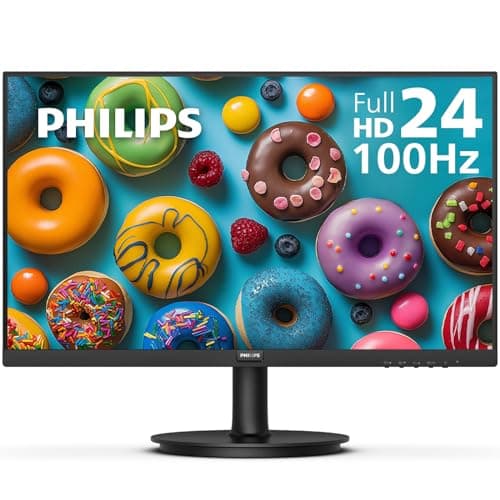
Philips delivers incredible administrative peace of mind with a remarkably comprehensive 4-year advance replacement warranty, heavily highlighting the durability of this particular monitor. The combination of a 100Hz refresh rate and their proprietary LowBlue Mode ensures a highly stable, consistently comfortable viewing experience. It confidently provides true enterprise-level reliability alongside utterly essential eye protection.

Who Is It For:

Ideal for corporate offices looking to outfit multiple employee workstations on a strict procurement budget. It perfectly suits small business owners who require highly reliable hardware backed by massive warranty guarantees.

Outstanding 4-year warranty guarantees long-term hardware reliability

Highly effective proprietary LowBlue Mode protects vision

Default color calibration can appear slightly washed out initially

Tech specs:

Screen Size
24 Inches
Resolution
1080p FHD
Refresh Rate
100Hz
Panel Type
IPS

Essential Tips For Choosing The Right monitor for eye strain

What to Look For in Eye-Care Displays

Focus on monitors that offer built-in hardware low blue light filters rather than relying exclusively on software modes. Hardware filters effectively reduce harmful emissions while maintaining color accuracy, whereas software solutions typically give the screen a distinct yellow tint. Additionally, flicker-free backlighting is essential to prevent the invisible micro-stutters that cause severe fatigue over time.

Key Specifications Explained

A higher refresh rate is a critical factor for eye comfort; aim for at least 75Hz, though 100Hz or 120Hz provides noticeably smoother scrolling and drastically reduces motion blur. An IPS panel is also highly recommended for wide viewing angles that prevent color shifting when you adjust your posture. Consistent image quality prevents your eyes from constantly struggling to refocus.

Best monitor for eye strain

Budget Ranges for Eye-Care Monitors

Basic 24-inch monitors equipped with fundamental flicker-free and low blue light technologies typically start around $100 to $150. For larger 27-inch displays, curved panels, or advanced adaptive brightness features that respond to ambient lighting, expect to spend between $150 and $300. Premium ergonomic stands and color-certified hardware filters will push the price toward the higher end of this spectrum.

Common Pitfalls to Avoid

Avoid monitors utilizing older TN panels, as their poor viewing angles can force you into uncomfortable physical postures just to see the screen clearly. Do not rely solely on dark mode or basic operating system software like night light to solve severe eye fatigue. A monitor built with true hardware-level eye care is a vastly superior investment for daily, long-term use.

Frequently asked questions

More products you might love