
Product Experts

The 7 Best Monitors of 2026

Our Best Picks

Based on 1.3K+ reviews

Why We Chose This Product:

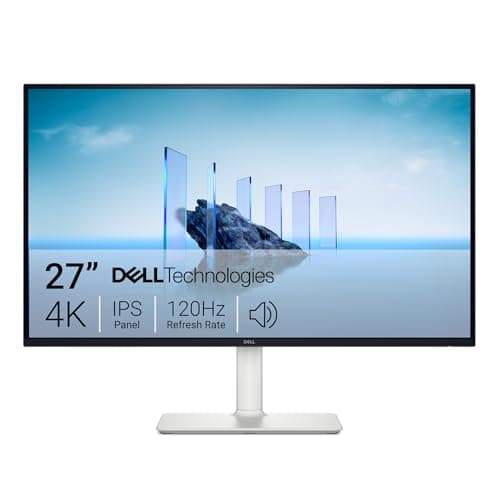
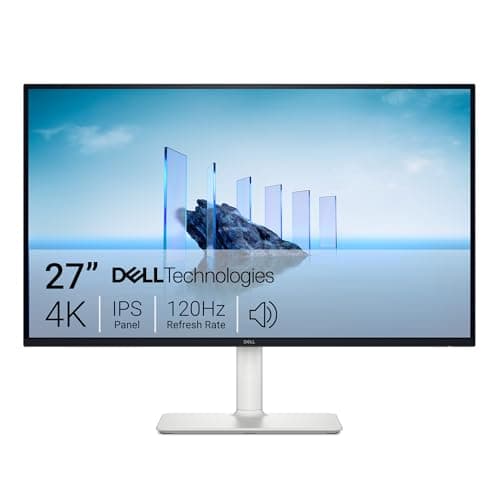
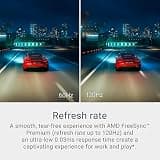
The Dell S2725QS earned our top spot by brilliantly balancing high-end productivity with casual gaming performance. Unlike standard 4K displays stuck at 60Hz, its fluid 120Hz refresh rate and outstanding native contrast ratio deliver a remarkably premium experience under $300.

Who Is It For:

Ideal for hybrid workers who transition from complex spreadsheets during the day to immersive casual gaming at night. The high resolution also perfectly suits creative hobbyists wanting crisp text and vibrant colors.

Pristine 4K IPS panel with accurate colors

Exceptionally fluid 120Hz refresh rate

Priced near the upper limit of the budget category

Tech specs:

Resolution
4K UHD
Refresh Rate
120Hz
Panel Type
IPS
Size
27-Inch

Based on 890+ reviews

Why We Chose This Product:

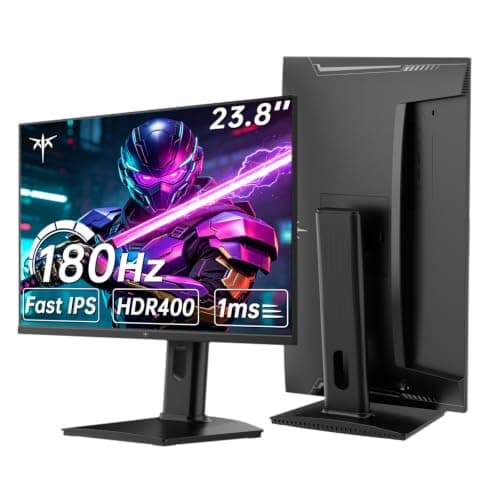
It stands out as a rare compact monitor that does not compromise on resolution or speed. Packing a crisp 1440p resolution and 180Hz refresh rate into a 24-inch frame offers unmatched visual clarity for its footprint.

Who Is It For:

Perfect for competitive gamers or apartment dwellers with limited desk space. It offers extreme clarity and speed without dominating your room.

Exceptionally high pixel density for sharp text

Rapid 180Hz refresh rate eliminates smearing

Smaller 24-inch footprint limits heavy multitasking

Tech specs:

Resolution
QHD 1440p
Refresh Rate
180Hz
Panel Type
Fast IPS
Size
24-Inch
Based on 2.1K+ reviews

Why We Chose This Product:

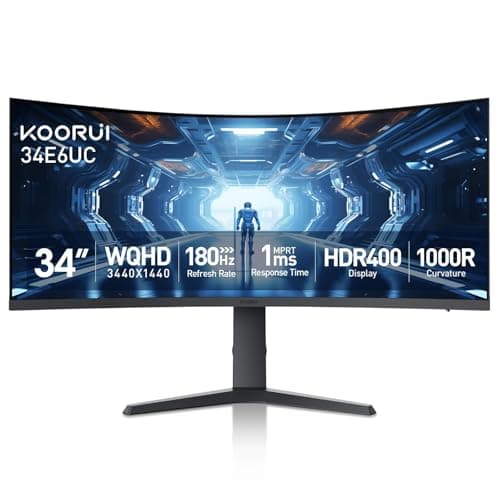
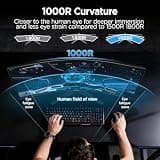
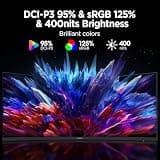
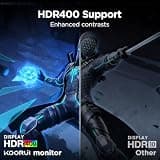
This monitor dominates the budget ultrawide category with an aggressive 1000R curve and expansive WQHD resolution. It provides cinematic gaming immersion and huge multitasking real estate at a remarkably aggressive price point.

Who Is It For:

Excellent for racing sim enthusiasts, flight sim fans, and heavy multitaskers. The built-in picture-by-picture modes make it fantastic for balancing two computer systems simultaneously.

Immersive 1000R curvature wraps the field of view

Deep 3000:1 contrast delivers lifelike environments

Takes up considerable horizontal desk space

Tech specs:

Resolution
WQHD 1440p
Refresh Rate
180Hz
Panel Type
VA
Size
34-Inch
Based on 650+ reviews

Why We Chose This Product:

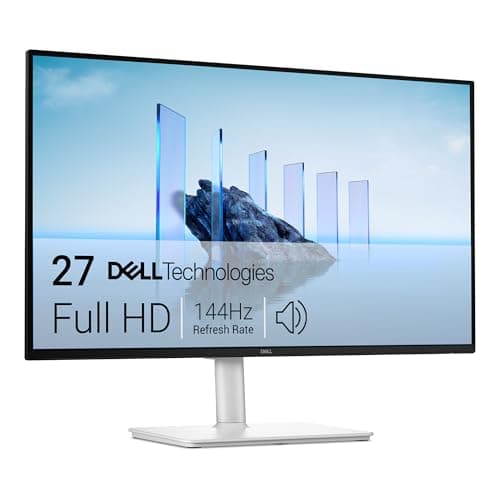
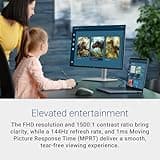
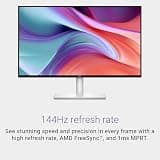
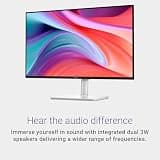
We selected the Dell S2725HSM for its unparalleled physical adjustability in the budget tier. The fully articulating stand paired with a fast 144Hz IPS panel offers outstanding comfort and fluid performance for everyday computing.

Who Is It For:

Great for users with specific ergonomic needs or those who frequently adjust their screen position throughout the day. It also works beautifully for casual gamers on a strict budget.

Unparalleled articulating stand adjustability

Accurate IPS color reproduction

1080p resolution is stretched slightly on a 27-inch screen

Tech specs:

Resolution
FHD 1080p
Refresh Rate
144Hz
Panel Type
IPS
Size
27-Inch

Based on 3.2K+ reviews

Why We Chose This Product:

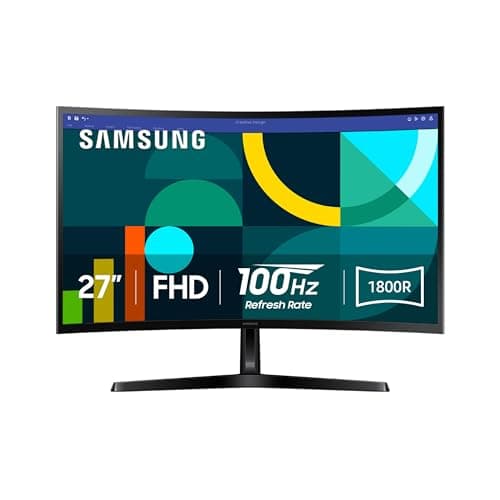
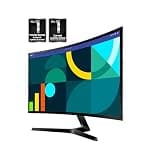
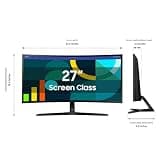
Samsung delivers a highly comfortable productivity experience by combining an 1800R curve with advanced eye-care technology. Stepping up to a 100Hz refresh rate adds a layer of smoothness to scrolling that standard 60Hz office monitors simply lack.

Who Is It For:

A top choice for professionals who spend eight or more hours a day looking at spreadsheets, documents, or data. The gentle curve and flicker-reduction technologies help significantly limit visual strain.

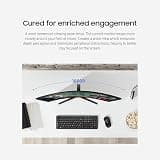
Gentle 1800R curvature reduces eye fatigue

Upgraded 100Hz refresh rate smooths scrolling

1080p pixel density on a larger 27-inch frame

Tech specs:

Resolution
FHD 1080p
Refresh Rate
100Hz
Panel Type
VA
Size
27-Inch

Based on 540+ reviews

Why We Chose This Product:

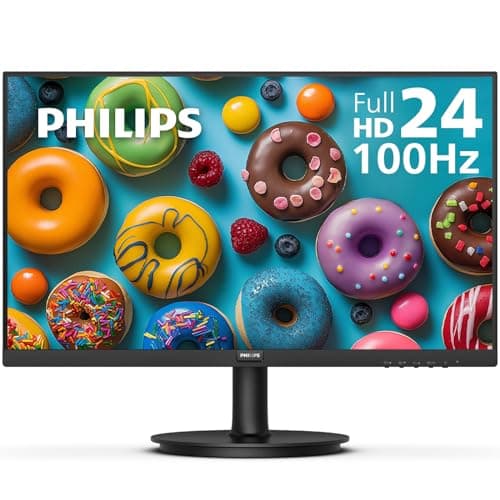
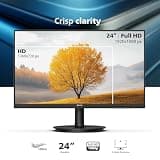
The Philips 241V8LB is the ultimate budget workhorse, distinguishing itself with an incredible 4000:1 contrast ratio that provides deep blacks and sharp text. What secures its spot on this list is the unmatched 4-year advance replacement warranty, providing exceptional long-term peace of mind.

Who Is It For:

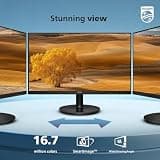
Perfect for bulk corporate deployments, standard home office environments, and seamless multi-monitor setups. The three-sided frameless design ensures a clean look when placing two screens side by side.

Incredible 4000:1 static contrast ratio

Clean 3-sided frameless bezel design

Maximum refresh rate is capped at 100Hz

Tech specs:

Resolution
FHD 1080p
Refresh Rate
100Hz
Panel Type
VA
Size
23.8-Inch

Based on 875+ reviews

Why We Chose This Product:

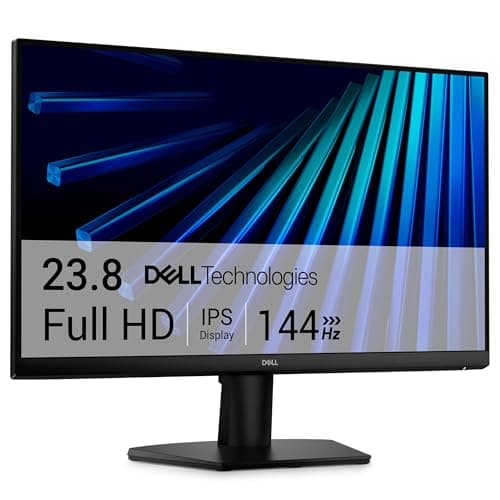
Finding a 144Hz IPS panel from a top-tier brand under $100 is rare, making the Dell SE2426H a spectacular value proposition. It avoids the slow dark pixel response of budget VA panels to deliver genuinely clean, sharp motion for both gaming and multimedia.

Who Is It For:

An outstanding entry point for budget PC builders, casual gamers, and teenagers saving up for their first serious setup. It also works beautifully for shared family computers needing reliable viewing angles.

Rapid IPS response times eliminate dark ghosting

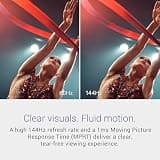
Fluid 144Hz refresh rate with AMD FreeSync

Resolution is limited to 1080p

Tech specs:

Resolution
FHD 1080p
Refresh Rate
144Hz
Panel Type
IPS
Size
23.8-Inch

Essential Tips For Choosing The Right monitor

What to Look For in Panel Types

IPS panels offer the best color accuracy and widest viewing angles, making them ideal for creative professionals and shared workspaces. VA panels provide much deeper contrast ratios, which is perfect for dark room viewing and cinematic immersion.

Key Specifications Explained

Resolution determines how sharp your screen looks; 4K offers pristine detail, while 1080p is sufficient for smaller budget screens. Refresh rate dictates motion smoothness, with 120Hz or higher highly recommended for gaming and smooth scrolling.

Best monitor

Finding the Right Size

A 24-inch monitor is excellent for tight spaces and competitive esports where you need to see the whole screen at once. For productivity and heavy multitasking, a 27-inch or 34-inch ultrawide display provides the ideal canvas for multiple windows.



Common Purchasing Pitfalls

Many buyers forget to check for built-in ergonomics like height, tilt, and swivel adjustment, which are critical for long-term comfort. Additionally, always verify that your laptop or PC has the correct ports (like HDMI 2.1 or USB-C) to support the monitor's maximum performance.

Frequently asked questions

More products you might love