
Product Experts

The 7 Best Coding Monitors of 2026

Our Best Picks

Based on 150+ reviews

Why We Chose This Product:

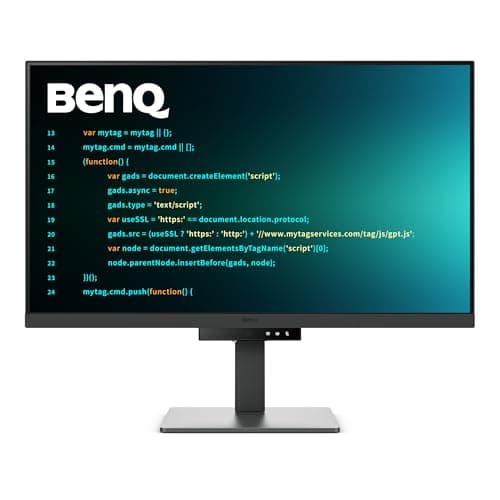
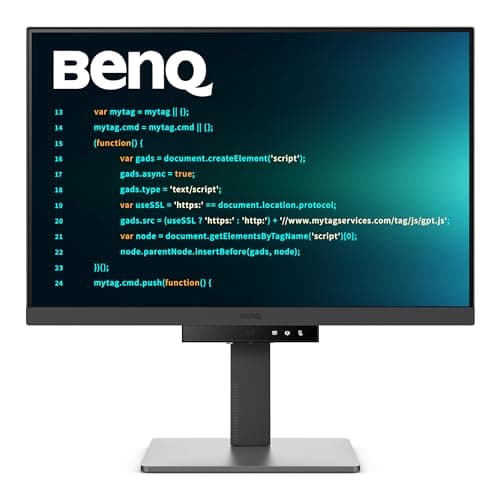
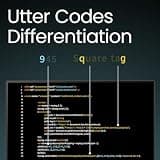
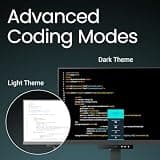
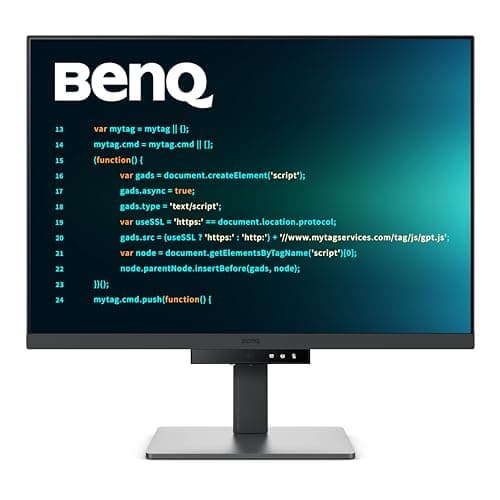
The BenQ RD280U stands out as the ultimate coding monitor due to its unique 3:2 aspect ratio, offering significantly more vertical screen real estate than traditional displays. Its 4K resolution ensures crisp text, while dedicated coding modes and a built-in KVM switch streamline complex development setups effortlessly.

Who Is It For:

Serious developers who work with massive codebases and require maximum vertical screen space. It is also highly practical for professionals utilizing multiple machines who can benefit from the integrated KVM switch.

Unmatched 3:2 aspect ratio maximizes vertical workspace

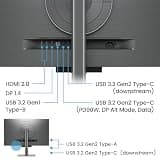
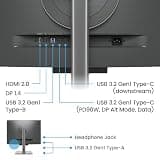
Built-in KVM switch streamlines multi-device setups

Premium price point may deter budget shoppers

Tech specs:

Size
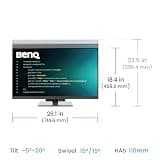
28.2-inch
Resolution
4K (3840x2560)
Panel Type
IPS Nano Matte
Aspect Ratio
3:2

Based on 210+ reviews

Why We Chose This Product:

For coders who prefer a larger screen, the BenQ RD320U offers a generous 32-inch 4K display with exceptional contrast for deep blacks and sharp text. It combines specialized coding modes with comprehensive eye-care technology to provide a vast, comfortable canvas that justifies its premium position.

Who Is It For:

Developers who need a massive screen to view multiple windows side-by-side without sacrificing text clarity. It is perfect for software engineers who spend long hours at their desks and need premium eye protection features.

Expansive 32-inch 4K workspace for complex coding

Excellent 2000:1 contrast ratio for deep blacks

Generous footprint takes up significant desk space

Tech specs:

Size
32-inch
Resolution
4K (3840x2160)
Panel Type
IPS Nano Matte
Aspect Ratio
16:9
Based on 340+ reviews

Why We Chose This Product:

The BenQ RD240Q is an excellent option for those seeking a more compact yet highly functional coding monitor. Its 16:10 aspect ratio provides more vertical space than standard FHD monitors, making it an invaluable tool for reading and writing code efficiently.

Who Is It For:

Developers with limited desk space who still want a premium, programming-focused display. It is exceptionally well-suited for dual-monitor setups thanks to its compact footprint and native daisy-chaining capabilities.

Ideal 16:10 aspect ratio provides extra vertical room

Compact and highly desk-friendly footprint

Smaller 24.1-inch screen size limits horizontal space

Tech specs:

Size
24.1-inch
Resolution
WQXGA (2560x1600)
Panel Type
IPS
Aspect Ratio
16:10
Based on 850+ reviews

Why We Chose This Product:

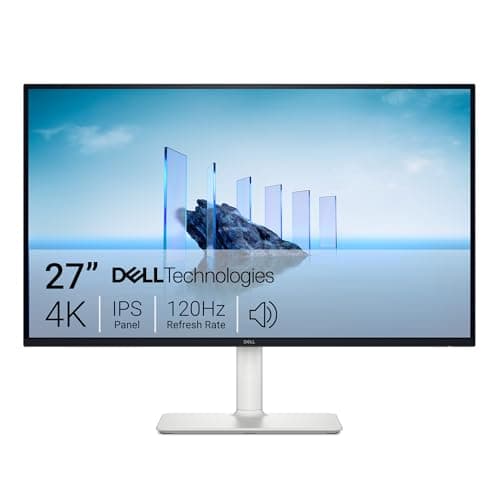
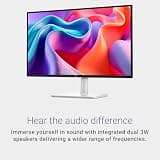
The Dell S2725QS strikes a fantastic balance of high resolution and performance with its stunning 4K IPS panel and fluid 120Hz refresh rate. It delivers exceptional text clarity while providing a noticeably smoother visual experience during rapid scrolling, making it a stellar all-rounder.

Who Is It For:

Full-stack developers and UI designers who appreciate incredibly smooth scrolling alongside accurate color representation. It fits perfectly in modern home offices requiring a sleek, high-performance display for general productivity.

Smooth 120Hz refresh rate enhances UI interactions

Crisp 4K resolution ensures excellent text clarity

Lacks dedicated programming color modes

Tech specs:

Size
27-inch
Resolution
4K (3840x2160)
Panel Type
IPS
Aspect Ratio
16:9
Based on 3.1K+ reviews

Why We Chose This Product:

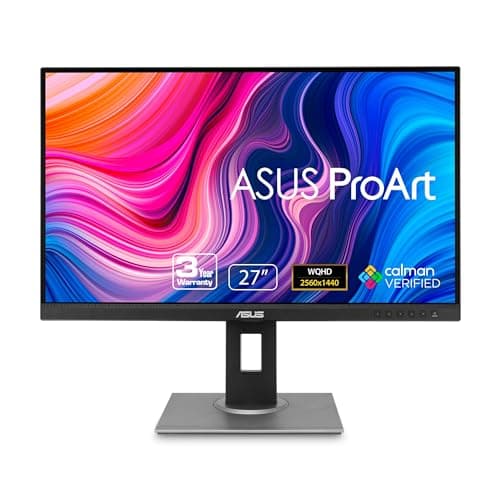
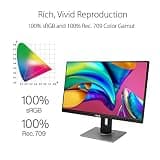
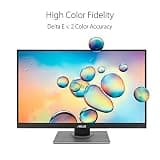
While originally marketed for creatives, the ASUS ProArt PA278QV is a superb monitor for coding due to its robust ergonomic features and trusted color accuracy. Its highly adjustable stand allows for effortless transition into portrait mode, a favorite orientation among developers for reviewing extensive scripts.

Who Is It For:

Front-end developers who need exact color reproduction alongside their code editor to match design files. It is an excellent choice for programmers who prefer rotating their secondary monitor into a vertical orientation.

Exceptional factory-calibrated color accuracy

Highly adjustable ergonomic stand with smooth pivot

Features slightly thicker bezels than modern rivals

Tech specs:

Size
27-inch
Resolution
WQHD (2560x1440)
Panel Type
IPS
Aspect Ratio
16:9
Based on 420+ reviews

Why We Chose This Product:

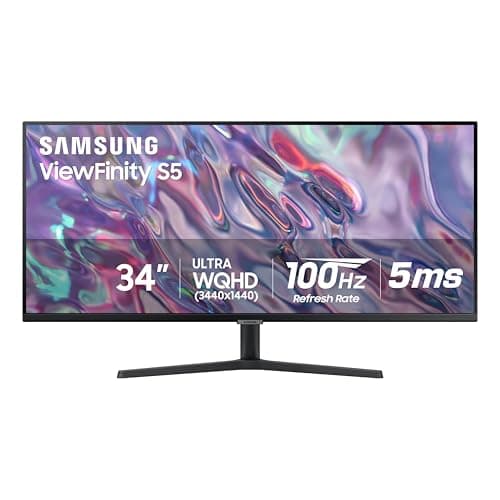
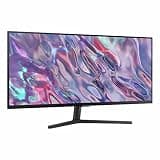
The Samsung ViewFinity S50GC offers an expansive ultrawide experience that easily replaces a cluttered dual-monitor configuration. Its wider aspect ratio is excellent for snapping multiple coding windows on a single, uninterrupted screen, pushing productivity to new heights.

Who Is It For:

Power users and backend engineers who need to monitor live logs, write code, and reference API documentation simultaneously. The ultrawide format is ideal for those who dislike the physical bezel gap inherent in dual-monitor setups.

Massive screen real estate for side-by-side windows

Useful Picture-by-Picture modes enhance productivity

VA panel technology has narrower viewing angles than IPS

Tech specs:

Size
34-inch
Resolution
UWQHD (3440x1440)
Panel Type
VA
Aspect Ratio
21:9
Based on 610+ reviews

Why We Chose This Product:

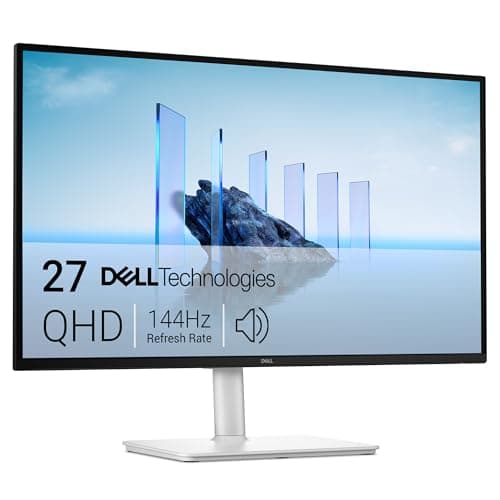
The Dell S2725DSM is a versatile display that offers a fantastic balance of crisp resolution and overall value. Its snappy 144Hz refresh rate provides a highly responsive feel, making it an adaptable choice for diverse coding environments and light gaming.

Who Is It For:

Hobbyist developers and students who use their primary desk setup for both software projects and entertainment. It fits seamlessly into budget-conscious home offices that demand ergonomic flexibility and smooth performance.

Fast 144Hz refresh rate for responsive navigation

Highly adjustable monitor stand provides great ergonomics

1440p resolution is lower than premium 4K competitors

Tech specs:

Size
27-inch
Resolution
QHD (2560x1440)
Panel Type
IPS
Aspect Ratio
16:9

Essential Tips For Choosing The Right coding monitor

Understanding Aspect Ratios

The aspect ratio of your monitor significantly impacts how much code you can see at once without scrolling. While 16:9 is standard, taller ratios like 16:10 or 3:2 offer far more vertical space, making it easier to read long scripts. Ultrawide 21:9 monitors are excellent for keeping multiple windows, terminals, and documentation open side-by-side.

Resolution and Text Clarity

For programming, text clarity is paramount to prevent eye fatigue over long sessions. A 4K resolution provides incredibly crisp text, especially on 27-inch to 32-inch screens. If you are on a tighter budget, a 1440p (QHD) monitor is the absolute minimum resolution you should consider for a sharp, comfortable coding experience.

Best coding monitor

Ergonomics and Eye Strain

Software engineers spend countless hours staring at screens, making ergonomic adjustability crucial. Look for monitors with stands that offer height, tilt, swivel, and pivot adjustments. Being able to rotate the screen into portrait mode is a massive advantage for reviewing long files or reading documentation.

Modern Connectivity Options

Modern connectivity can dramatically streamline your desk setup. Monitors featuring a USB-C port with power delivery allow you to connect your laptop to the display and charge it simultaneously using just one cable. If you work with multiple computers, a built-in KVM switch lets you control both machines with a single keyboard and mouse.

Frequently asked questions

More products you might love