
Product Experts

The 7 Best 4K Monitors of 2026

Our Best Picks

Based on 2.2K+ reviews

Why We Chose This Product:

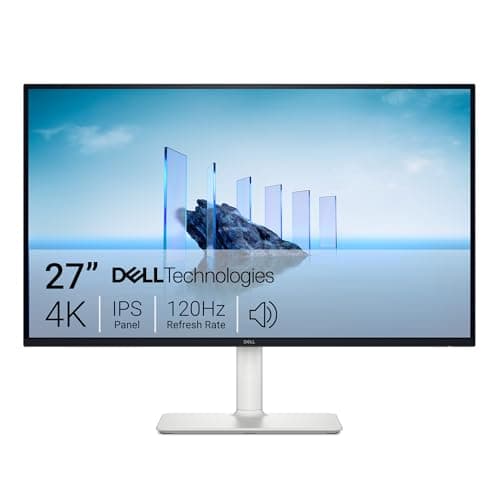
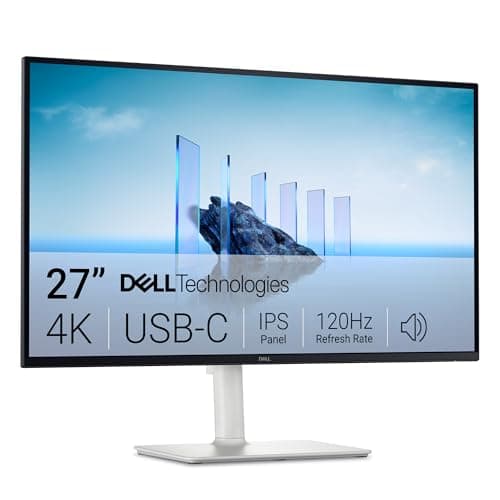
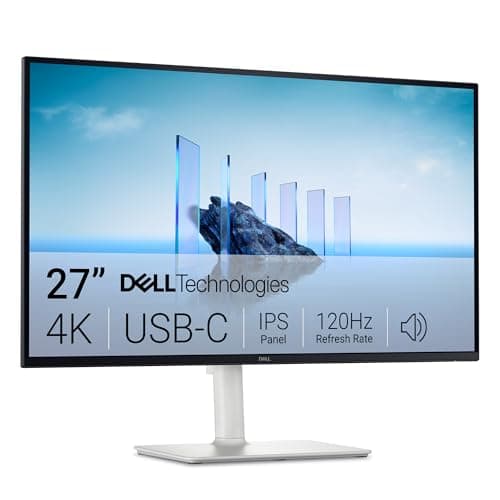
The Dell S2725QC earns our top spot by perfectly balancing premium office features, single-cable USB-C connectivity, and a smooth 120Hz refresh rate. It delivers everything a modern professional needs at a highly competitive price without sacrificing build quality.

Who Is It For:

Ideal for professionals, remote workers, and students who want a clutter-free desk. The 65W USB-C power delivery makes it perfect for MacBook and modern Windows laptop users.

Single-cable USB-C with 65W power delivery

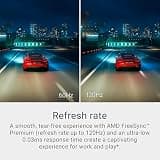
Fluid 120Hz refresh rate for smooth scrolling

Basic HDR performance lacks visual punch

Tech specs:

Screen Size
27 Inches
Resolution
4K UHD
Refresh Rate
120Hz
Panel Type
IPS

Based on 1.8K+ reviews

Why We Chose This Product:

Offering the exact same brilliant IPS panel and 120Hz refresh rate as the top-ranked model, this version drops the USB-C hub to lower the barrier of entry. It is a phenomenal value for users who rely on traditional HDMI or DisplayPort connections.

Who Is It For:

Perfect for desktop PC users, console gamers, or anyone building a multi-monitor workstation who does not need USB-C charging. It fits seamlessly into standard office configurations.

Excellent 120Hz motion clarity and responsiveness

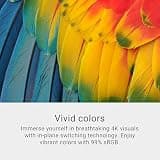
High color accuracy and 99% sRGB coverage

Lacks modern USB-C video connectivity

Tech specs:

Screen Size
27 Inches
Resolution
4K UHD
Refresh Rate
120Hz
Panel Type
IPS

Based on 850+ reviews

Why We Chose This Product:

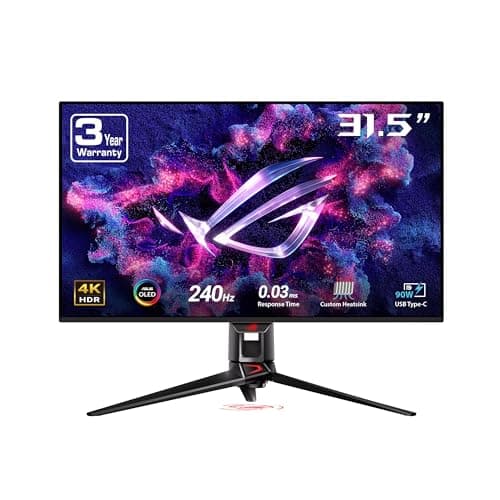
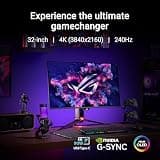
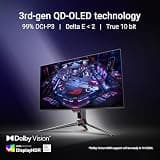
This monitor represents the bleeding edge of display technology, combining a breathtaking 32-inch QD-OLED panel with a native 240Hz refresh rate. It delivers an unmatched visual experience with infinite contrast and near-instantaneous response times.

Who Is It For:

Designed for elite gamers, content creators, and display enthusiasts who demand absolute perfection in motion clarity, color depth, and premium features.

Breathtaking QD-OLED visual fidelity and contrast

Blistering 240Hz refresh rate with 0.03ms response

Extremely high, enthusiast-tier price point

Tech specs:

Screen Size
32 Inches
Resolution
4K UHD
Refresh Rate
240Hz
Panel Type
QD-OLED
Based on 1.2K+ reviews

Why We Chose This Product:

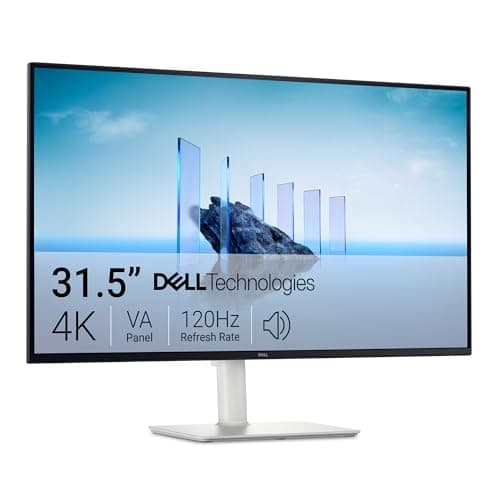
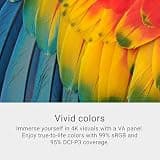
Thanks to its high-contrast VA panel, this spacious 32-inch monitor delivers incredibly deep blacks that standard displays simply cannot match. It serves as a fantastic hybrid for both cinematic entertainment and expansive workspace multitasking.

Who Is It For:

Great for home office workers who also use their desk for watching movies, streaming shows, and casual gaming in dimly lit environments.

Deep, immersive blacks from the high-contrast VA panel

Spacious 32-inch canvas for comfortable multitasking

Viewing angles are narrower than IPS alternatives

Tech specs:

Screen Size
32 Inches
Resolution
4K UHD
Refresh Rate
120Hz
Panel Type
VA
Based on 3.1K+ reviews

Why We Chose This Product:

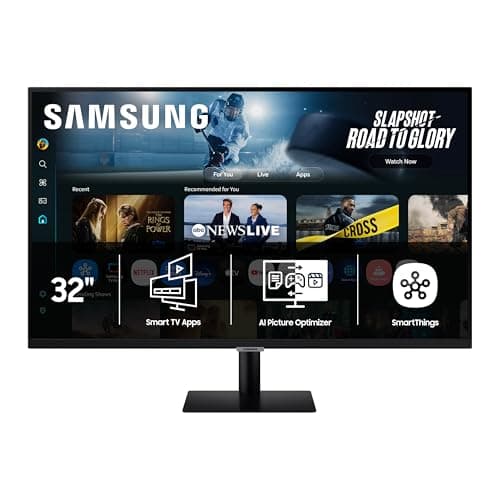
Samsung bridges the gap between a desktop display and a smart TV with the highly versatile M70F. Its built-in Tizen OS and streaming apps provide immense value and utility without ever needing to boot up a connected computer.

Who Is It For:

Ideal for students, studio apartment dwellers, and remote workers who want one screen to handle both daytime workday tasks and evening Netflix binges.

Built-in Smart TV apps for standalone streaming

Aggressively priced for a 32-inch 4K screen

Standard 60Hz refresh rate is not ideal for PC gaming

Tech specs:

Screen Size
32 Inches
Resolution
4K UHD
Refresh Rate
60Hz
Panel Type
VA
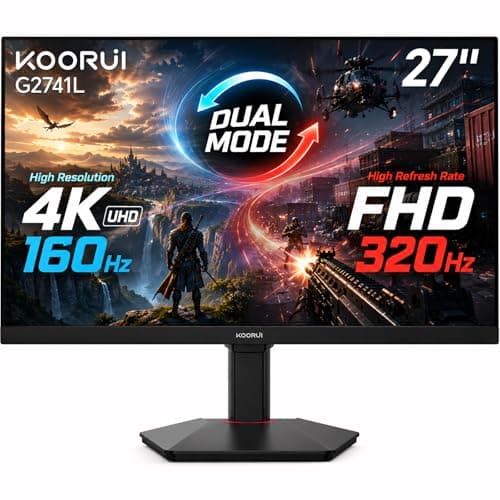
Based on 640+ reviews

Why We Chose This Product:

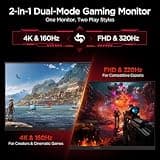
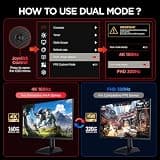
This monitor introduces incredible dual-mode innovation at an accessible price point, allowing users to seamlessly toggle between detailed 4K and ultra-fast 1080p. It effectively provides two distinct gaming experiences in a single, well-built display.

Who Is It For:

Perfect for gamers who refuse to compromise, needing high resolution for cinematic single-player RPGs and maximum frame rates for competitive multiplayer shooters.

Unique dual-mode switching between 4K and 1080p

Fully ergonomic and adjustable monitor stand

Brand lacks the long-term reputation of legacy tech giants

Tech specs:

Screen Size
27 Inches
Resolution
4K UHD / 1080p
Refresh Rate
160Hz / 320Hz
Panel Type
Fast IPS
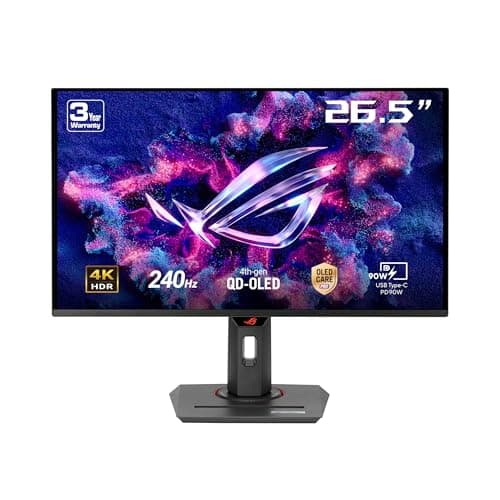
Based on 420+ reviews

Why We Chose This Product:

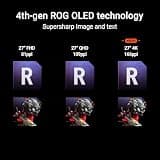
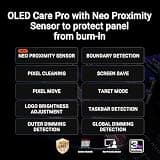
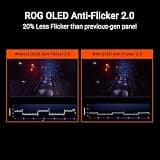
Packing the incredible visual fidelity and speed of a QD-OLED panel into a smaller 27-inch frame, this ROG Strix model is an absolute powerhouse. It brings elite 240Hz performance to spaces where massive 32-inch screens simply will not fit.

Who Is It For:

Tailored for serious gamers who prefer the dense pixel pitch and focused field-of-view of a 27-inch screen for intense, competitive play.

Stunning QD-OLED color depth and infinite contrast

Perfectly sized 27-inch form factor for competitive field of view

Still carries a premium OLED price tag

Tech specs:

Screen Size
27 Inches
Resolution
4K UHD
Refresh Rate
240Hz
Panel Type
QD-OLED

Essential Tips For Choosing The Right 4k monitor

What to Look For in a 4K Panel

The most important factor when choosing a 4K monitor is aligning the panel technology with your daily workflow. IPS panels offer the best color accuracy and viewing angles for office work and content creation, while VA panels deliver deep contrast for media consumption. OLED displays represent the premium tier, offering infinite contrast and instant response times for serious gamers.

Key Specifications Explained

Refresh rate and response time dictate how smooth motion appears on your screen. While 60Hz is perfectly adequate for standard office tasks and graphic design, gamers should seek out 120Hz, 144Hz, or 240Hz monitors to ensure fluid, competitive gameplay. Lower response times (1ms or less) prevent blurring during fast-paced action.

Best 4k monitor

Understanding Budget Ranges

Entry-level 4K monitors for office use or budget gaming typically fall between $250 and $400. Mid-range displays costing $400 to $700 often add features like USB-C hubs, better ergonomics, and robust HDR support. Premium OLED screens and bleeding-edge competitive displays will easily push past the $1,000 mark.

Common Pitfalls to Avoid

A common mistake buyers make is upgrading to a high-refresh-rate 4K monitor without ensuring their PC's graphics card is powerful enough to drive those extra pixels. Additionally, many users underestimate the physical footprint of a 32-inch display; always measure your desk depth before purchasing larger models to ensure comfortable viewing distances.

Frequently asked questions

More products you might love