Product Experts

The 7 Best MacBook Pro Dual Monitor Docks of 2026

Our Best Picks

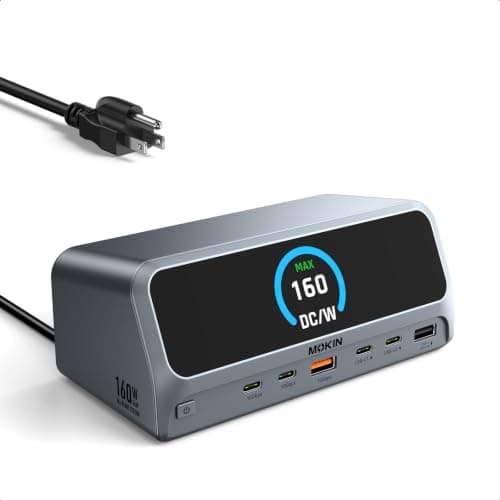
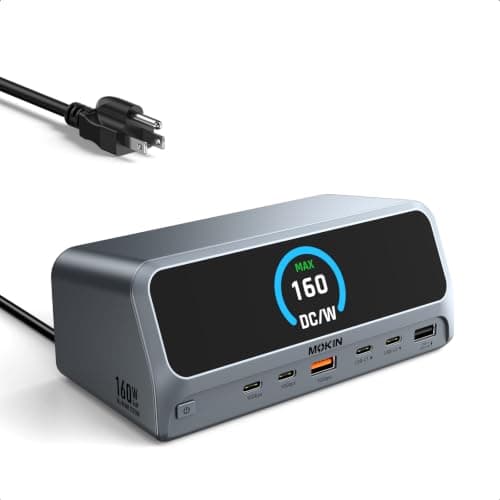
MOKiN USB-C Dock, Dual HDMI, 160W, LCD Display

Click for pricing and details on the retailer's site

Based on 5.4K+ reviews

Why We Chose This Product:

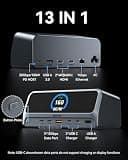
MOKiN combines 160W total power with a 2.26-inch status display, giving buyers substantial power delivery and a quick view of dock activity in one unit. Its mix of connectivity and compact, plug-and-play design makes it a well-rounded hub for Mac users adding monitors and peripherals.

Who Is It For:

MacBook users building a desk setup with external storage, peripherals and wired networking. It also suits people who want a dock they can pack for travel and check at a glance using the LCD display.

Gigabit Ethernet provides a wired network connection for a compatible laptop setup.

Reviewers praise the plug-and-play setup for getting connected without a complicated installation.

Some owners report HDMI port problems.

Tech specs:

Brand
MOKiN
Weight
1.13 kg
Ethernet
Gigabit Ethernet
Material
Aluminum
LCD display
2.26-inch smart working status display
Power output
160W total; USB-C ports up to 100W each; USB-A up to 12W
Based on 79+ reviews

Why We Chose This Product:

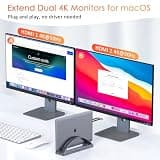
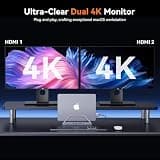
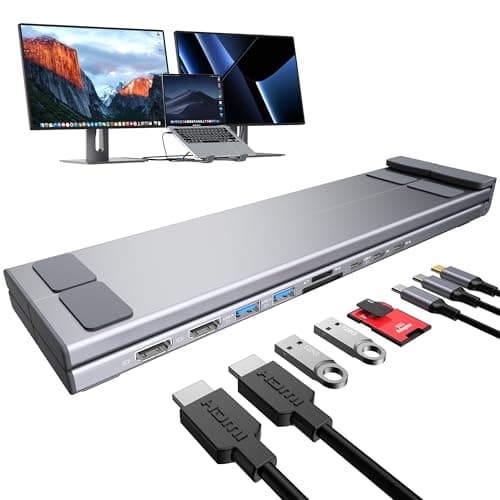
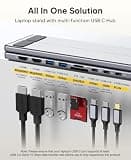
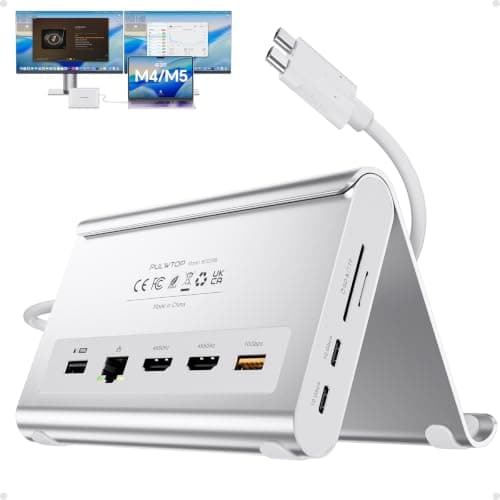
This dual-4K HDMI dock combines a vertical laptop stand with 100W PD, making it a practical fit for a MacBook desk where display connections and laptop charging share one setup. Its stand gives the arrangement a different focus from docks designed mainly as portable hubs or computer-switching stations.
Who Is It For:

MacBook owners setting up a fixed workspace with two compatible external displays and a vertical laptop stand. It suits people who also need wired networking and USB-C or USB-A data connections for desk peripherals.

USB-C and USB-A data ports support speeds up to 10Gbps for compatible accessories.

The vertical stand keeps the laptop upright as part of the desk setup.

Its 100W PD rating may be limiting for buyers whose setup calls for more charging power.

Tech specs:

color
Gray or Black options shown
stand
Vertical laptop stand
network
Gigabit Ethernet RJ45
USB_data
USB-C and USB-A up to 10Gbps; USB 2.0 port
charging
100W PD 3.0
condition
new
Based on 363+ reviews

Why We Chose This Product:

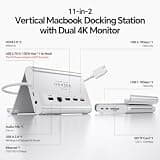
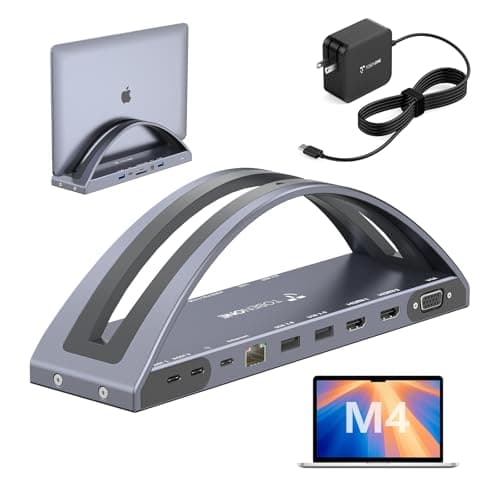
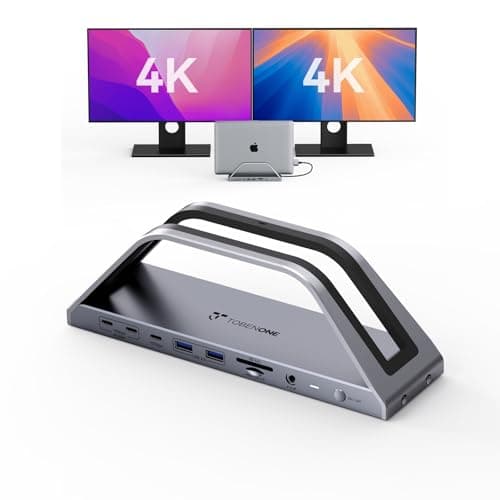
The Tobenone MacBook Docking Station adds SD and microSD readers alongside Ethernet, audio and support for two displays on compatible MacBooks. That combination suits users who move camera-card files at their desk and want those connections built into a compact vertical dock.

Who Is It For:

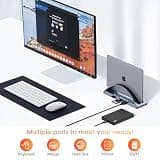
Owners of compatible MacBooks who need card readers and wired Ethernet alongside external displays. It fits desk setups where a compact stand and several peripheral connections help reduce clutter.

Separate SD and microSD readers support common memory-card workflows.

Five USB ports provide connections for multiple peripherals.

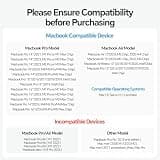
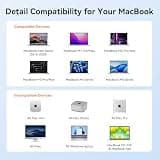
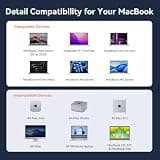
Many M1, M2 and M3 MacBooks support only one external monitor, which can prevent the advertised dual-display setup on those machines.

Tech specs:

Brand
Tobenone
Color
Grey
Total USB Ports
5
Compatible Devices
Supports dual monitors with listed compatible MacBook models; some models support only a single monitor.
Hardware Interface
3.5mm Audio, Ethernet, HDMI, MicroSD, USB 3.1 Type A, USB 3.1 Type C, VGA
Product Dimensions
9 x 2 x 3 inches
Based on 151+ reviews

Why We Chose This Product:

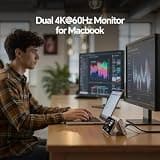
The Tobenone MacBook Pro Docking Station Stand pairs dual 4K displays at 60Hz on compatible MacBooks with a 150W dock and seven USB ports. That mix gives a remote-work desk room for monitors, wired networking and several peripherals without relying on a simpler 100W dock.

Who Is It For:

Remote workers using a compatible MacBook who connect external displays, wired Ethernet and several desk accessories. Its range of ports also suits a workstation that uses SD or TF cards and audio connections.

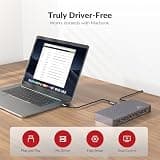
Plug-and-play setup works without installing drivers.

Four USB 3.0 ports provide connections for compatible higher-speed accessories.

One reviewer reported green, static-like interference lines on an OLED monitor.

Tech specs:

Brand
Tobenone
Color
Grey
Ethernet
Gigabit RJ45
Warranty
2 years
USB ports
7 (4 USB 3.0, 1 USB-C, 2 USB 2.0)
Dimensions
2.8 x 2.4 x 4.7 inches
Based on 313+ reviews

Why We Chose This Product:

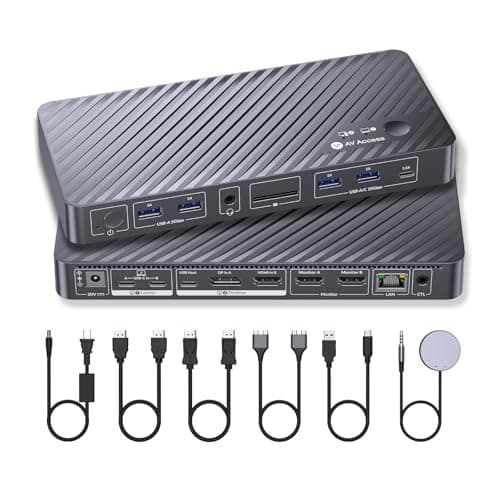
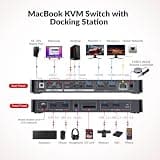
The AV Access iDock B10 is the only listed KVM option for switching one setup between a USB-C laptop and a desktop, while also charging the connected laptop. It suits shared computer desks, with reviewers reporting that it worked with two 1920x1200 monitors at 60Hz.

Who Is It For:

People who alternate between a USB-C laptop and desktop while sharing monitors and peripherals. Its display setup is a better match for modest resolutions than for buyers who need two laptop-connected displays at full resolution.

The KVM switch lets users move between a laptop and desktop in one peripheral setup.

USB-C and USB-A data ports reach up to 10Gbps for compatible devices.

Reviewers report that laptop-connected monitors sometimes lose signal or go black.

Tech specs:

brand
AV Access
model
iDock B10
ethernet
Gigabit Ethernet (1G)
material
Metal
usb_ports
1x USB-C 10Gbps, 3x USB-A 10Gbps, 2x USB-A 5Gbps
data_speed
Up to 10Gbps
Based on 773+ reviews

Why We Chose This Product:

The Mukiya USB-C Docking Station Stand pairs a lightweight, foldable design with an adjustable stand and carrying bag, making it the clearest fit here for carrying a dock between workspaces. It adds laptop connectivity in a travel-oriented form rather than focusing on a permanent multi-monitor desk.

Who Is It For:

Laptop users who pack a stand and connectivity accessories for trips or move between work locations. The foldable form and included carrying bag suit people who want their dock and laptop stand together.

At 11.2 ounces, it is light to carry with a laptop.

The foldable design helps it pack down for travel.

Some users report that the HDMI ports do not work.

Tech specs:

Brand
Mukiya
Color
black
Style
M57 8 in 1
Warranty
2 years
HDMI ports
1
Item weight
11.2 ounces
Based on 316+ reviews

Why We Chose This Product:

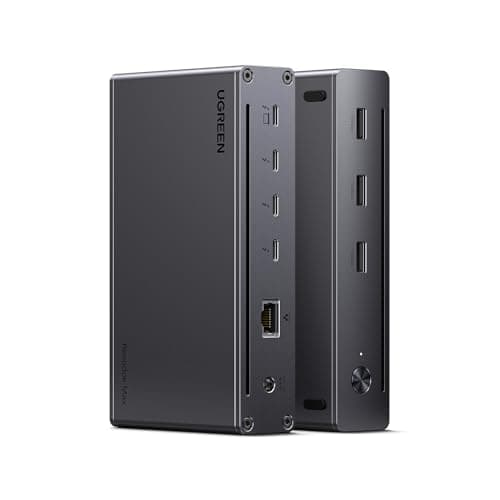
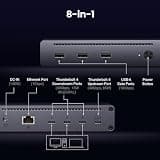
The UGREEN Thunderbolt 4 Docking Station combines dual 4K display support with three 10Gbps USB-A ports, making it a strong match for MacBook Pro or PC setups that keep multiple external drives connected. Its 85W charging and Gigabit Ethernet extend that desk setup beyond a basic display adapter.

Who Is It For:

MacBook Pro and PC users connecting external drives alongside monitors and wired networking. It suits a desk where several USB-A storage devices need to stay connected.

Three USB-A ports rated at 10Gbps support fast connections for compatible drives.

Reviewers report using it with monitors and two external drives.

Some reviewers wanted more ports for their desk setup.

Tech specs:

Brand
UGREEN
Color
Dark Gray
Charging
85W
Ethernet
Gigabit Ethernet
USB-A Ports
3 x 10Gbps
Display Support
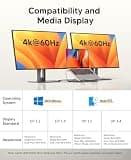
Dual 4K@60Hz or single 8K

Essential Tips For Choosing The Right macbook pro dual monitor dock

Confirm Your MacBook Pro Can Drive Two Displays

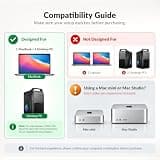
Check your exact MacBook Pro model's external-display limit before choosing a dock; two video ports do not guarantee two separate screens. Match the dock's supported resolution and refresh rate to both monitors, and look for a Thunderbolt solution when its dual-display support fits your Mac, rather than assuming a USB-C dock will extend both displays.

Prioritize the Connections You Will Use

For a fixed desk setup, make sure the dock has the right video outputs, enough USB-A or USB-C ports for your accessories, and Ethernet or card readers only if you need them. Check charging wattage if you want one-cable convenience, and prioritize faster USB data speeds if you regularly work from external SSDs; extra ports and a built-in stand are useful only when they suit your setup.

Best macbook pro dual monitor dock

Match Dock Features to Your Setup and Budget

For occasional use or a small desk, a compact USB-C hub may be enough; for a permanent workstation with two displays, wired networking, and several peripherals, prioritize reliable display support, charging, and the ports you actually use. Spend more on Thunderbolt bandwidth or faster storage connections for demanding workflows, but do not pay extra for high data speeds, card readers, or a large port count if your work is mostly browsing and office documents.

Avoid Compatibility and Connection Surprises

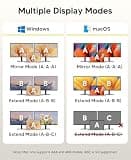
Some dual-display docks rely on DisplayPort MST, which may mirror screens on macOS instead of extending them; confirm Mac compatibility and whether DisplayLink software is required before buying. Check the dock's power supply and use suitable, reliable display cables, then set macOS to extend rather than mirror displays. If you frequently move between locations, favor a lighter portable dock; for daily desk use, a stable dock with tidy cable connections may be more useful.

Frequently asked questions

More products you might love