Product Experts

The 7 Best Digital Wall Calendars of 2026

Our Best Picks

Based on 1K+ reviews

Why We Chose This Product:

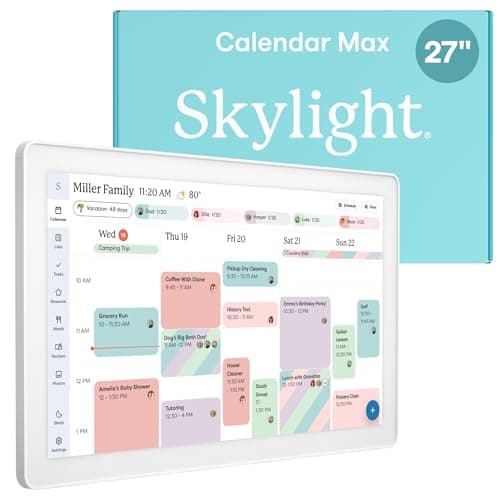
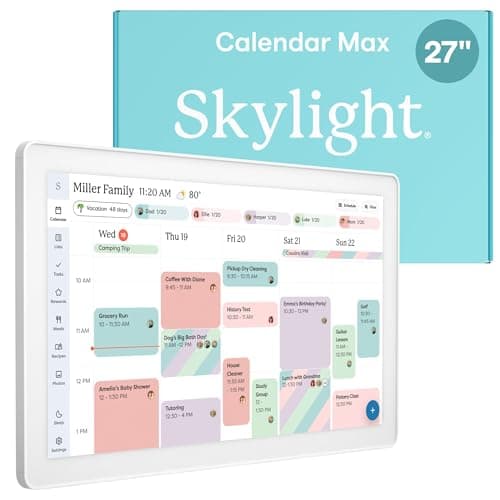
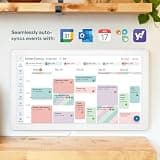
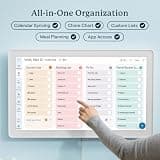
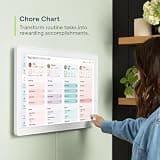
The Skylight Calendar Max earns the top spot for its unmatched scale and seamless family integration. The massive 27-inch screen creates a stunning visual hub, and the brand's highly polished software makes household organization genuinely effortless.

Who Is It For:

Ideal for bustling households with complex, overlapping schedules. It perfectly serves parents who need an unmissable, central command hub to keep everyone organized.

Massive, highly readable 27-inch display

Extremely intuitive software interface

Requires a premium budget investment

Tech specs:

Screen Size
27 Inches
Display Type
HD Touchscreen
Mount Style
Wall Mountable
Syncing
Multi-Platform Sync
Based on 825+ reviews

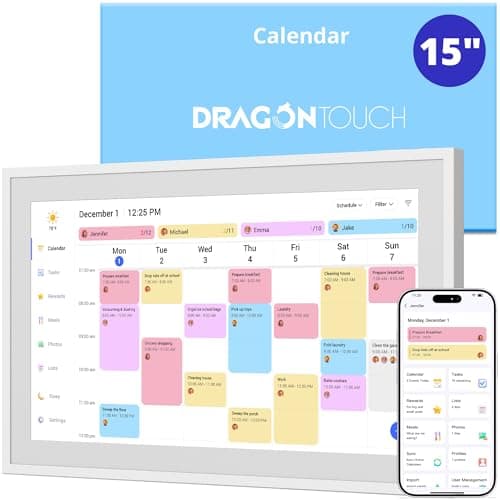
Why We Chose This Product:

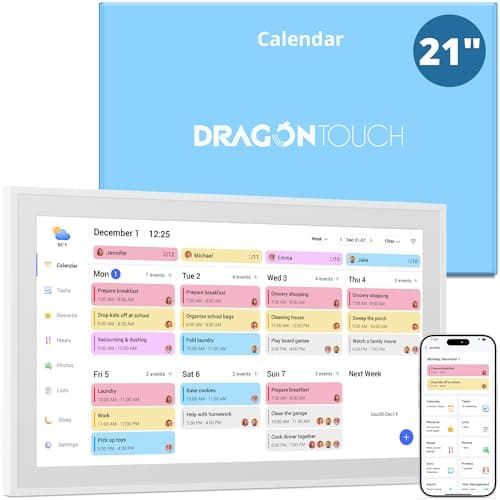
This model provides a commanding screen presence without reaching the absolute top-tier price bracket. Dragon Touch consistently delivers reliable hardware, making this a fantastic alternative for shoppers needing serious screen real estate.

Who Is It For:

Families who want a prominent, highly readable schedule but do not quite have the budget for a flagship 27-inch model. It works beautifully in open-concept living spaces.

Substantial display area for detailed schedules

Highly responsive interactive touchscreen

Setup and syncing can take some patience

Tech specs:

Screen Size
21.5 Inches
Display Type
HD Touchscreen
Mount Style
Wall Mountable
Syncing
Multi-Platform Sync
Based on 1.8K+ reviews

Why We Chose This Product:

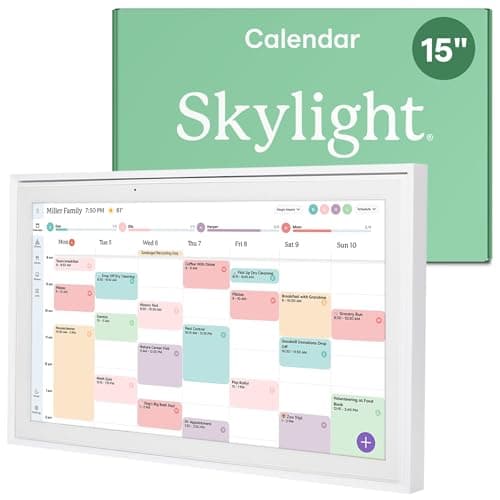
It delivers the premium software ecosystem of its larger sibling in a much more versatile 15-inch form factor. Hitting the sweet spot for functionality and price, it remains one of the most consistently popular digital organizers available.

Who Is It For:

Buyers wanting the polished Skylight software experience without dedicating an entire wall to a screen. Its versatile size allows it to blend seamlessly onto desks and counters.

Core calendar functions need no subscription

Perfectly balanced mid-size dimensions

Smaller footprint than the Max model

Tech specs:

Screen Size
15 Inches
Display Type
HD Touchscreen
Mount Style
Wall or Desk Mount
Syncing
Multi-Platform Sync
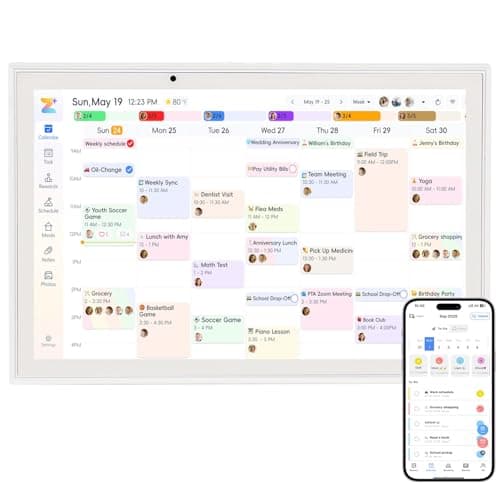
Based on 600+ reviews

Why We Chose This Product:

Standing as a highly balanced mid-range option, it pairs excellent visual clarity with comprehensive planning tools. It handles daily chores and busy schedules effortlessly while maintaining an accessible price point.

Who Is It For:

Households looking for a balanced, high-quality display that handles family schedules effectively without dominating the room's decor.

Crisp 1080P resolution for sharp text

Trusted brand with solid build quality

Frame design is slightly bulky

Tech specs:

Screen Size
15.6 Inches
Display Type
HD Touchscreen
Mount Style
Wall or Desk Mount
Syncing
Multi-Platform Sync
Based on 410+ reviews

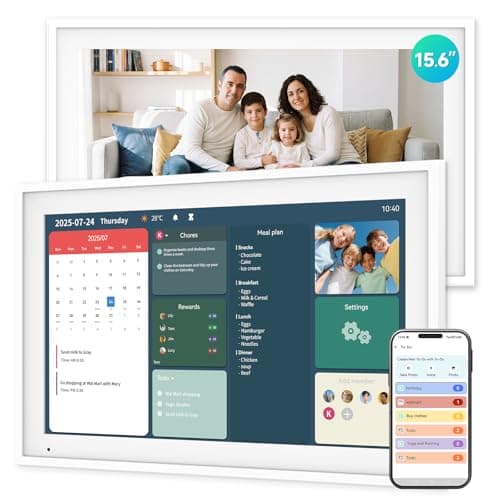
Why We Chose This Product:

This model stands out by heavily leaning into family gamification with its unique chore reward system. Combined with an impressive 64GB of storage, it offers high-end practicality at a very competitive price point.

Who Is It For:

Parents who are heavily focused on motivating children through task management. The generous storage also appeals to those wanting a dual-purpose photo frame.

Innovative built-in reward system for kids

Massive 64GB of internal memory included

Off-brand user interface feels less refined

Tech specs:

Screen Size
15.6 Inches
Display Type
HD Touchscreen
Mount Style
Wall or Desk Mount
Syncing
Built-In App Sync
Based on 330+ reviews

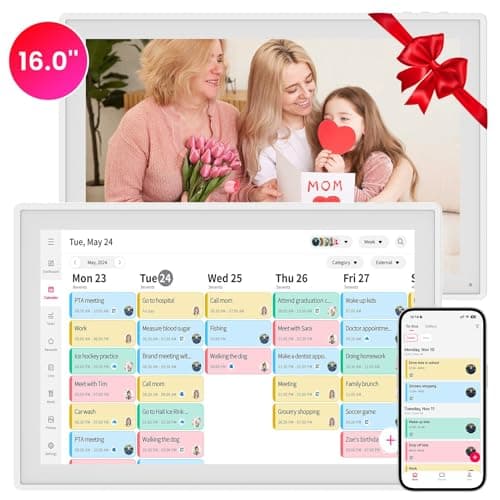
Why We Chose This Product:

It earns its position by prioritizing direct, seamless synchronization with the most popular standard digital calendars. The jump to a 16-inch display also provides a noticeable edge in readability over slightly smaller competitors.

Who Is It For:

Users already deeply entrenched in the Google or iCloud digital ecosystems who want a display that updates automatically without friction.

Flawless integration with iCloud and Google

Slightly larger screen than standard models

Initial cloud synchronization can be tricky

Tech specs:

Screen Size
16 Inches
Display Type
HD Touchscreen
Mount Style
Wall or Desk Mount
Syncing
Google & iCloud Sync
Based on 600+ reviews

Why We Chose This Product:

This model dominates the budget category by offering robust multi-platform syncing while completely eliminating subscription paywalls. It packs an impressive amount of functionality into a highly accessible price point.

Who Is It For:

Value-conscious buyers who want the benefits of a smart command center without being tethered to a mandatory monthly subscription.

Absolutely zero recurring subscription fees

Versatile synchronization with Outlook and Apple

10.1-inch screen limits schedule visibility

Tech specs:

Screen Size
10.1 Inches
Display Type
HD Touchscreen
Mount Style
Wall or Desk Mount
Syncing
Multi-Platform Sync
Essential Tips For Choosing The Right digital wall calendar

Seamless Calendar Synchronization

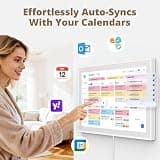
When choosing a digital wall calendar, prioritize platforms that integrate smoothly with the calendar ecosystems your family already uses. Devices that support Google, iCloud, and Outlook synchronization will prevent the headache of entering events manually across multiple apps.

Understanding Subscription Fees

Many top-tier digital calendars require a monthly or annual subscription to unlock premium features like chore charts, meal planning, and photo display. Always check if the core calendar functionality remains available without a subscription, or seek out subscription-free models if you want to avoid recurring costs.

Best digital wall calendar

Screen Size and Placement

Screen size dictates how easily you can read your schedule at a glance. Massive 21-inch to 27-inch displays are incredible as central family command centers but require significant wall real estate, while 10-inch to 15-inch options are much more versatile for kitchen counters or small home offices.

Display Quality and Viewing Angles

Since these devices stay on throughout the day, display quality is critical. Look for IPS panels or Full HD (1080p) touchscreens that offer wide viewing angles and anti-glare properties so the schedule remains clearly visible under bright kitchen lighting.

Frequently asked questions

More products you might love